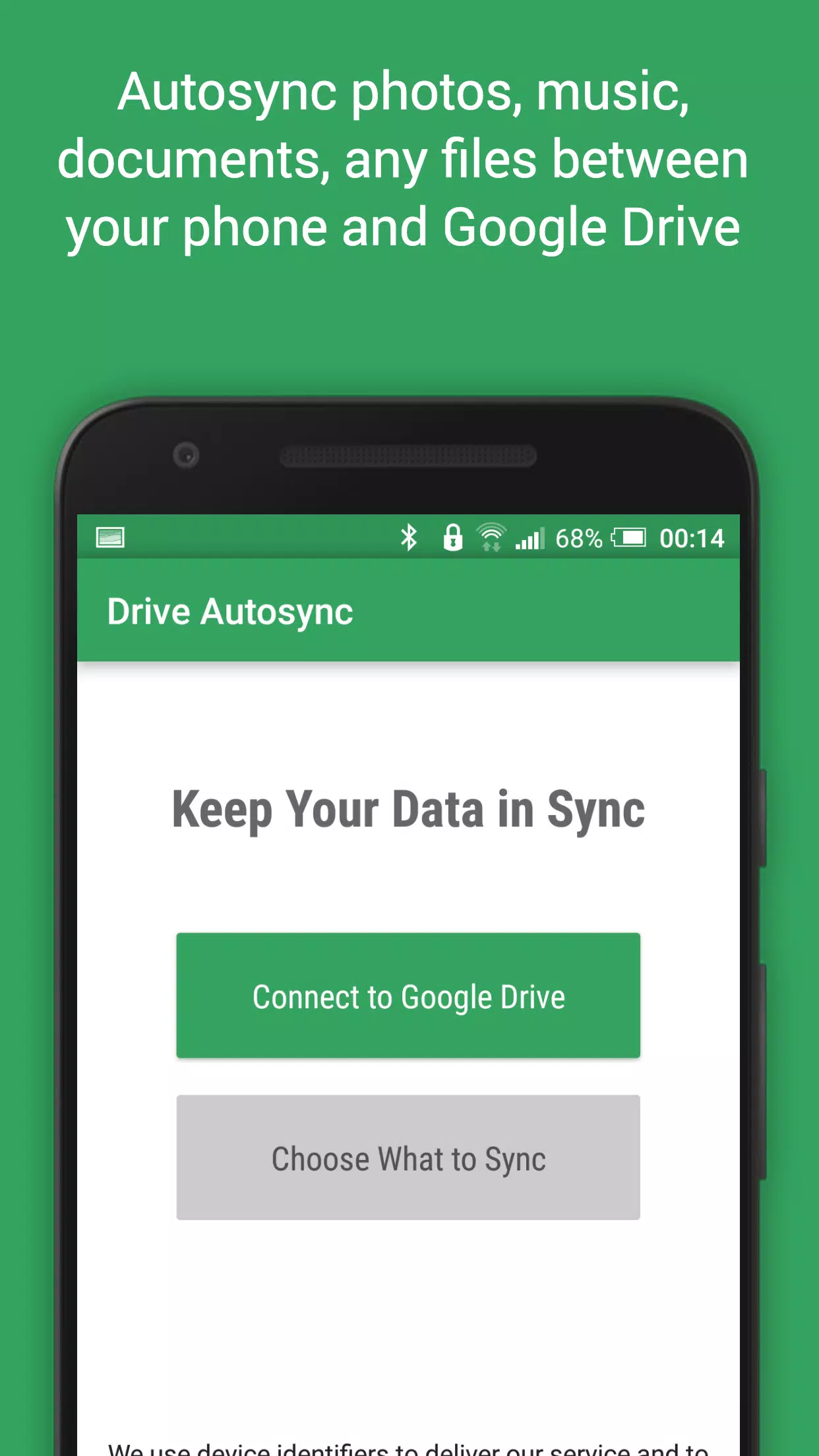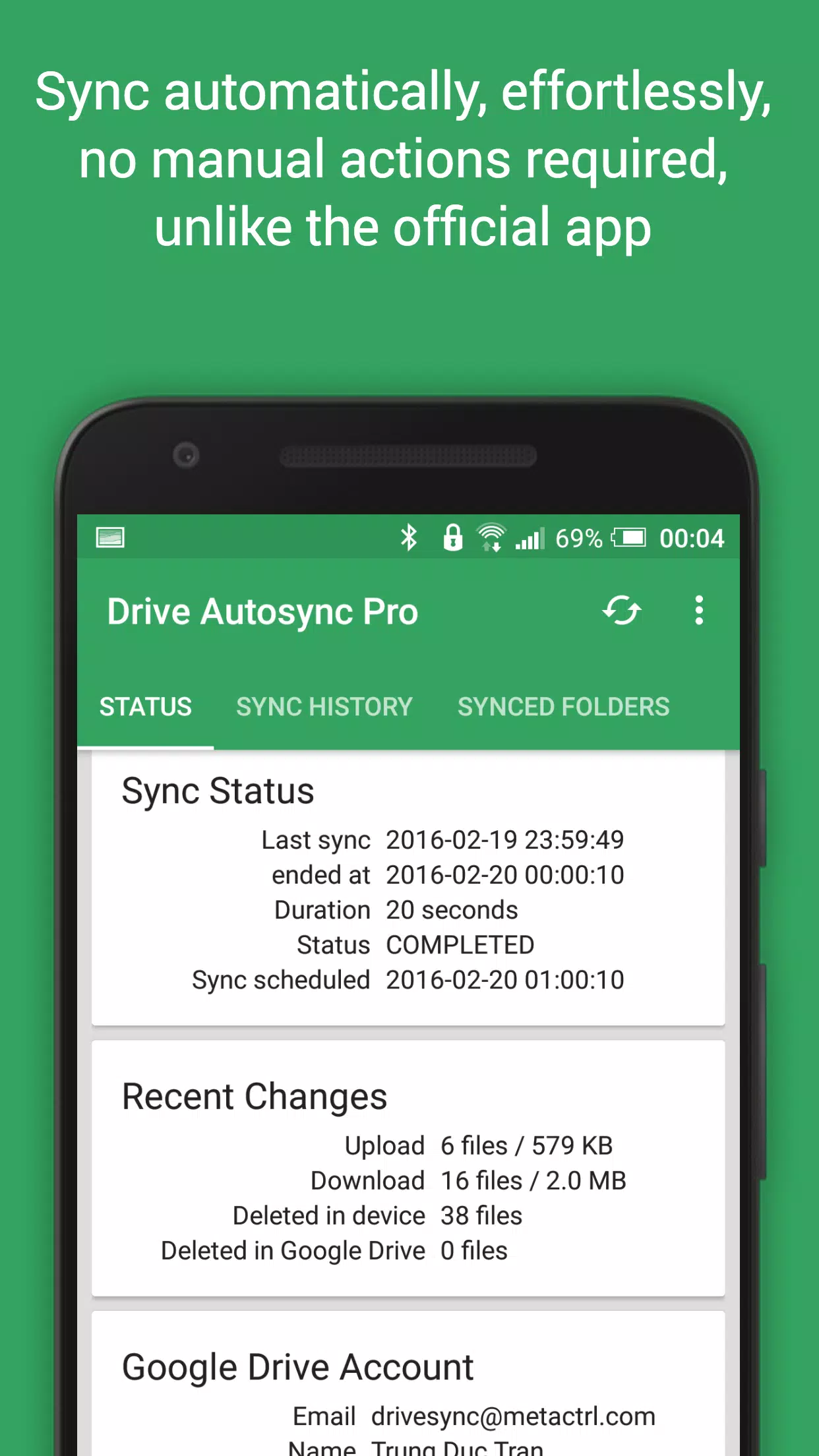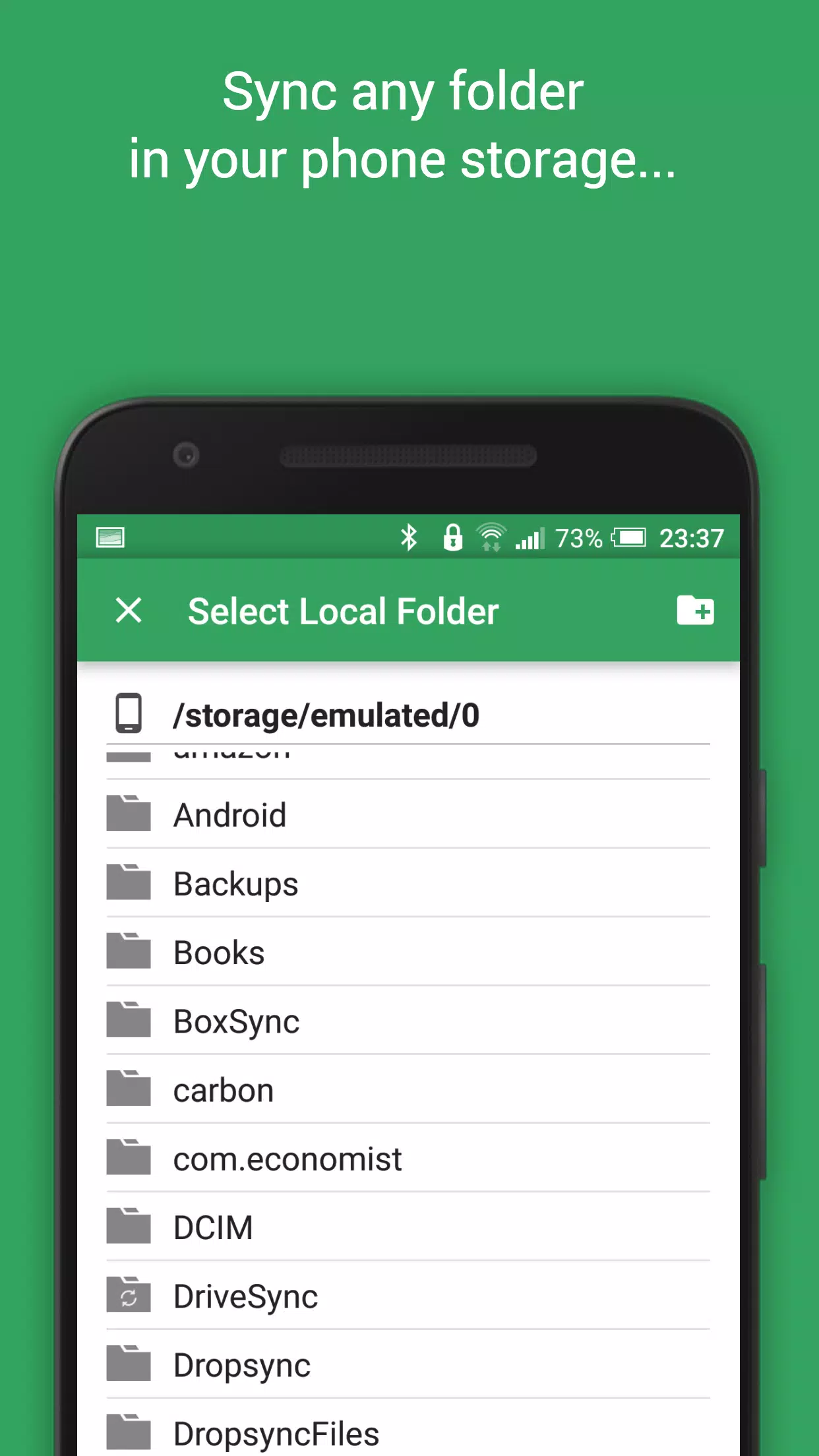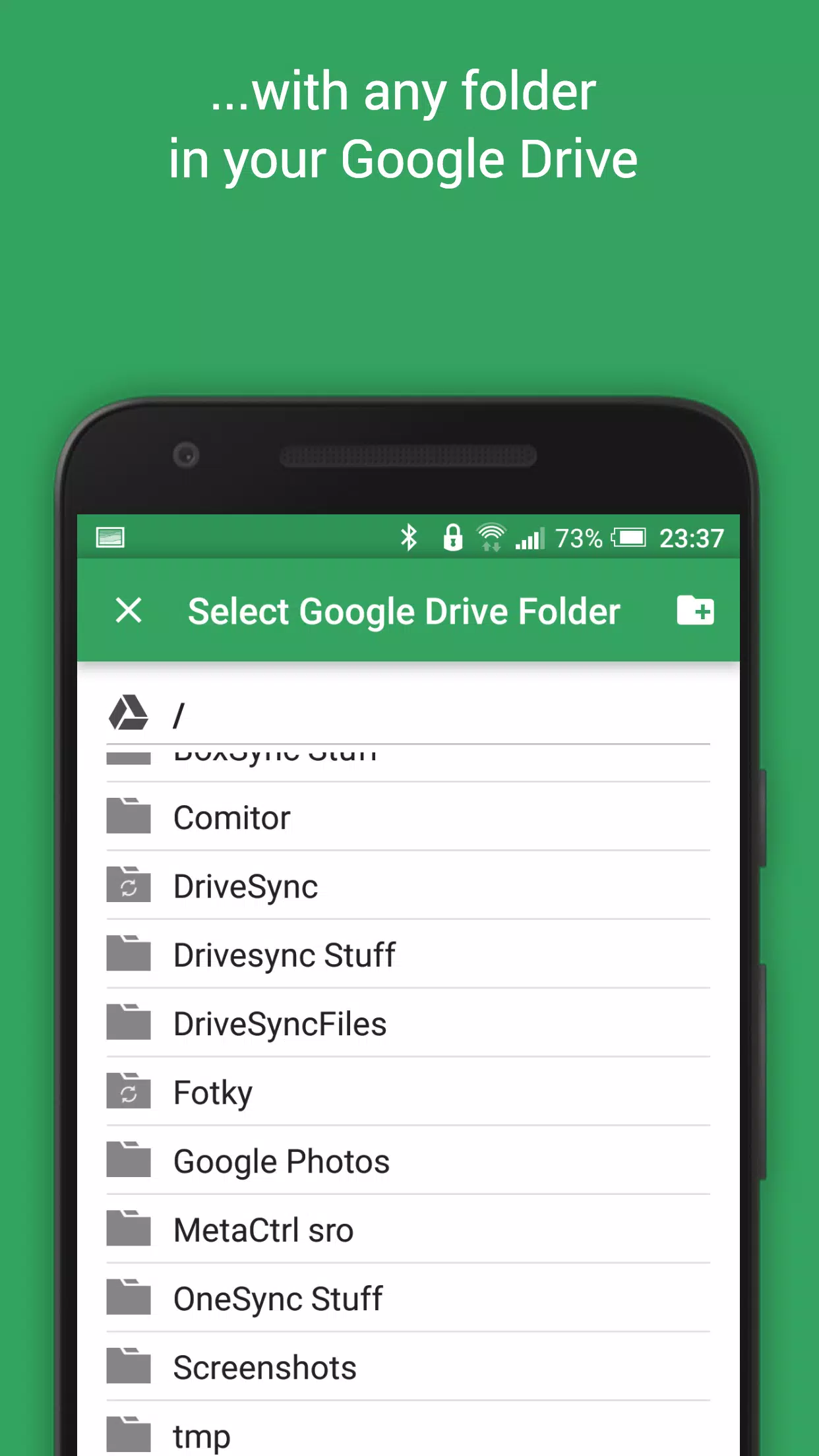
Discover the ultimate solution for seamless file management with our automatic file sync and backup tool designed for Google Drive cloud storage. This powerful app enables you to effortlessly synchronize files and folders across Google Drive and your various devices, making it the perfect choice for photo syncing, document and file backups, and automatic file transfers and sharing between your devices.
With this tool, any new files added to your cloud account are automatically downloaded to your device, and vice versa—new files on your device are promptly uploaded to the cloud. If you delete a file from one location, it will be removed from the other as well. This synchronization extends across multiple devices, such as your phone and tablet, ensuring that all your synced folders remain up-to-date when connected to the same cloud account.
While Google Drive offers this functionality on computers, the official Android app lacks this essential two-way automatic synchronization feature. Our app, Autosync for Google Drive, steps in to bridge this gap, providing the functionality you need.
Rest assured, all file transfers and communications between your devices and the cloud storage servers are securely encrypted, ensuring that no third parties can decrypt, view, or alter your file contents. Your data remains private and secure.
Main Features
- Full two-way automatic synchronization of files and folders
- Highly efficient with minimal battery consumption
- Easy setup; once configured, files stay in sync without further user intervention
- Reliable performance under varying network conditions on your mobile device
- Monitors battery level and network connectivity (WiFi/3G/4G/LTE), adjusting behavior based on user preferences
- Configurable autosync intervals: 15 minutes, 30 minutes, every hour, and more
If you find this app valuable, consider upgrading to the premium version. Your support fuels further development and grants you access to exclusive premium features. You can easily upgrade through an in-app purchase.
Premium Features
- Sync multiple pairs of folders
- Upload files larger than 10 MB
- Sync your entire cloud account with a folder on your device
- Sync with multiple accounts
- Sync with shared drives
- Protect app settings with a passcode
- Enjoy an ad-free experience
- Receive email support directly from the developer
Support
For more detailed information about the app, including a comprehensive User's Guide and FAQ, please visit our website at http://metactrl.com/. If you encounter any issues or have suggestions for enhancements, feel free to reach out to us at [email protected]. We are committed to providing the best possible assistance and continuously improving our service.