Cast for Chromecast & Roku TV: Effortlessly Stream Your Phone to Your TV
This app simplifies streaming your phone's content to your TV, offering a quick and easy way to enjoy your media library on a larger screen. Compatible with a wide range of smart TVs including Chromecast, Roku, Fire TV, Xbox, Samsung, LG, and more, it eliminates the need for small screens and eye strain.
Cast photos, videos, games, and more from any app using a single Wi-Fi connection. Enjoy seamless screen mirroring, allowing you to stream TV shows directly to your Chromecast or Roku TV. The app also supports live screen casting and streaming from your Android device to Chromecast, ideal for fitness routines or presentations. Quickly and reliably stream trending movies and music to your TV.
Key Features:
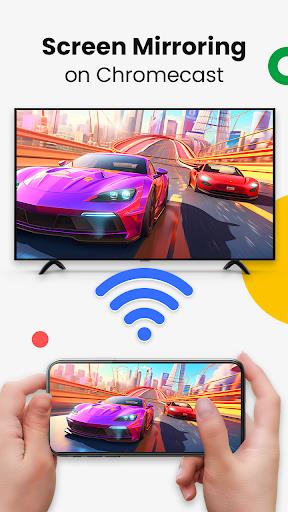
- Screen Mirroring: Mirror your phone's screen to your TV with minimal latency for a smooth viewing experience.
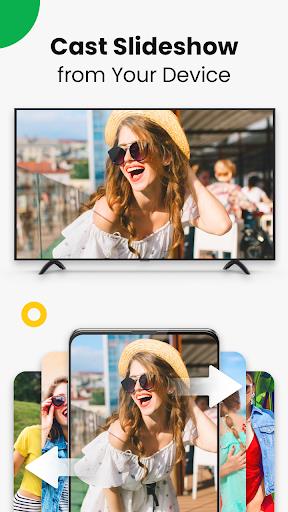
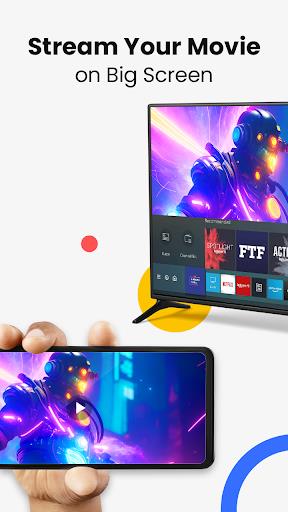
- Cast to TV: Stream photos, videos, web videos, music, and more directly to your TV.
- Smart TV Control: Control your smart TV's volume, playback (forward/rewind), and track selection directly from your phone.
- Music & Game Streaming: Enjoy an enhanced entertainment experience by streaming music and games to your big screen.
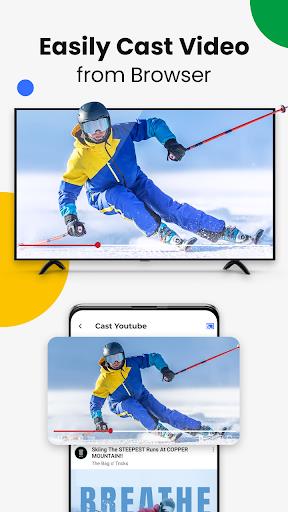
- Direct Casting from Popular Platforms: Easily cast content directly from YouTube, Google Photos, and web browsers.
- Wide Device Compatibility: Supports a broad range of smart TVs, ensuring compatibility with most devices.
Setup and Usage:
Ensure your phone and smart TV are on the same Wi-Fi network. Enable Wireless Display and Miracast on your TV. Select and connect your smart TV within the app, and you're ready to start streaming.
Important Considerations:
Screen mirroring is enabled in the app's settings. The app currently supports remote control but lacks video scrubbing/resuming and audio streaming capabilities. Note that some file formats may not be supported. Compatibility extends to Roku devices (Stick, Box), TCL TVs, and Hisense TVs.
Conclusion:
Cast for Chromecast & Roku TV provides a simple, reliable solution for streaming your phone's content to your TV. Download the app today and enjoy your favorite media on the big screen!