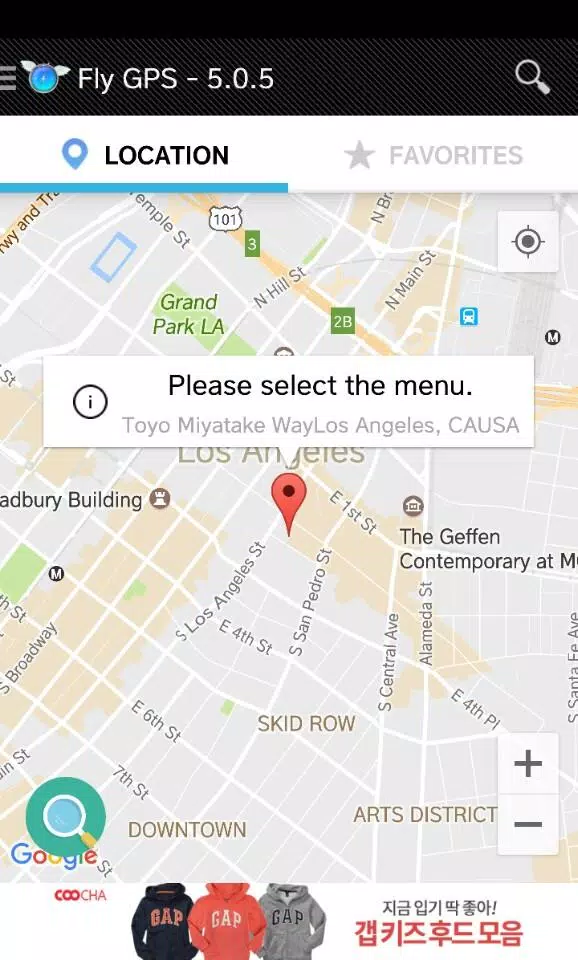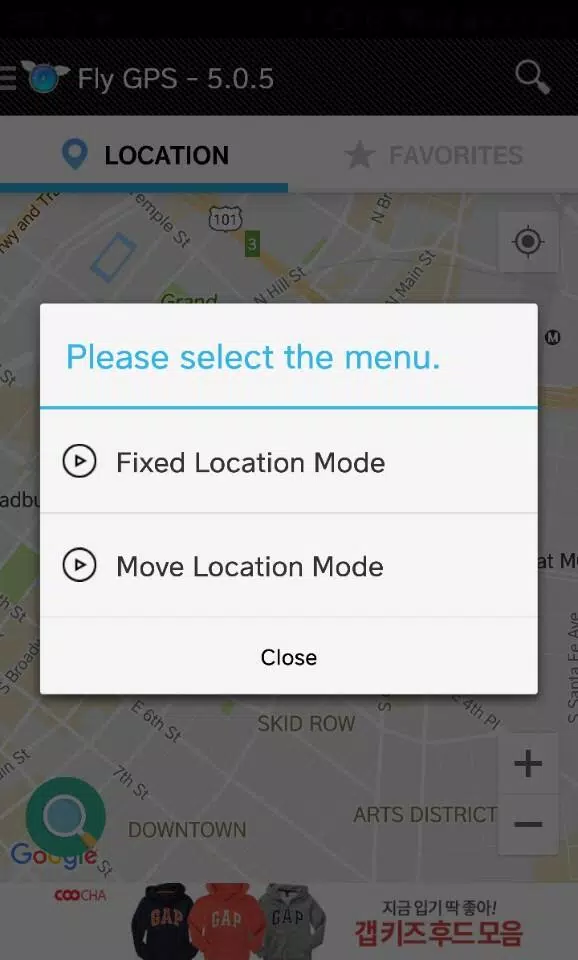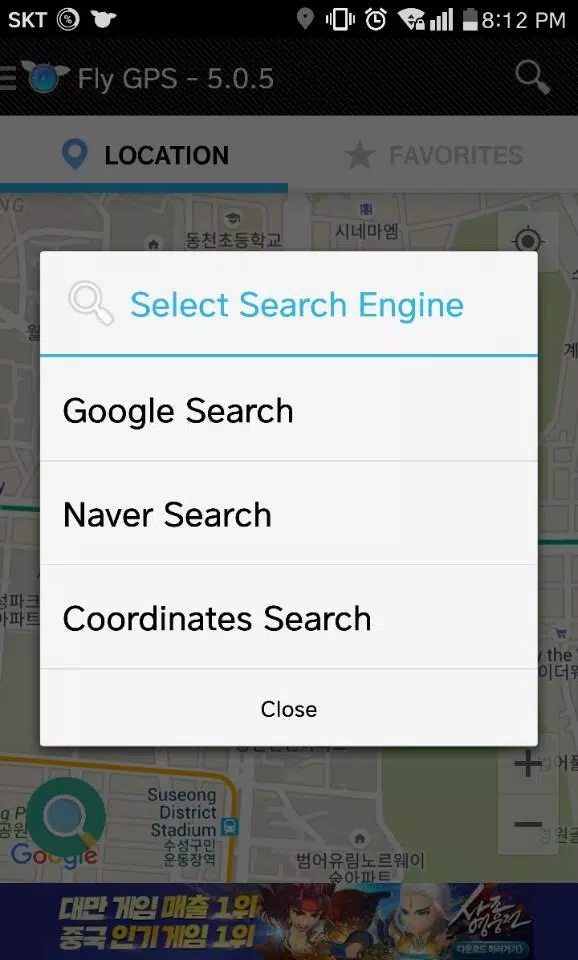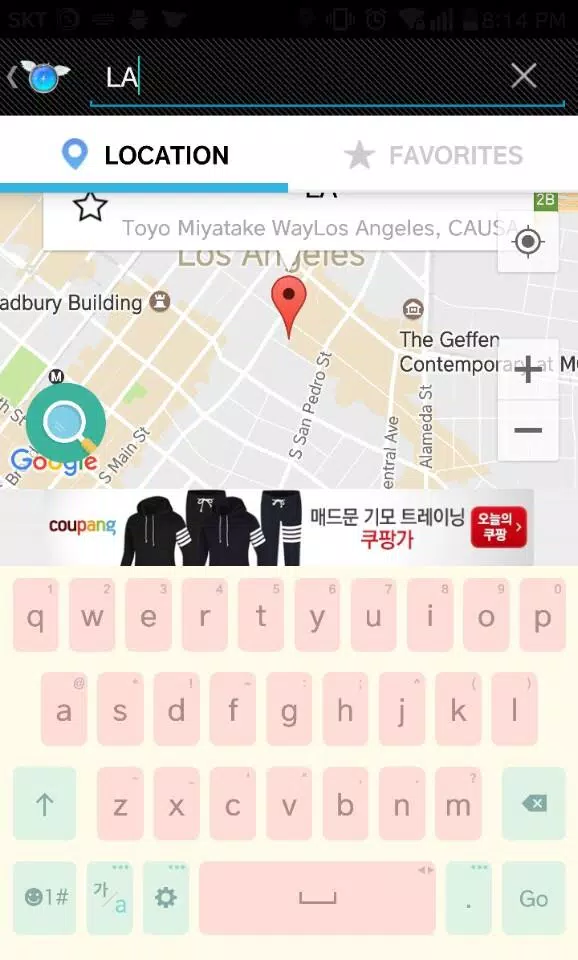
Access GPS simulation settings, save favorite locations, and utilize search with recent history features.
- Use the joystick -
1. Drag the joystick to move and position it on the screen.
2. Click and hold the joystick to reveal hidden features around it.
3. Enable the joystick's movable feature in the Preferences settings.
## Developer Mode
To activate Developer Mode: 1. Go to Settings > About phone > Software > Build number (tap 7 times).
2. After enabling, go to Settings > Developer Options > Select mock location app and choose FlyGPS.
What's New in the Latest Version 7.2.4
Last updated on Jul 13, 2024
Minor bug fixes and performance improvements. Install or update to the latest version to experience the enhancements!