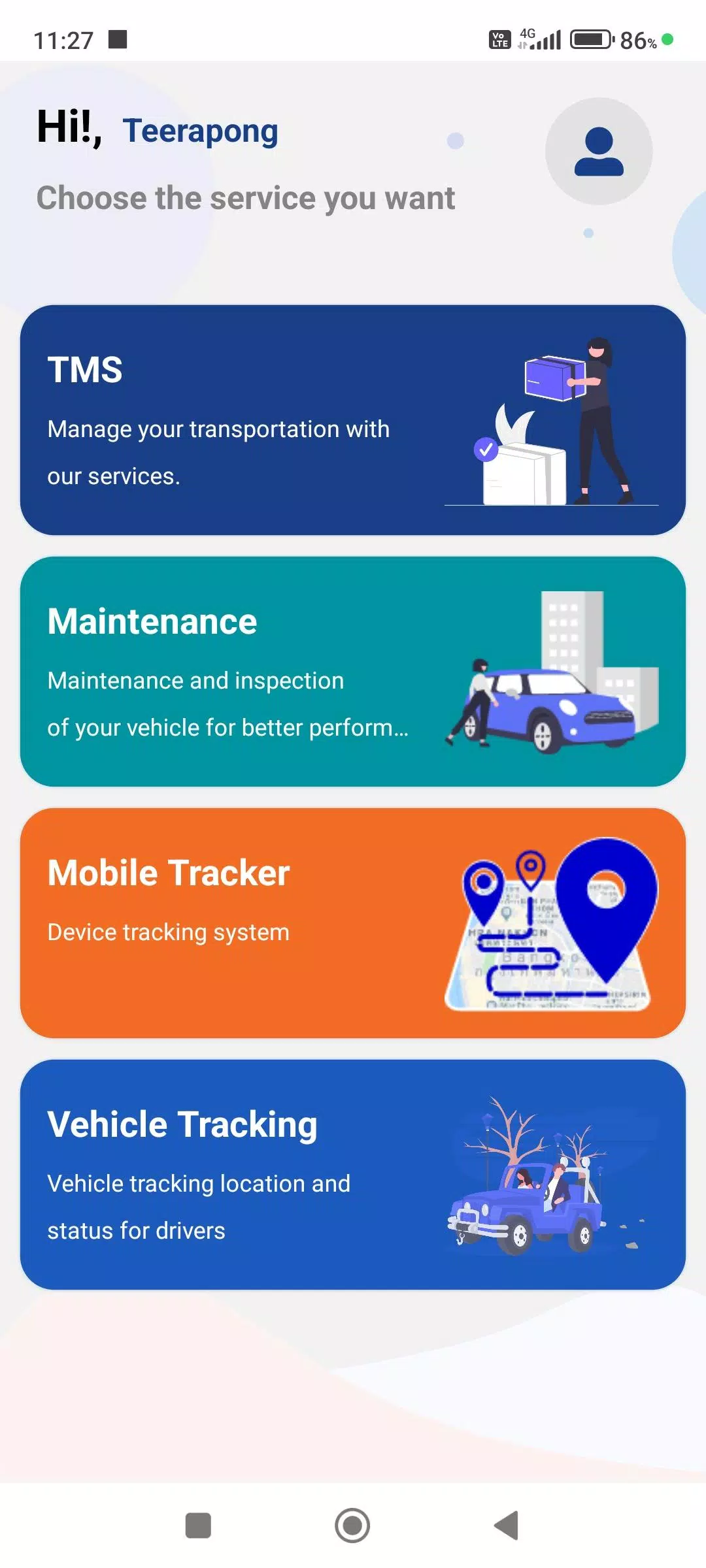
A GPS Tracking application that displays real-time device statuses.
This driver-focused app connects with the company's Web Console to share comprehensive work details, ensuring greater accuracy and completeness of operational data through these features:
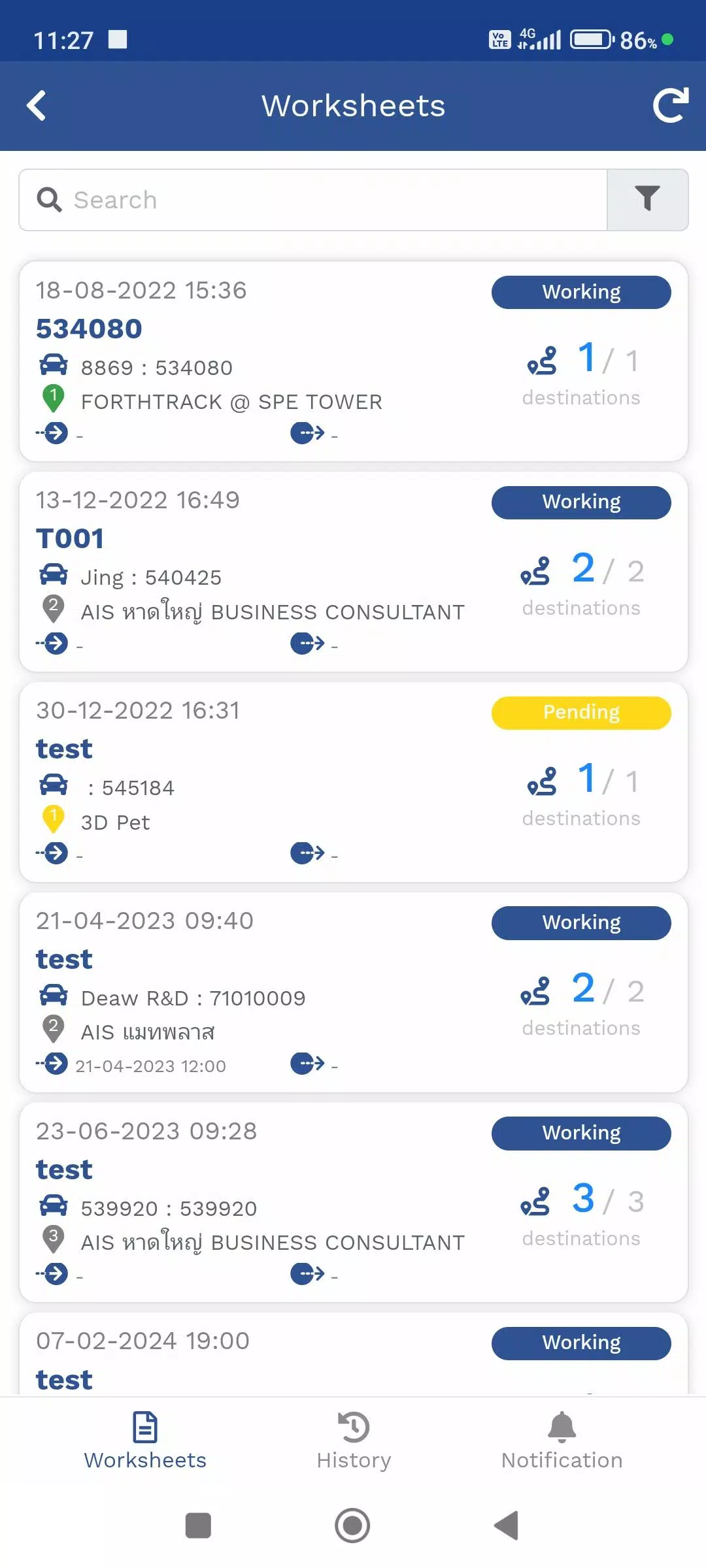
1. Travel Itinerary (TMS)
A dedicated menu for managing assigned product delivery routes. Track current vehicle positions through GPS devices or the Mobile Tracker menu, view delivery destinations, and receive real-time delivery status updates.
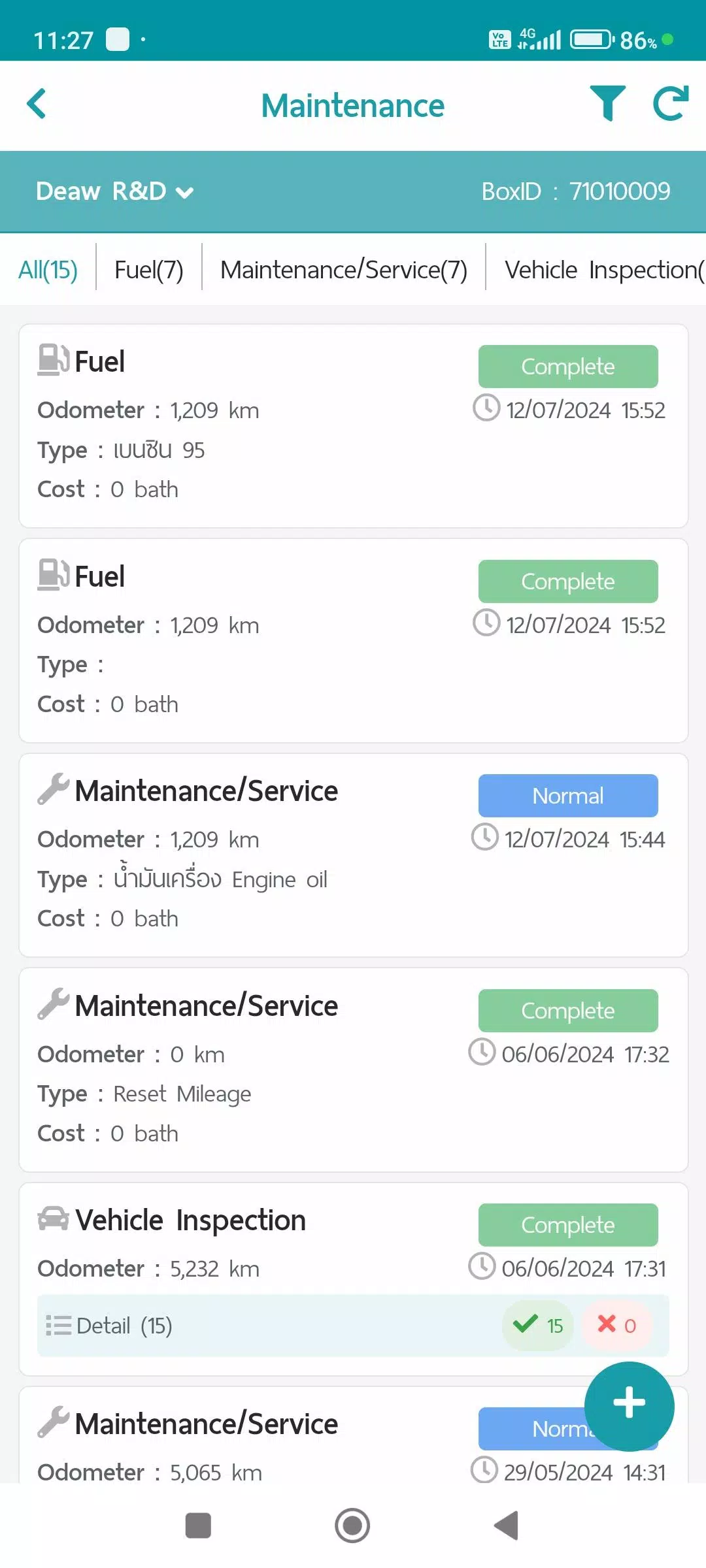
2. Maintenance Menu
Record and monitor vehicle maintenance tasks through this organized system. Store service data and generate detailed reports via the Web Console, categorized into these maintenance types:
- Fuel refills
- Scheduled maintenance/services
- Vehicle condition inspections
- Repair work items
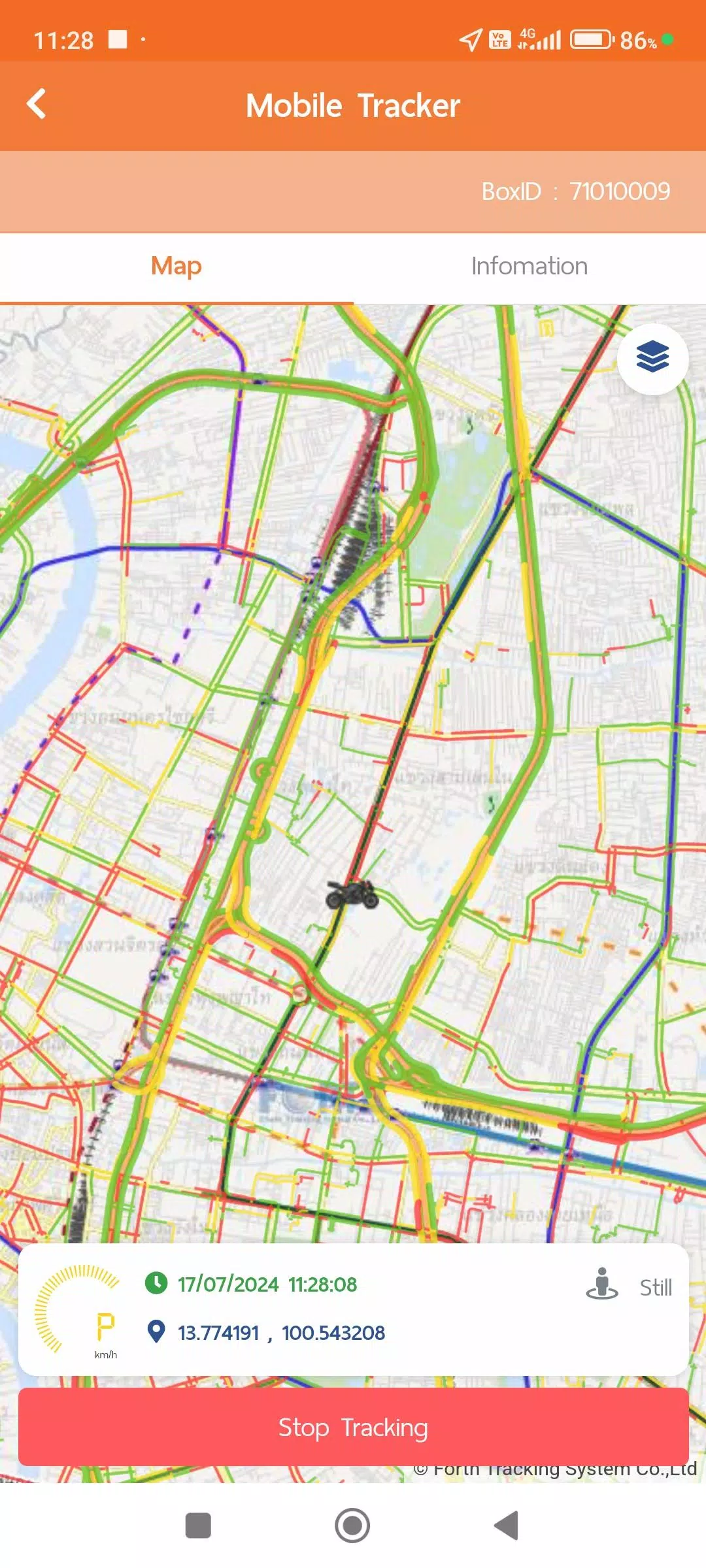
3. Mobile Tracker
Locate drivers directly through their mobile devices using this feature. Instead of requiring dedicated GPS hardware, this app transmits and stores GPS location data in the system while tracking remains active. Users can disable data transmission when needed and integrate this functionality with other modules like the Travel Itinerary (TMS) and Vehicle Tracking menus. View comprehensive data summaries and generate formatted reports through the Web Console. The Mobile Tracker requires these additional permissions for optimal performance:
- Continuous location access to collect GPS data without manually launching the app, ensuring convenient operation
- Physical activity recognition permissions to optimize GPS data management across different modes, enhancing system efficiency and battery conservation:
1. Stationary mode: Requests GPS data every minute, extending to 5-minute intervals in Power Save mode
2. Walking mode: Activates 1-minute GPS updates when movement is detected
3. Vehicle mode: Transports GPS coordinates every second for precise distance and speed calculations, while maintaining standard 1-minute data transmission intervals
**Power Save mode automatically activates after 5 minutes of stationary status and deactivates when walking or vehicle movement is detected.
4. Vehicle Tracking Menu
Monitor real-time location data from GPS and Mobile Tracker sources alongside various operational status indicators. Access historical information through multiple viewing formats including:
- Device specifications
- Alert configurations
- Daily travel summaries
- Custom time-range GPS movement history
- Supplementary data from additional equipment installations like MDVR or TPMS systems
Additional data collection and usage policies are available through the user account section, covering:
- Service terms and conditions
- Privacy protection guidelines
- Cookie usage policies
What's New in the Latest Version 1.7.6
Last updated on Nov 9, 2024
1. System performance improvements and feature enhancements