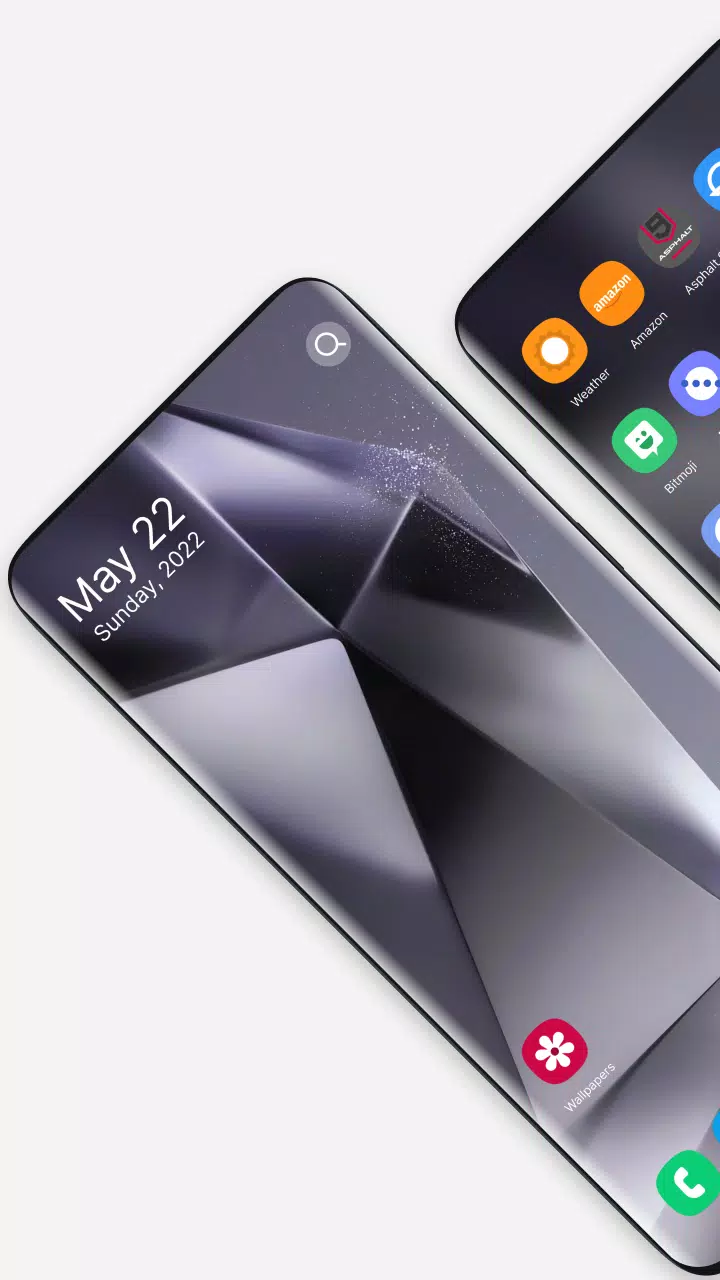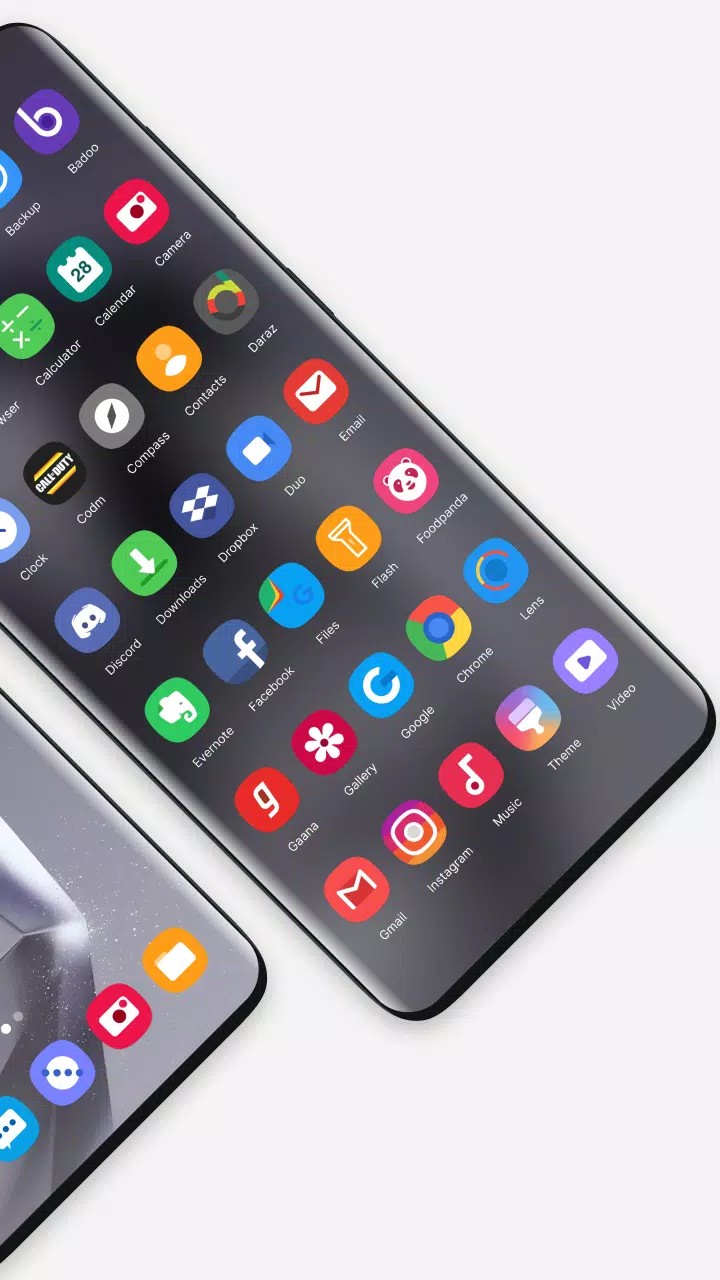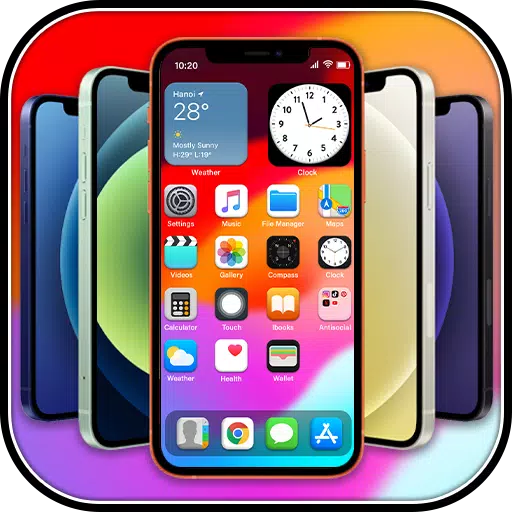
The Galaxy S24 Ultra launcher transforms your smartphone into a stylish and elegant device. For those who dream of owning the latest Samsung flagship but are constrained by budget, the Galaxy S24 Ultra launcher brings the experience of the Galaxy S24, Galaxy S24 Plus, and Galaxy S24 Ultra right to your current device.
As we use our smartphones for years, they can start to feel a bit mundane. Why stick with the old and common stock launcher when you can revitalize your phone? We check our phones hundreds of times a day, and the first thing we see is the home screen with its beautiful wallpaper. Good wallpapers can significantly influence our mood and express our unique personality. The Galaxy S24 Ultra launcher provides a unique and attractive look, perfect for edge-to-edge displays on devices like the Galaxy S23 Ultra, Galaxy S23+, Galaxy S23, Galaxy S22 Ultra, Note 20, and Note 10.
Core Features:
- Launcher
- File management (MANAGE_EXTERNAL_STORAGE permission is required for Android 11+ devices.)
- User-initiated installation of app packages
- Backup and restore
Other Features:
- Paged desktop
- Scroll-able background
- Paged app drawer
- Vertical app drawer
- Search bar
- Support Icon packs
- Hide apps
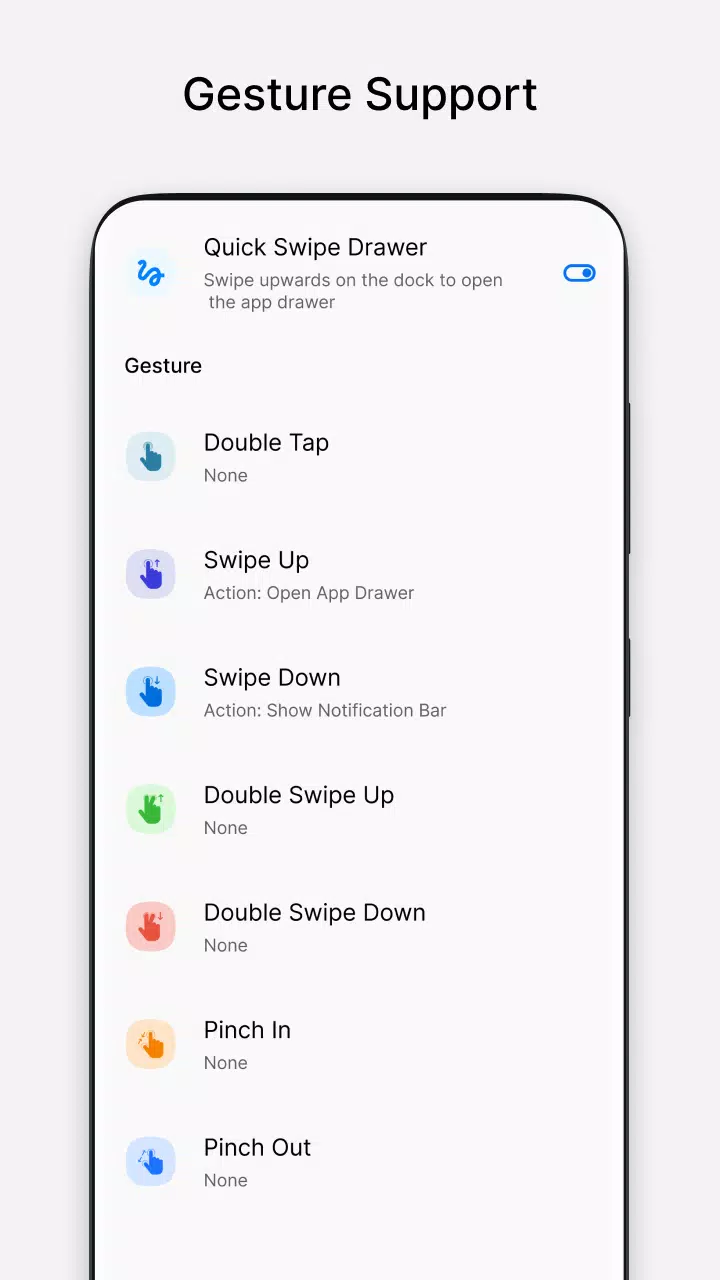
- Swipe to open drawer
- Gestures
- Sidebar for quick access
- Desktop Widgets
- Notification badge
- Intuitive and fast navigation of applications
- Galaxy launcher is compatible with all types of mobile phones
- Galaxy S24 Launcher is completely free to use
- Create shortcuts of most used applications on the desktop
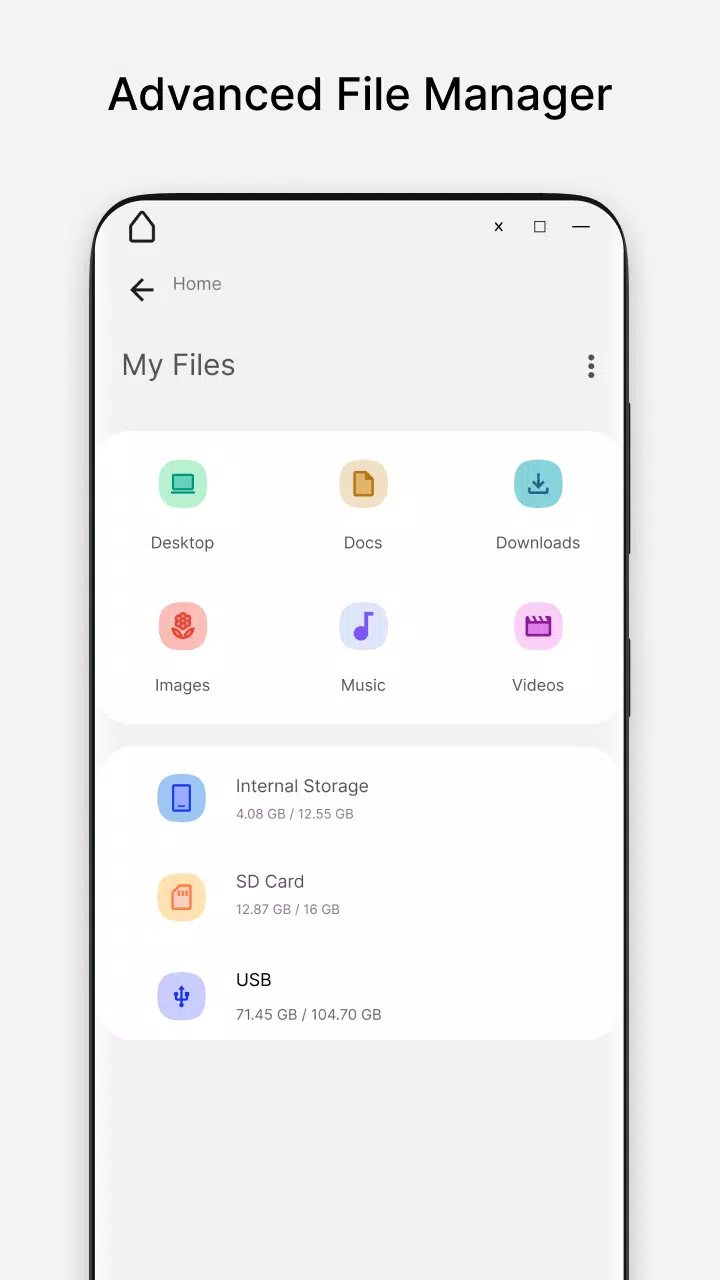
- Built-In File Explorer support for Galaxy S24 Ultra launcher
- File manager can be used to access, edit, and manage files and folders outside of app-specific storage space
- Supported file manager features include creating folders, cutting, copying, pasting, and sharing
- File manager lists all of your drives, including internal storage, SD card, and USB drive
- Recycle Bin feature for file manager
- Built-in zip/unzip support
- Open pictures, audio, and video files
Experience the elegance and functionality of the Galaxy S24 Ultra with the Galaxy S24 Ultra Launcher!