HD Video Downloader - Snapista is a straightforward app that simplifies downloading videos. It provides an easy way to save videos from various online platforms in high definition. Notable features include:
Multi-platform Support: Download videos from many popular websites without complications.
High-Quality Downloads: Save content in the best resolution available, including 4K and 1080p HD.
User-Friendly Interface: An intuitive layout makes video downloading simple for anyone.
Batch Downloads: Download several videos at the same time to save time and effort.
Integrated Browser: Search for videos and download them directly in one app.
Fast Downloading: Quick speeds let you access your videos sooner.
Using HD Video Downloader - Snapista is easy: just copy the video URL, open the app, and begin downloading.
Features of HD Video Downloader - Snapista:
* HD Video Downloader: Download high-definition videos quickly with one tap.
* Built-in Browser: Explore video sites and web pages directly inside the app.
* Built-in Media Player: Watch downloaded videos offline without needing another app.
* All Format Support: Get videos, audio, files, and images in various formats.
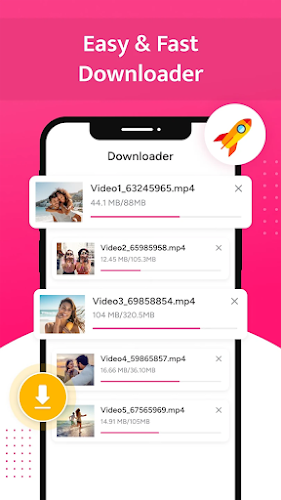
* Download Manager: Easily pause, resume, or cancel your downloads.
* Background Download Support: Keep downloading while you use other applications.
Tips for Users:
* Use the built-in browser to freely visit social media and video-sharing sites.
* Play your chosen video and click the download button to save it.
* Take advantage of the powerful download manager for handling multiple or large files.
* Watch offline videos and monitor download status using the download bar.
* Bookmark frequently visited sites for quicker access later.
Conclusion:
Video Downloader is essential for anyone who regularly downloads videos and music from the internet. With high-definition support, a user-friendly interface, and fast download speeds, it covers all video downloading needs. Install Video Downloader now and enjoy one-click access to your favorite videos.
How to use this app?
Download and Install: Install the HD Video Downloader - Snapista app from your device’s app store.
Open the App: Launch the app after installation.
Copy the Video URL: Find the desired video on a supported platform and copy the URL from the address bar.
Paste the URL: Open Snapista and paste the URL into the download field.
Select Quality: Pick a video quality option, such as HD or 4K if supported.
Start Download: Tap the download button to save the video to your device.
Find Downloads: Access completed downloads in your gallery or video folder.
Enjoy: Watch downloaded videos offline anytime.