Hogwarts Legacy: A Guide to Nicknaming Your Rescued Beasts
Hogwarts Legacy continues to delight players with its depth and hidden features. For those seeking deeper immersion, the ability to rename rescued beasts adds a personal touch often overlooked. This guide details how to give your magical creatures unique nicknames.
Steps to Nicknaming Beasts:

- Access the Vivarium: Travel to the Room of Requirement in Hogwarts Castle and enter your Vivarium.
- Summon the Beast: Ensure the beast you wish to rename is present. If it's in your Beast Inventory, summon it.
- Interact with the Beast: Approach the beast and interact with it to view its status and information.
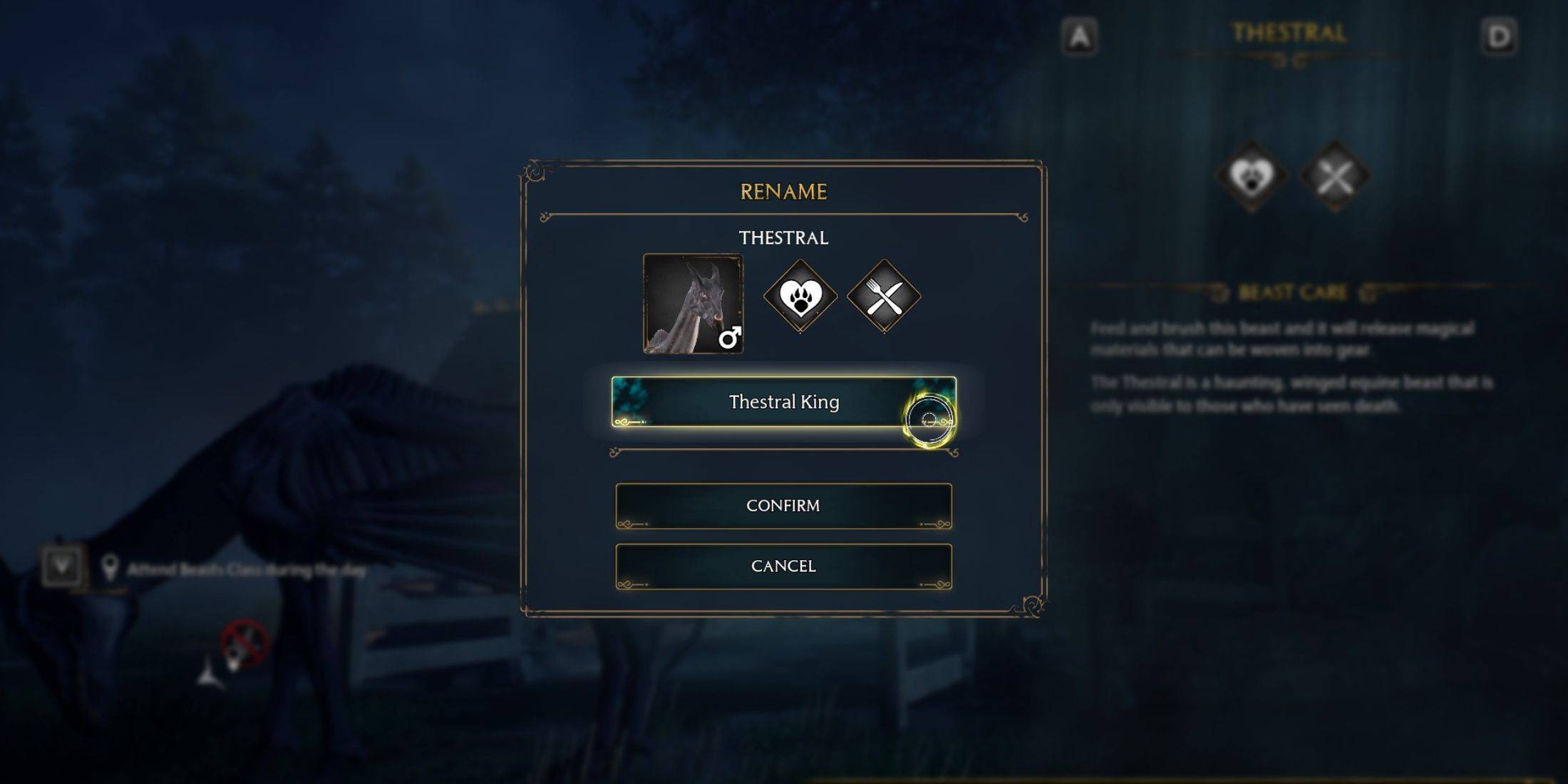
- Select "Rename": The interaction menu will include a "Rename" option. Select it.
- Enter and Confirm Nickname: Type your chosen nickname and confirm your selection.
- View Nickname: Approach the beast again and interact; its new nickname will be displayed.
Benefits of Renaming:
Renaming beasts offers significant advantages, primarily simplifying management, especially when tracking rare creatures. There are no restrictions on the number of times you can rename a beast, allowing for ongoing personalization. This customization enhances the player's sense of ownership and connection with their magical menagerie.