Dynasty Warriors: Origins, while not open-world, features a substantial map. Early exploration is straightforward, but navigating the expanding map as the story progresses becomes increasingly time-consuming. This is exacerbated by the constant unlocking of skirmishes and requests, often requiring significant backtracking. Fortunately, mastering fast travel significantly reduces this travel time, especially for players aiming to complete all side content.
Fast Travel in Dynasty Warriors: Origins
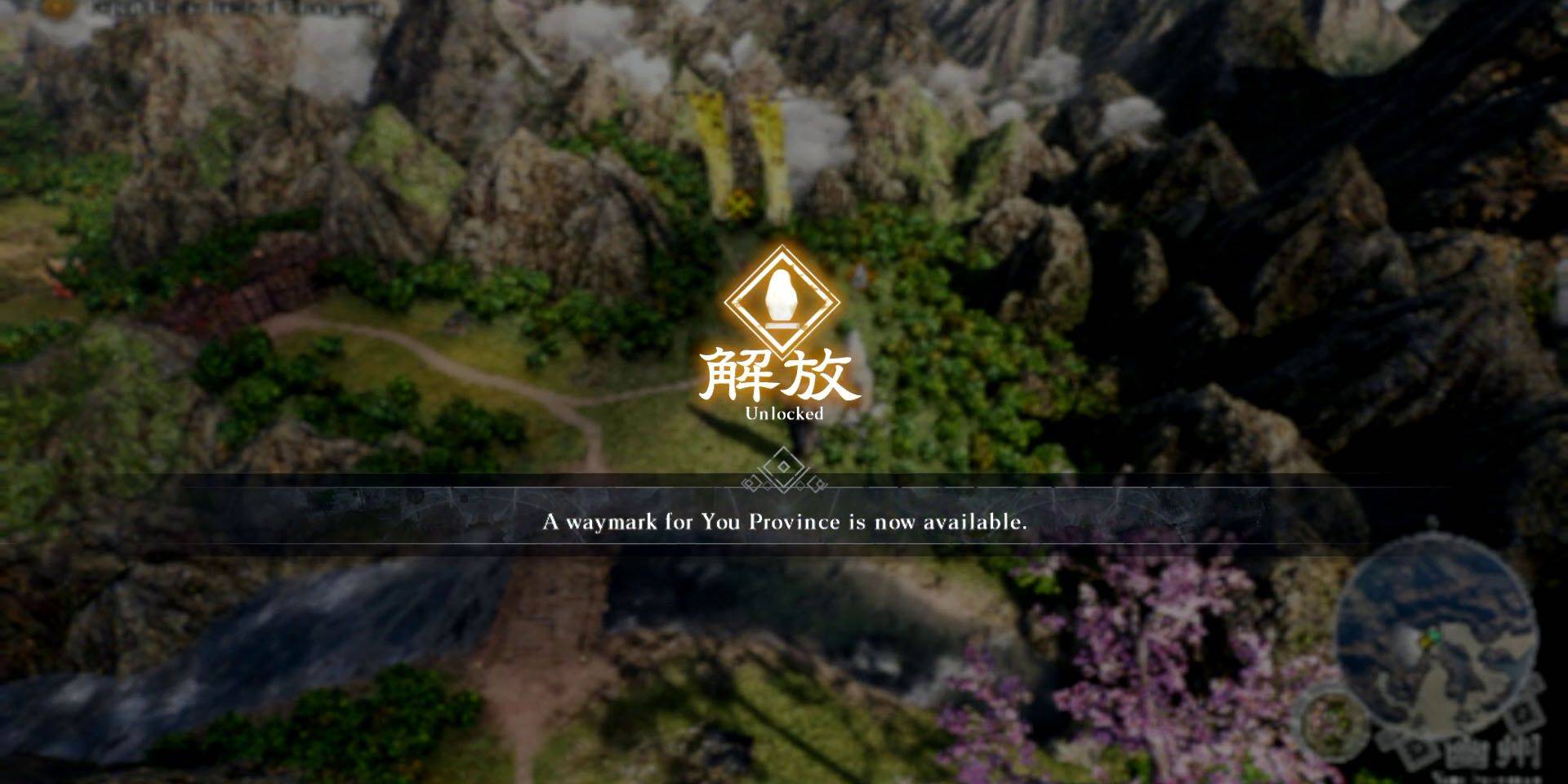 Fast travel utilizes Waymarks accessed via the in-game map. To enable fast travel to a Waymark, players must first unlock it by approaching it on the world map and pressing X (PlayStation) or A (Xbox). Unlocked Waymarks then appear on the map screen, enabling instant travel.
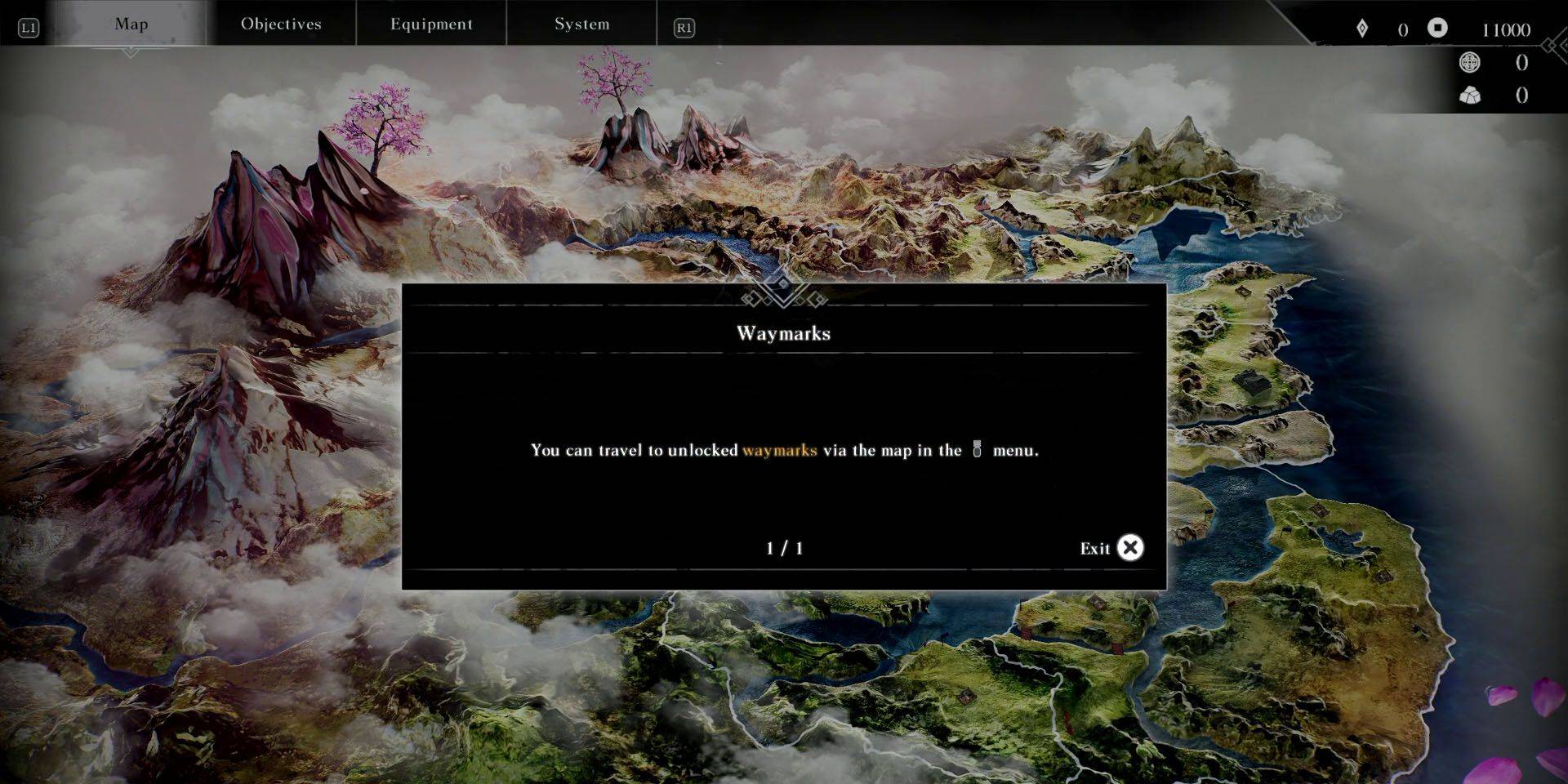 Accessing the map is achieved by interacting with an unlocked Waymark or pausing the game and navigating to the Map menu using the shoulder buttons. PlayStation players can utilize the DualSense touchpad for quicker access while on the world map.
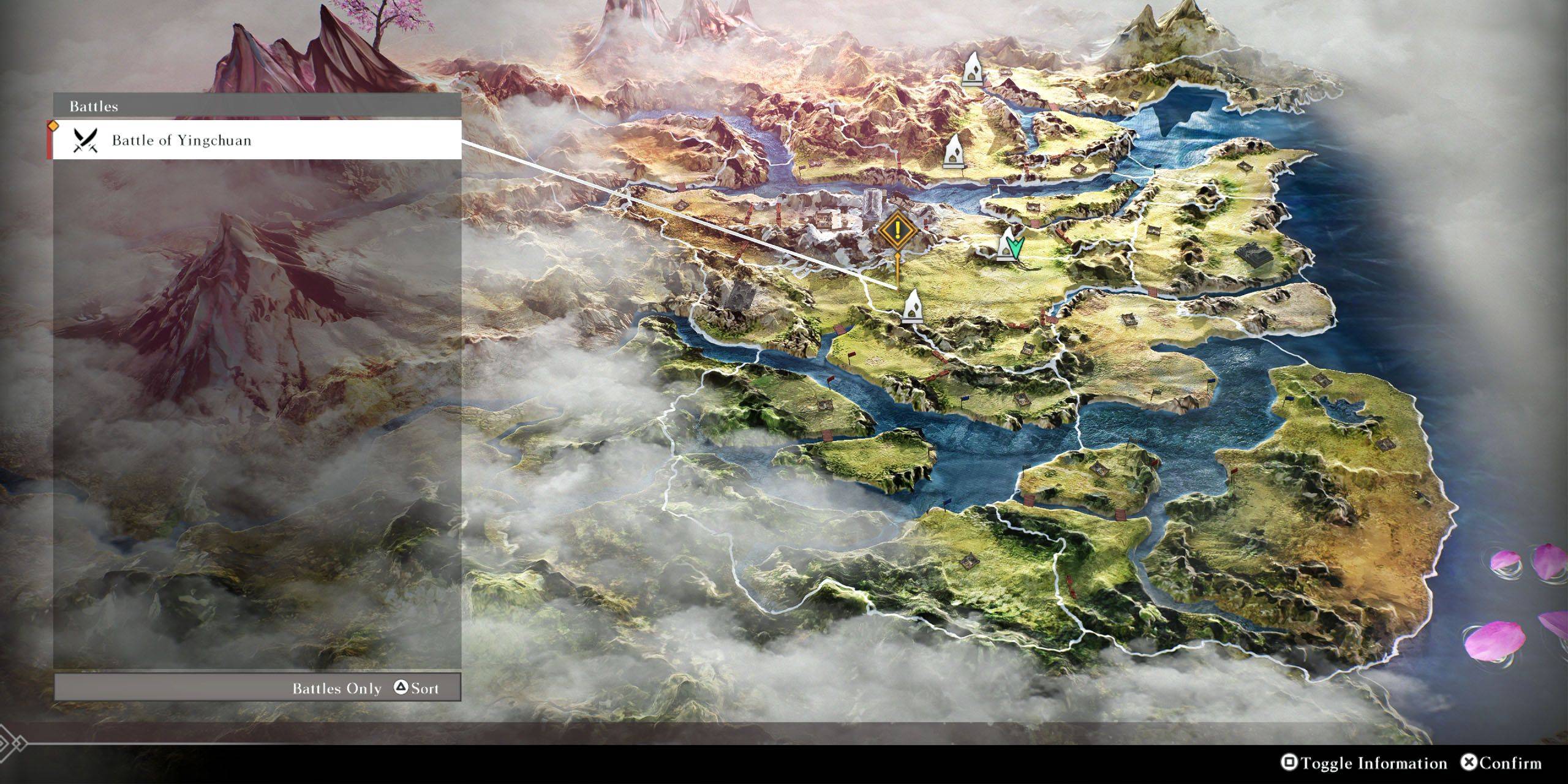 On the map screen, hovering over an unlocked Waymark displays nearby key locations and battles. Pressing Square (PlayStation) or X (Xbox) toggles this information. Use Triangle (PlayStation) or Y (Xbox) to cycle through battles and locations, then select the desired destination to automatically move the cursor to the nearest Waymark.