Upgrade Your Gaming Experience: A Comprehensive Guide to the Best Gaming Mouse Pads
A high-quality gaming mouse pad significantly enhances mouse tracking and precision, potentially altering the game's outcome. With features like spill-proof surfaces, anti-skid bases, and even RGB lighting, the market offers a diverse range of options.
Top Gaming Mouse Pads:
 Corsair MM200 Pro Premium: Our Top Pick. A thick, plush rubber pad with densely woven fabric for smooth gliding and a non-slip base.
See it at Amazon
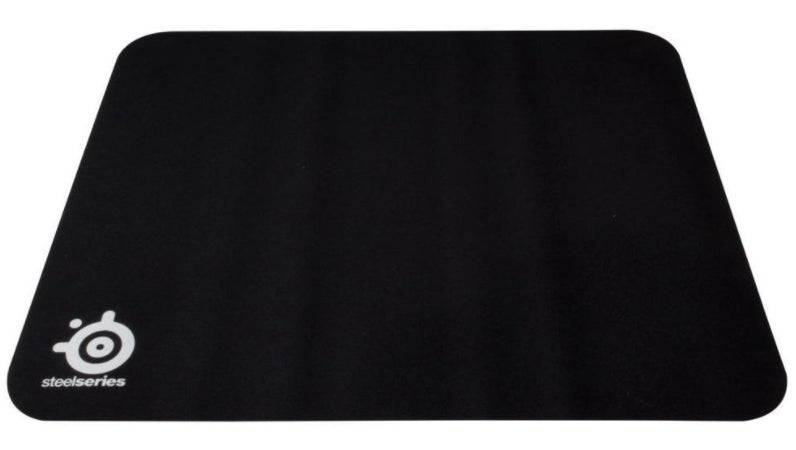 SteelSeries QCK Medium: Best Budget Option. Under $10, this pad offers a smooth, tightly stitched fabric surface, perfect for portability.
See it at Amazon
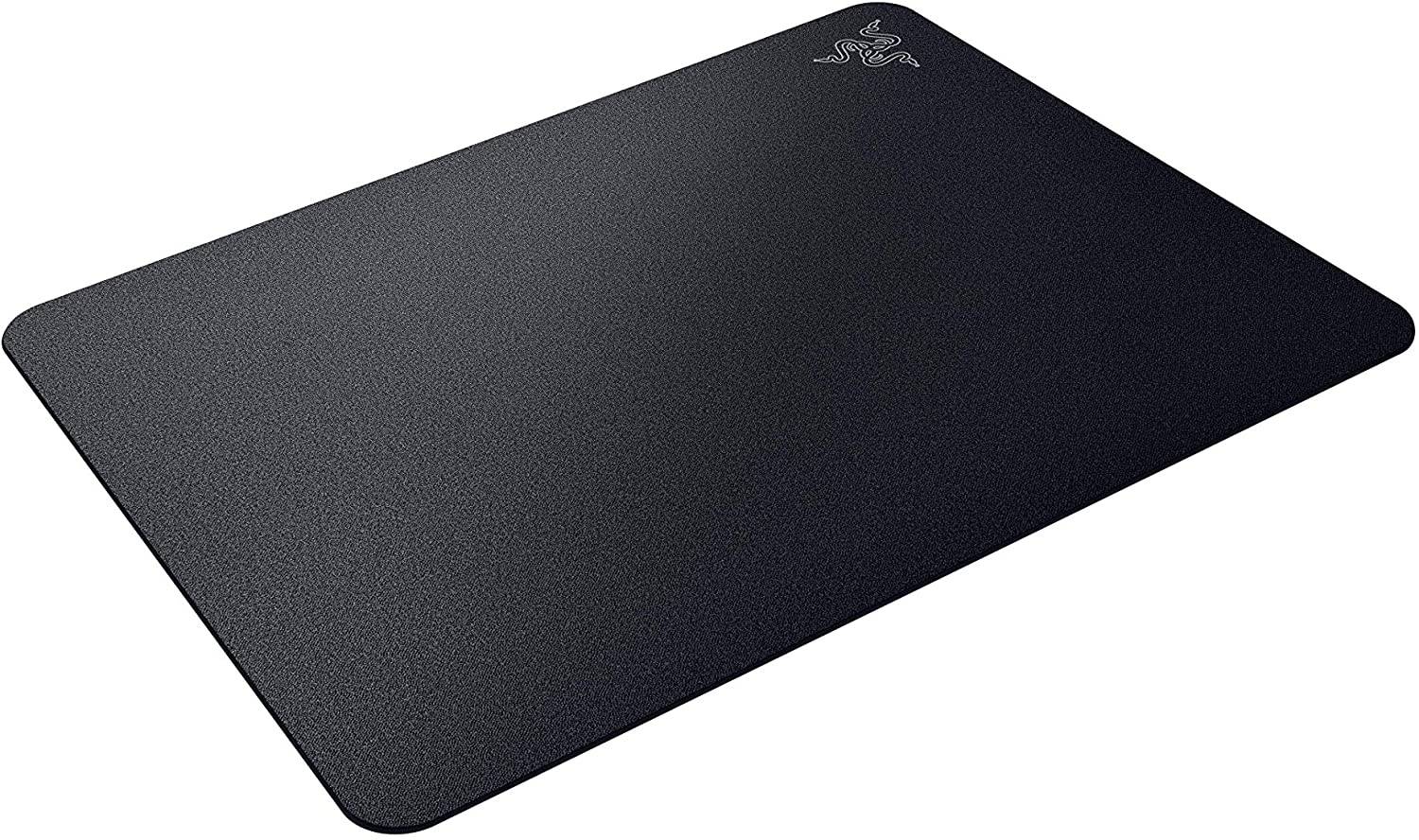 Razer Acari: Best Hard Mouse Pad. A hard, nano-bead textured surface ensures superior tracking and accuracy.
See it at Amazon
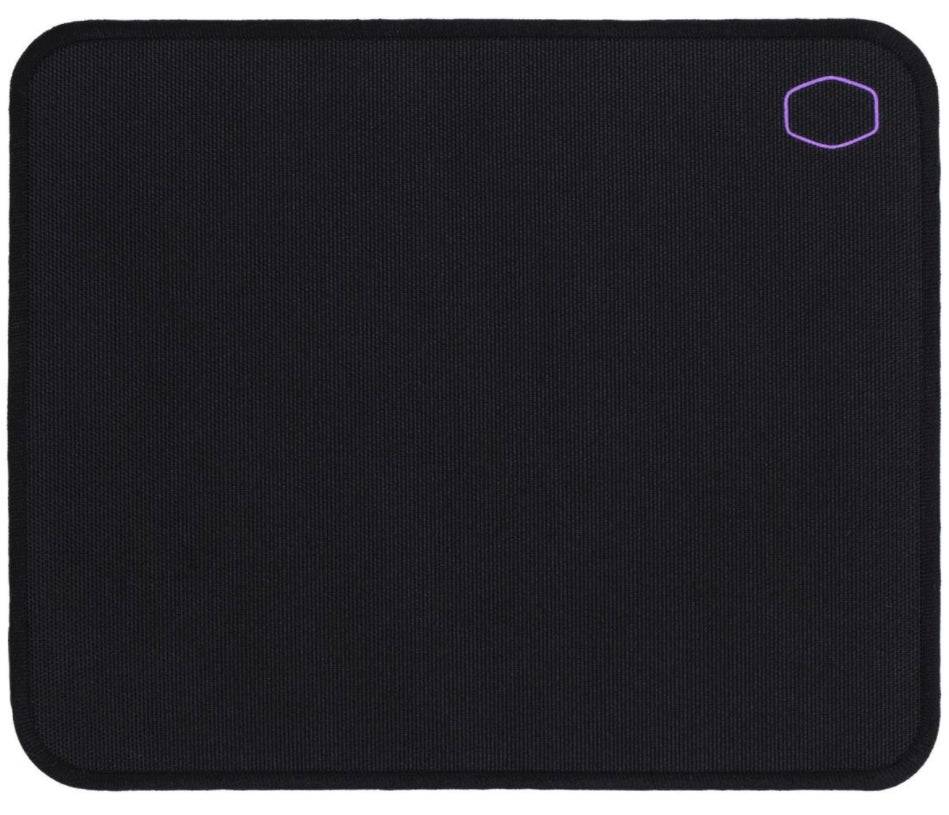 Cooler Master MP510: Best Cloth Mouse Pad. Durable nylon construction with a textured surface for precise control.
See it at Newegg
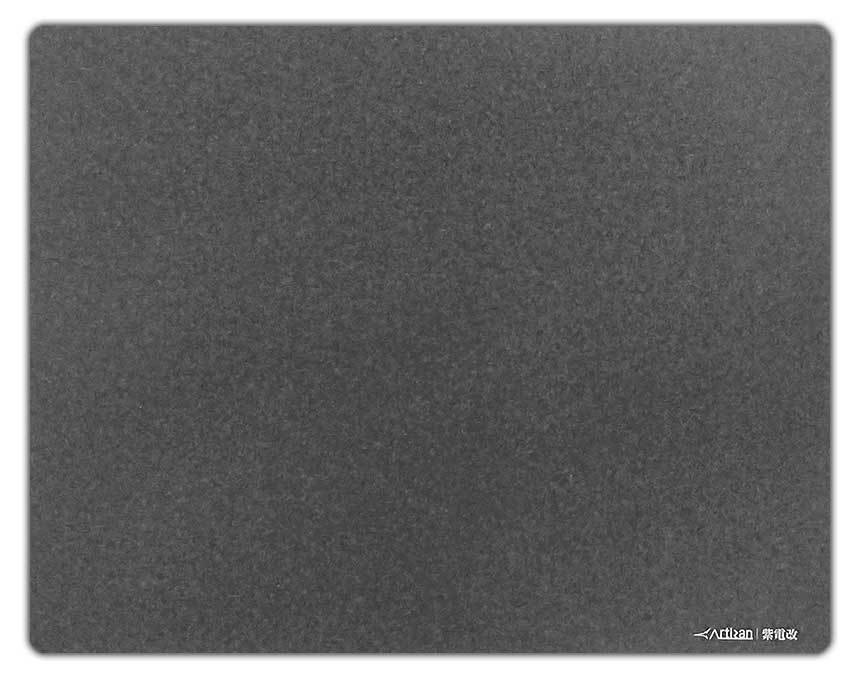 Artisan Ninja FX Shidenkai: Best High-End Mouse Pad. A soft pad with embedded glass beads for a unique blend of smoothness and control.
See it at Newegg
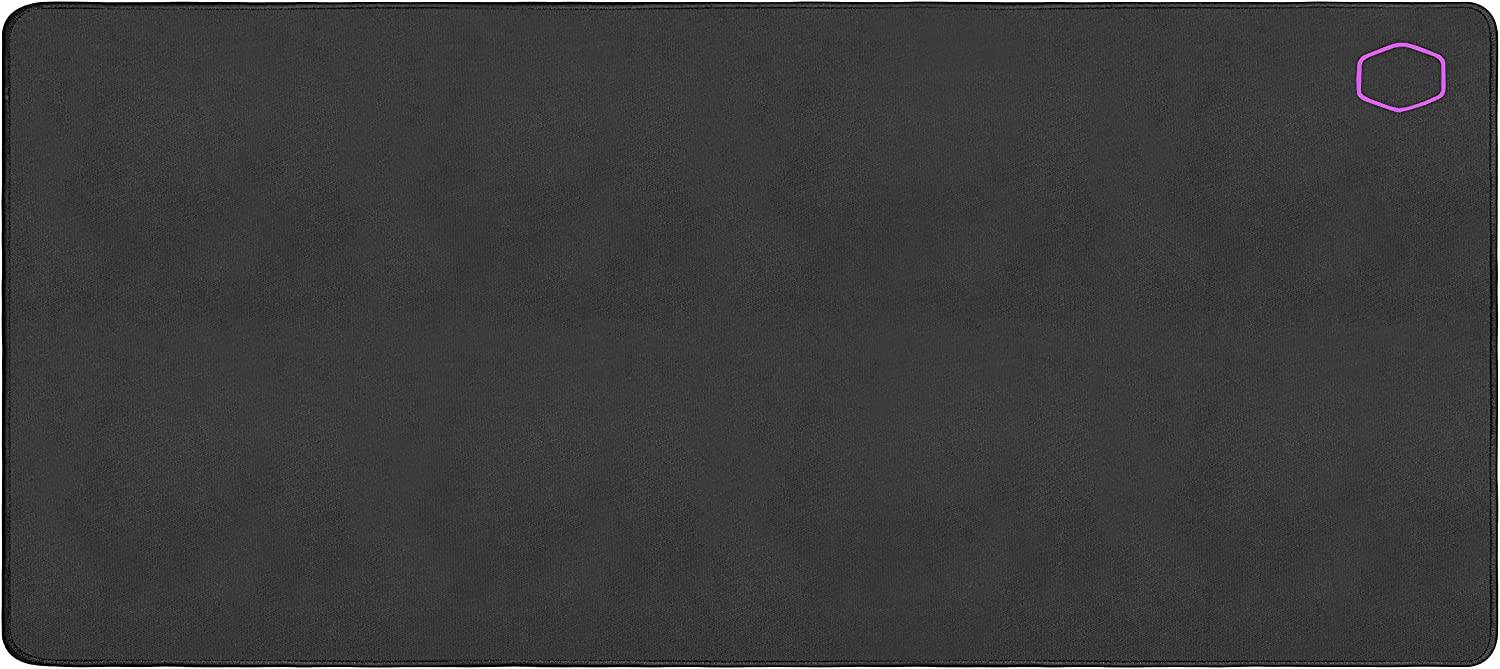 Cooler Master MP511: Most Durable Mouse Pad. Large, durable Cordura fabric construction with smooth gliding.
See it at Amazon
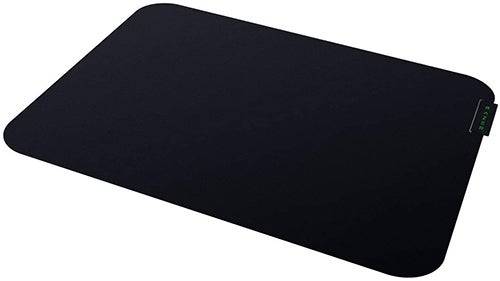 Razer Sphex V3: Best Flat Mouse Pad. Ultra-thin with an adhesive base for a secure, seamless feel.
See it at Amazon
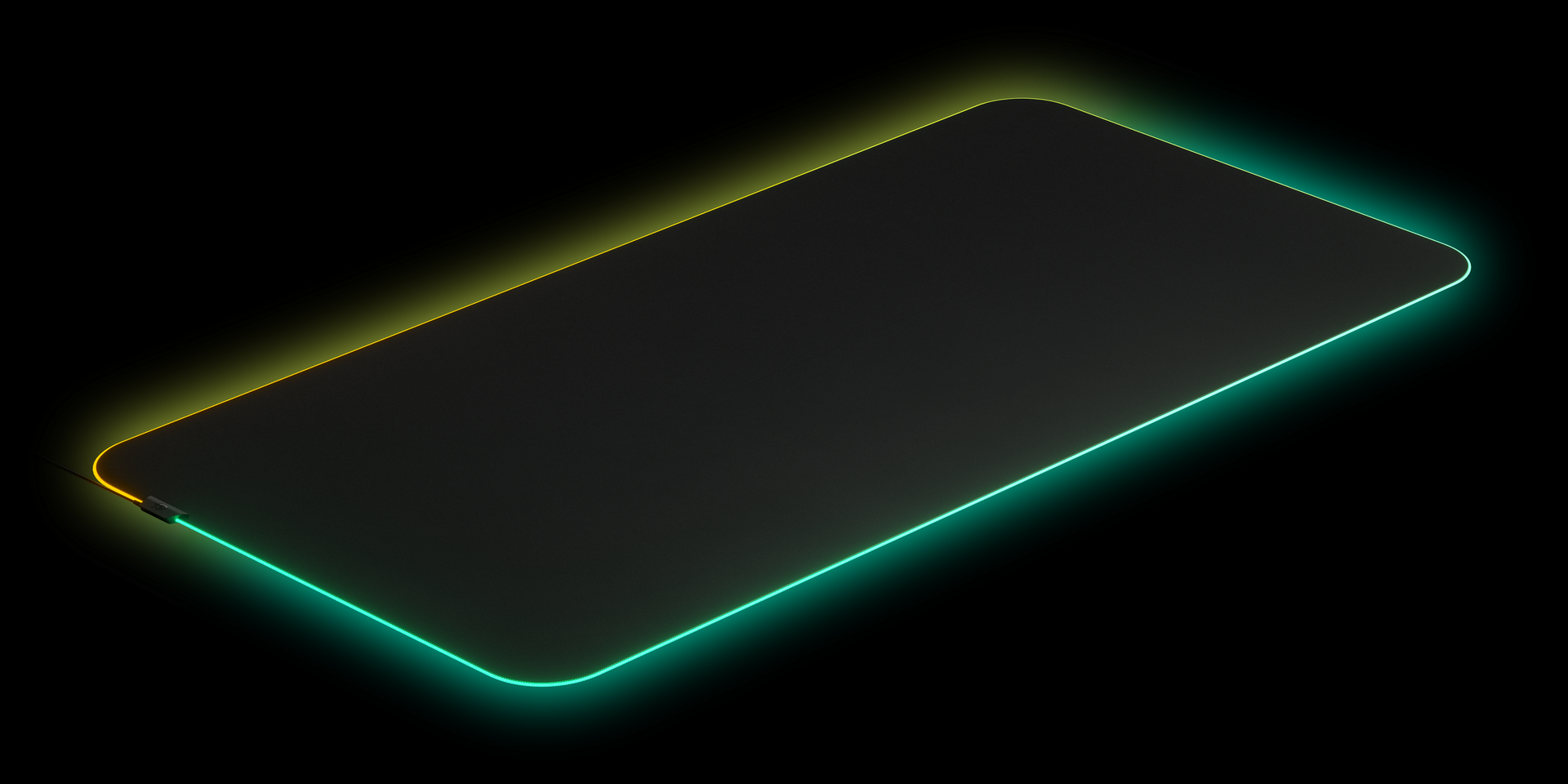 SteelSeries QcK Prism Cloth 5XL: Best Desk Pad. XXL size with RGB lighting, covering your entire desk.
See it at SteelSeries
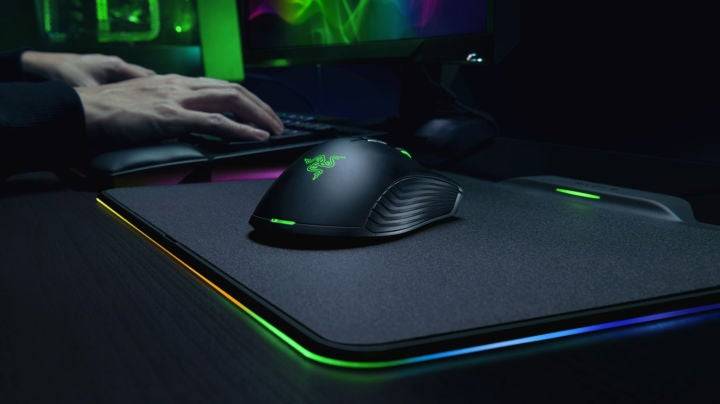
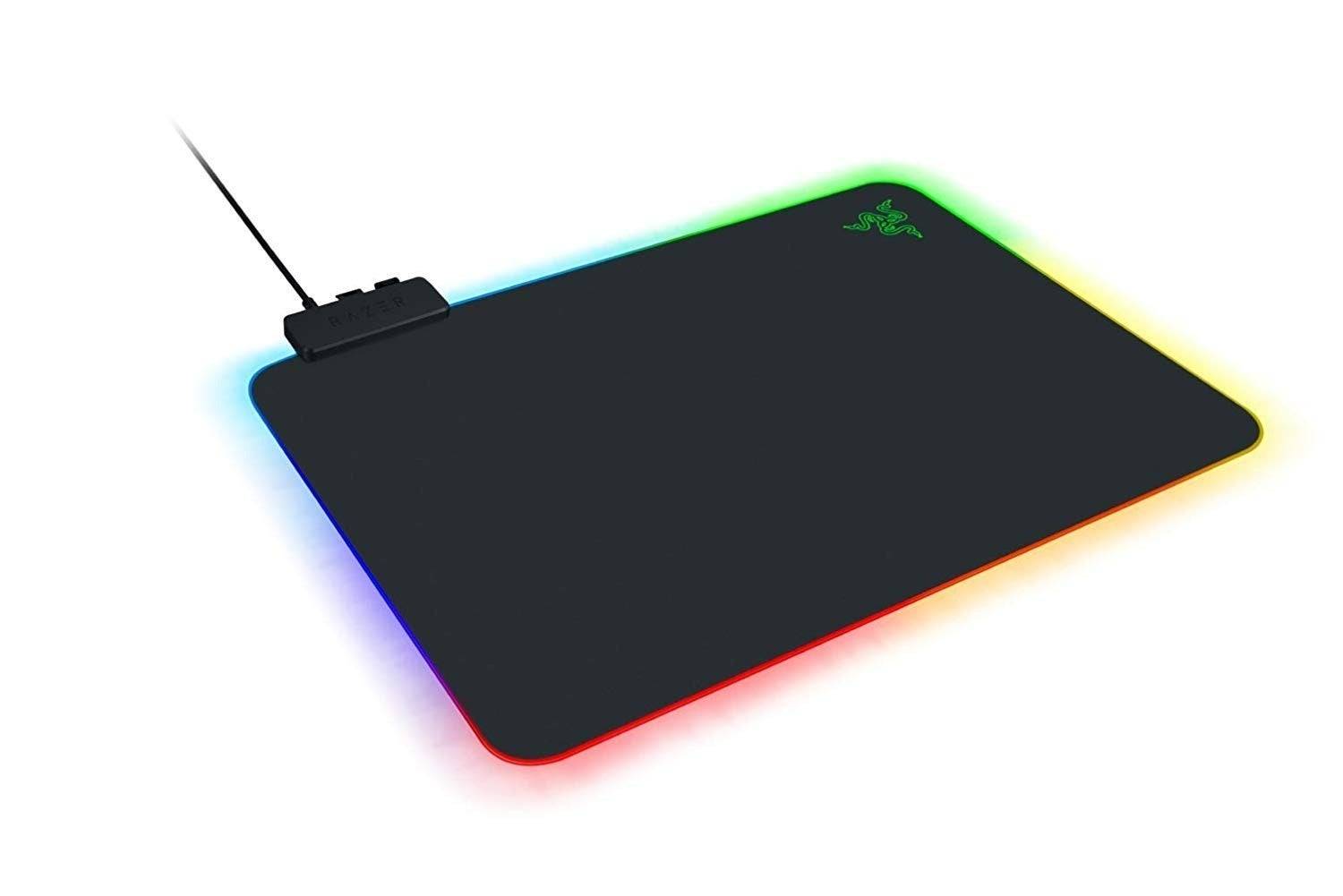 Razer Firefly V2: Best RGB Mouse Pad. 19 RGB lighting zones with a slim profile and hard surface.
See it at Amazon & Razer
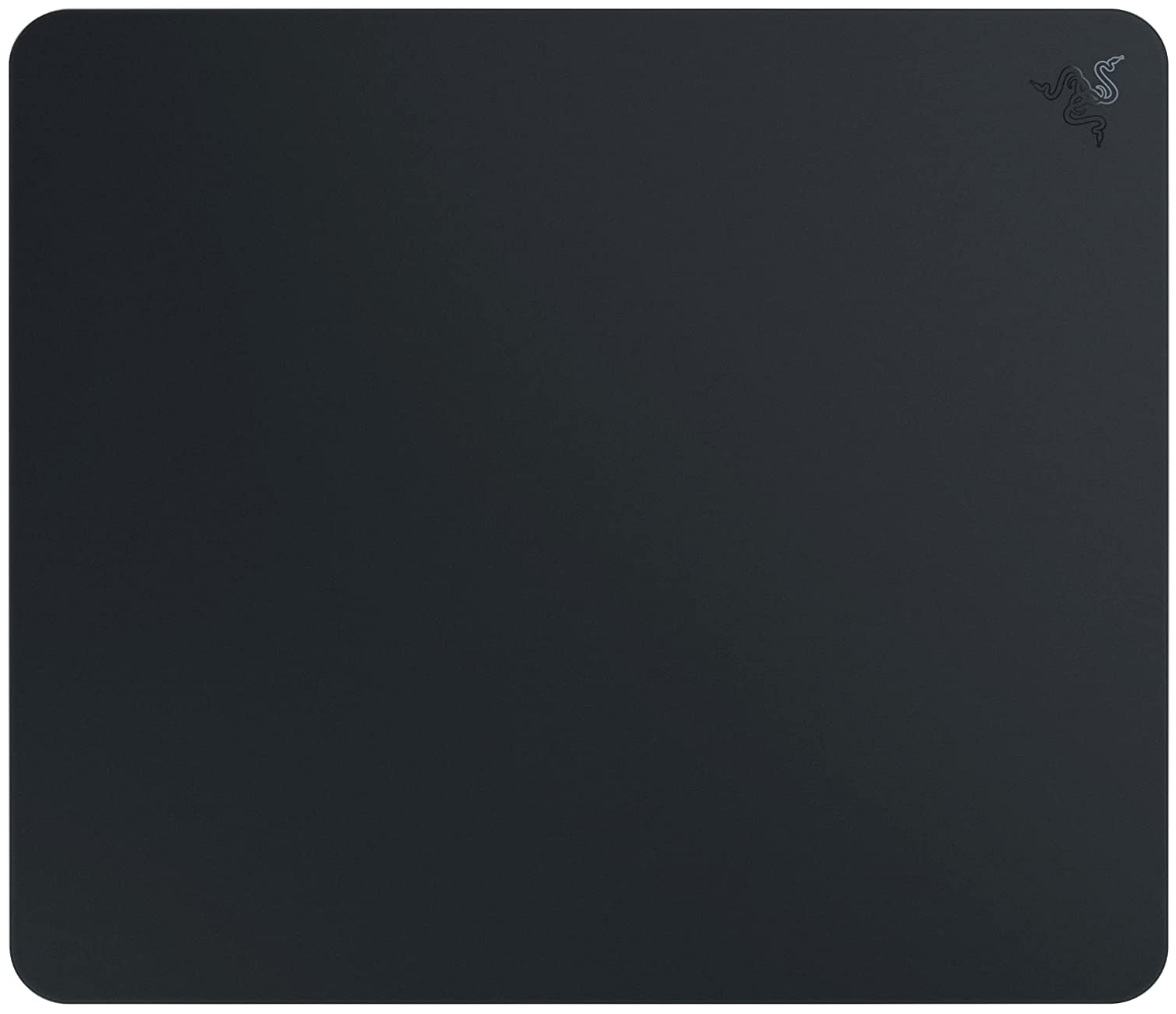 Razer Atlas: Fastest Gaming Mouse Pad. Glass surface with optimized texturing for optical sensors.
See it at Amazon
Choosing the Right Mouse Pad:
Consider these factors when selecting a mouse pad:
- Surface Type: Smooth for speed, textured for control. Cloth pads generally offer more control, while hard pads prioritize speed.
- Materials: Cloth, hard plastic (polyethylene), metal, tempered glass, or acrylic.
- Size: Choose a size that comfortably accommodates your mouse movements and desk space.
Gaming Mouse Pad FAQ:
- Replacement Frequency: Every 3-5 years, depending on use and wear.
- Benefits of Mouse Pads: Improved gaming experience, desk protection, enhanced mouse performance.
- Lapdesk Compatibility: Most gaming lapdesks include a built-in mouse pad; add an extra one for simpler designs.
This guide provides a comprehensive overview to help you choose the perfect gaming mouse pad to elevate your gaming performance.