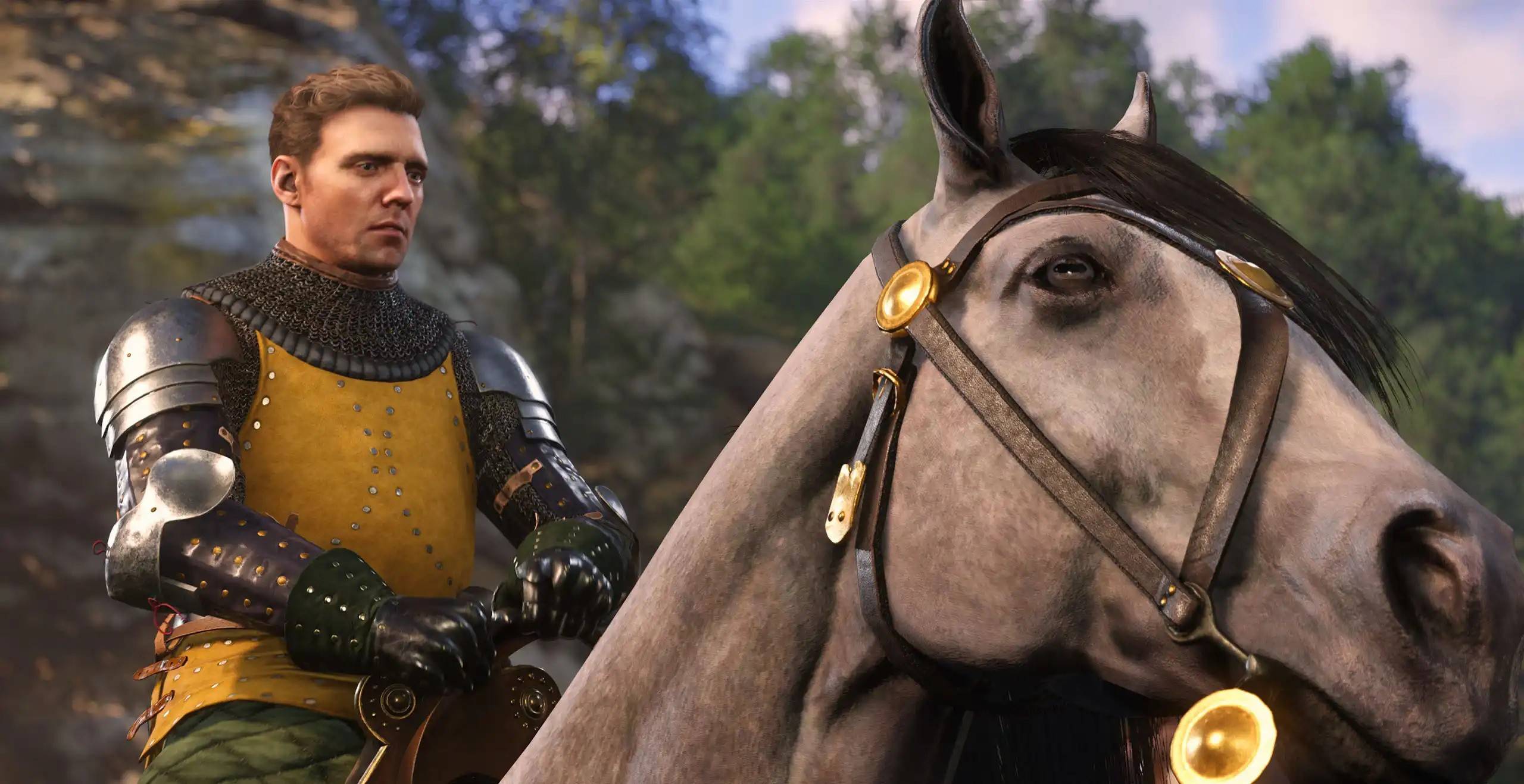
Despite launching a few weeks ago, some players are still experiencing frustrating stuttering issues in *Kingdom Come: Deliverance 2*, particularly on PC. Let's dive into how to fix this.
Troubleshooting *Kingdom Come: Deliverance 2* Stuttering on PC
Many players have reported stuttering problems on platforms like Reddit. The PC version, in particular, seems prone to performance hiccups, causing significant frustration even for those meeting the game's requirements. Fortunately, the community has already uncovered several solutions.
First, try installing the NVIDIA GeForce Hotfix Driver Version 572.24 for Windows 10 and 11. Released shortly after the game's launch, this hotfix has reportedly resolved stuttering and even some crashing issues for many players.
However, some gamers, even after installing the hotfix, continued to experience stuttering. Interestingly, a common thread emerged: the use of Bluetooth controllers. Switching to a wired USB connection often resolves this secondary stuttering issue.
Adjusting In-Game Settings
If the above solutions don't work, it's time to tweak Kingdom Come: Deliverance 2's in-game settings. The game offers extensive Advanced Graphics Settings allowing for detailed optimization. Experiment with lowering settings, such as reducing Lighting, Shader quality, and Texture settings from High to Medium, or Medium to Low. Finding the right balance might require some trial and error, but it's often the key to smoother gameplay.
Once you've eliminated stuttering, you can then optimize your settings for the best possible visual quality. Consult guides like The Escapist's guide to achieving high FPS for Kingdom Come: Deliverance 2 to fine-tune your settings.
That's how to tackle stuttering in Kingdom Come: Deliverance 2 on PC. For further enhancements, explore the best mods available for the game.
Kingdom Come: Deliverance 2 is available now on PlayStation, Xbox, and PC.