Hello Kitty Island Adventure: Daily and Weekly Reset Times
Hello Kitty Island Adventure, inspired by Animal Crossing, invites players to develop their island through various activities. However, not all tasks are immediately achievable. This guide details the daily and weekly reset times.
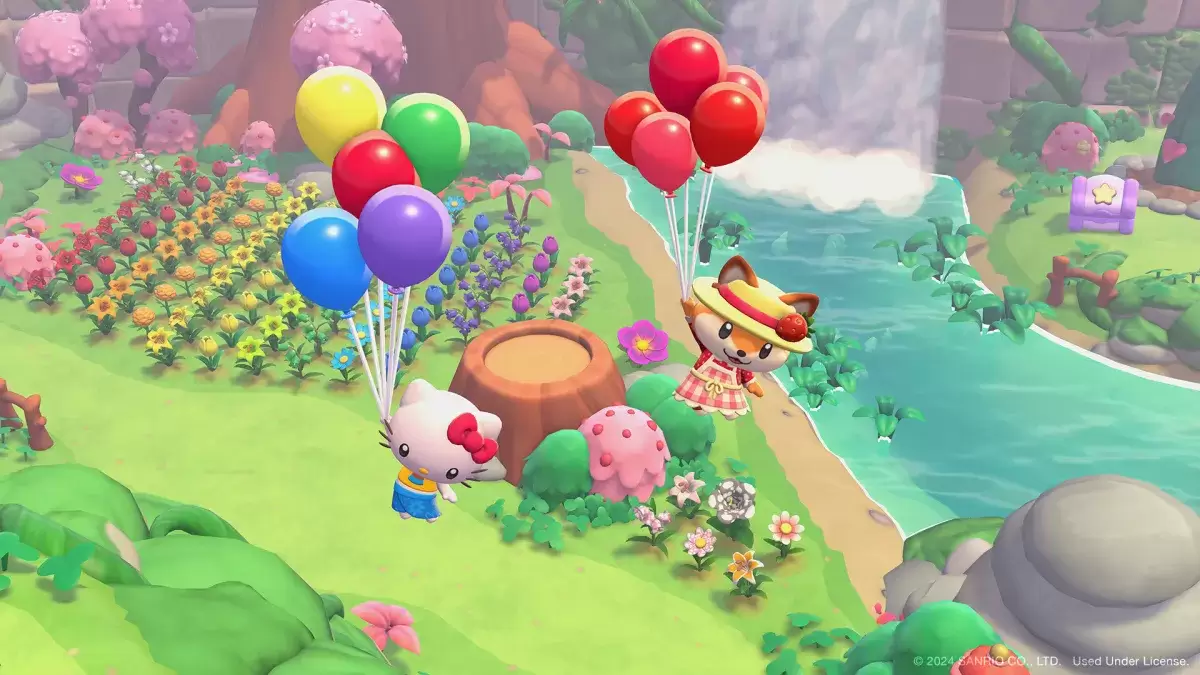
Daily Resets:
The daily reset in Hello Kitty Island Adventure occurs simultaneously worldwide. Here's the schedule:
| Time Zone | Reset Time |
|---|---|
| PST | 11 AM |
| MST | 12 PM |
| CST | 1 PM |
| EST | 2 PM |
| GMT | 7 PM |
| CET | 8 PM |
| JST | 4 AM (next day) |
| AEDT | 6 AM (next day) |
The reset refreshes daily quests, resource spawns, and the ability to gift NPCs. Players can give three gifts per NPC daily.
Weekly Resets:
Weekly resets function similarly to daily resets, but occur once a week. The schedule is as follows:
| Time Zone | Reset Time |
|---|---|
| PST | Sunday 11 AM |
| MST | Monday 12 AM |
| CST | Monday 1 AM |
| EST | Monday 2 AM |
| GMT | Monday 7 AM |
| CET | Monday 8 AM |
| JST | Monday 4 PM |
| AEDT | Monday 6 PM |
A new set of weekly quests, generally more complex than daily quests, becomes available. Locating Tophat Gudetama for Pochacco is a key weekly task, with varying reward locations.
Time Travel (Nintendo Switch):
Players on Nintendo Switch can manipulate the game's time. To do so:
- Access Switch settings (gear icon).
- Navigate to System Settings > System > Date and Time.
- Disable "Synchronize Clock to the Internet."
- Set the desired date and time.
- Open Hello Kitty Island Adventure.
Caution: Time travel may disrupt multiplayer functionality and event timing.
Hello Kitty Island Adventure is currently available on PC and Nintendo Switch.