Troubleshooting Marvel Rivals Season 1 Launch Issues
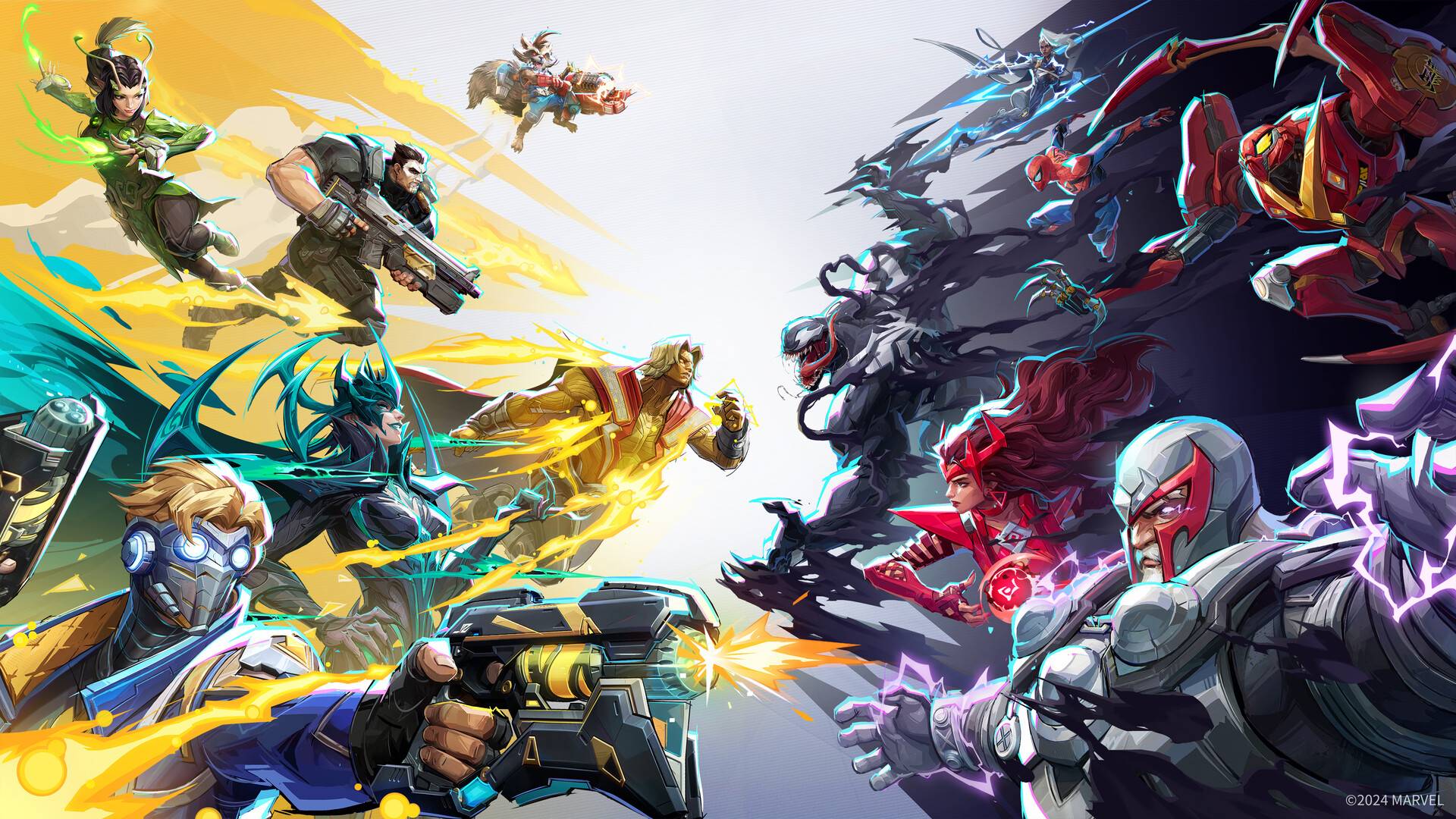
The highly anticipated Marvel Rivals, featuring Marvel Universe heroes, has launched Season 1. However, some players are experiencing frustrating issues. This guide outlines troubleshooting steps to resolve Marvel Rivals Season 1 connectivity problems.
High player volume at launch often overwhelms servers in free-to-play games. While a positive sign for developers, it creates login difficulties for players. Here's how to address these issues:
-
Verify Server Status: Check the official Marvel Rivals social media (e.g., X) for updates on server outages. Third-party services like Downdetector also provide server status information.
-
Ensure Game Update: Before launching, confirm you've downloaded and installed the latest game update for Season 1.
-
Restart the Game: A simple restart can often resolve minor glitches. If server congestion is the issue, multiple attempts might eventually grant access.
-
Check Internet Connection: Marvel Rivals requires a stable internet connection; offline play isn't supported. Restart your modem/router if necessary.
-
Take a Break: On launch day, server strain is common. Stepping away for a while and trying again later may be the most effective solution.
Marvel Rivals is available on PS5, PC, and Xbox Series X|S.