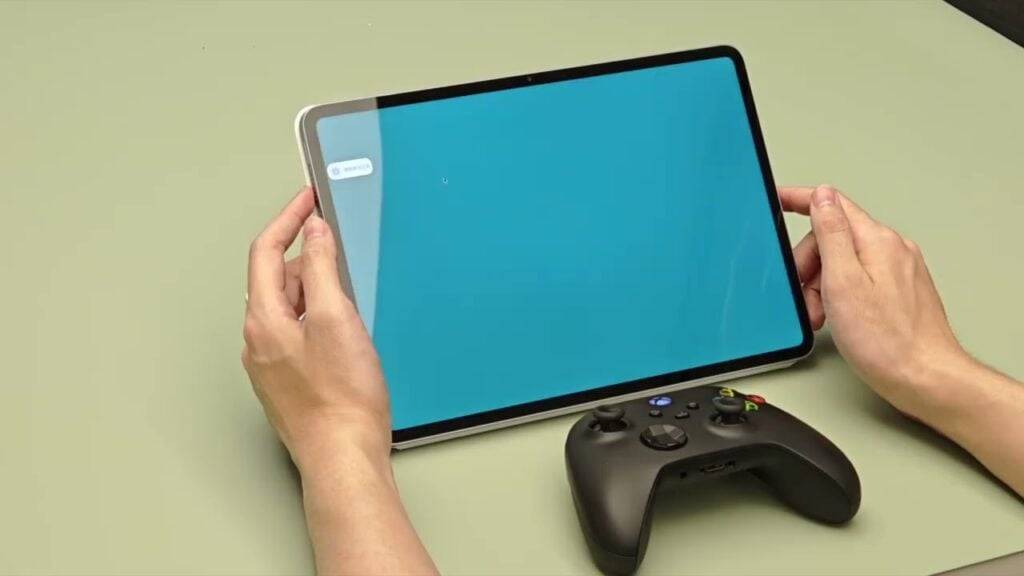
Xiaomi's newly unveiled WinPlay Engine is a game-changer for Android tablet gaming. This innovative tool allows you to play Windows games directly on your Xiaomi Pad 6S Pro with minimal performance impact—currently in beta, but showing immense promise.
Powered by Xiaomi's HyperCore kernel and a three-layer virtualization system, the WinPlay Engine leverages the Pad 6S Pro's Snapdragon 8 Gen 2 chip to run Windows games smoothly. Xiaomi boasts a remarkably low GPU performance loss of just 2.9%, a small price to pay for the convenience of enjoying PC titles on a tablet.
The WinPlay Engine enhances the gaming experience with several key features. Steam compatibility is a major highlight, potentially granting direct access to your existing PC game library (though full compatibility details are pending). Furthermore, it supports Bluetooth peripherals, including keyboards, mice, and even Xbox controllers with haptic feedback, enabling local multiplayer sessions for up to four players.
While the setup isn't entirely plug-and-play (it's still beta, after all), it requires some manual steps. You'll need to purchase games from platforms like Steam or GOG, transfer the game files to your tablet, and launch them via the AI Treasure Box app.
Currently exclusive to the Xiaomi Pad 6S Pro, the WinPlay Engine's future rollout to other devices remains unannounced. However, the prospect of near-native performance for Windows games on an Android tablet is undeniably exciting.
Learn more here. Next, discover our article on Crunchyroll's addition of Tengami, a captivating puzzle game inspired by Japanese folklore and designed with a unique pop-up book aesthetic.