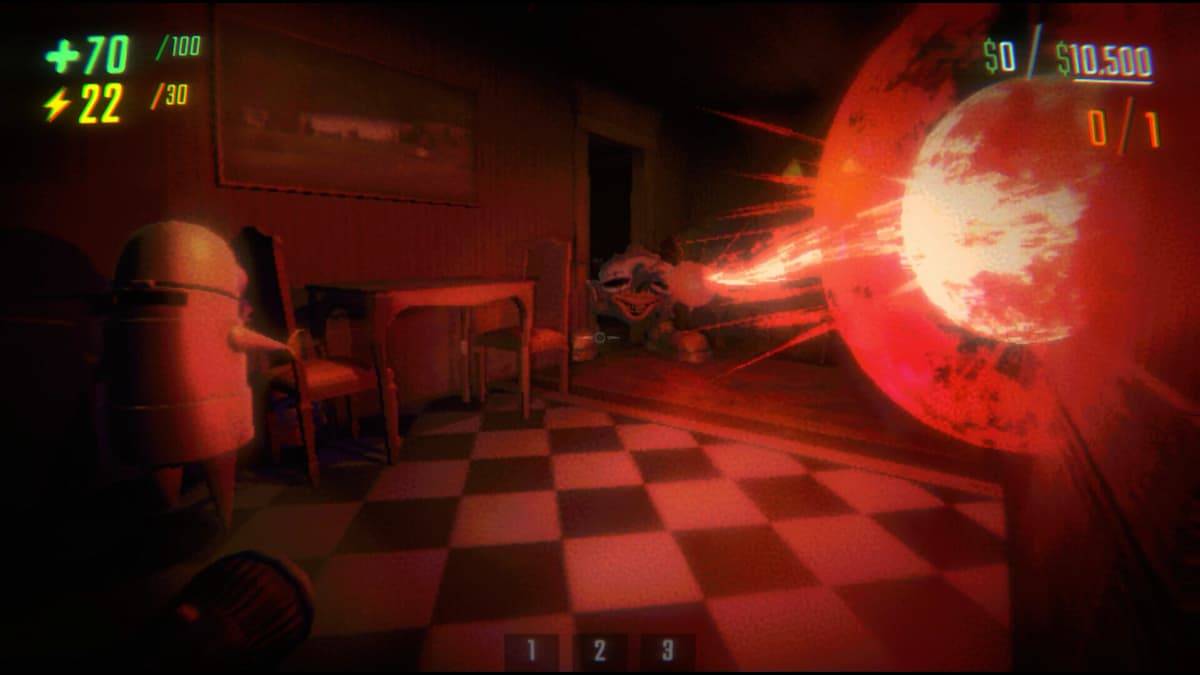
For fans of online multiplayer horror games like Content Warning and Lethal Company, R.E.P.O. offers a familiar yet enhanced experience. If you've enjoyed those games but craved larger squads, R.E.P.O. delivers. This guide explains how to utilize the lobby size mod to expand your gameplay.
Installing the More Players Mod in R.E.P.O.
R.E.P.O.'s default lobby size is six players, a generous amount. However, if you desire even larger groups, a mod can help. This requires the BepInEx mod framework. Follow these steps:
- Download and install BepInEx from Thunderstore. This is the essential framework for running mods in R.E.P.O.
- Download the More Players mod from Thunderstore.
- Extract the contents of the downloaded .zip file.
- Locate the "plugins" folder within the extracted files.
- Copy the "plugins" folder and paste it into the BepInEx directory located within your R.E.P.O. game files.
The More Players mod is now installed. The next section details how to configure it.
How to Increase Lobby Size
To adjust the lobby size, you need to modify a configuration file:
- Open the BepInEx config folder (usually located within the game's directory).
- Use Notepad (or a similar text editor) to open the
zelofi.MorePlayers.cfgfile. - Locate the line that reads "Maximum Players".
- Change the number following "Maximum Players" to your desired lobby size. For example, to accommodate eight players, change the number to 8.
- Save the file.
- Launch the game.
Remember, setting the lobby size excessively high might cause the game to crash. Experiment cautiously to find the optimal setting for your system.
That's how to use the lobby size mod in R.E.P.O.. For more R.E.P.O. tips, strategies, and monster guides, be sure to check out The Escapist.