Backroom Tower Defense 2: A Guide to Redeeming Codes and Boosting Your Gameplay
Are you a fan of tower defense games? Then dive into Backroom Tower Defense 2 on Roblox! This experience boasts exciting locations, challenging enemies, and unique units to bolster your defenses. To enhance your gameplay and unlock rewards, utilize Backroom Tower Defense 2 codes. These codes provide valuable in-game currency and units. Don't miss out!
Active Backroom Tower Defense 2 Codes:
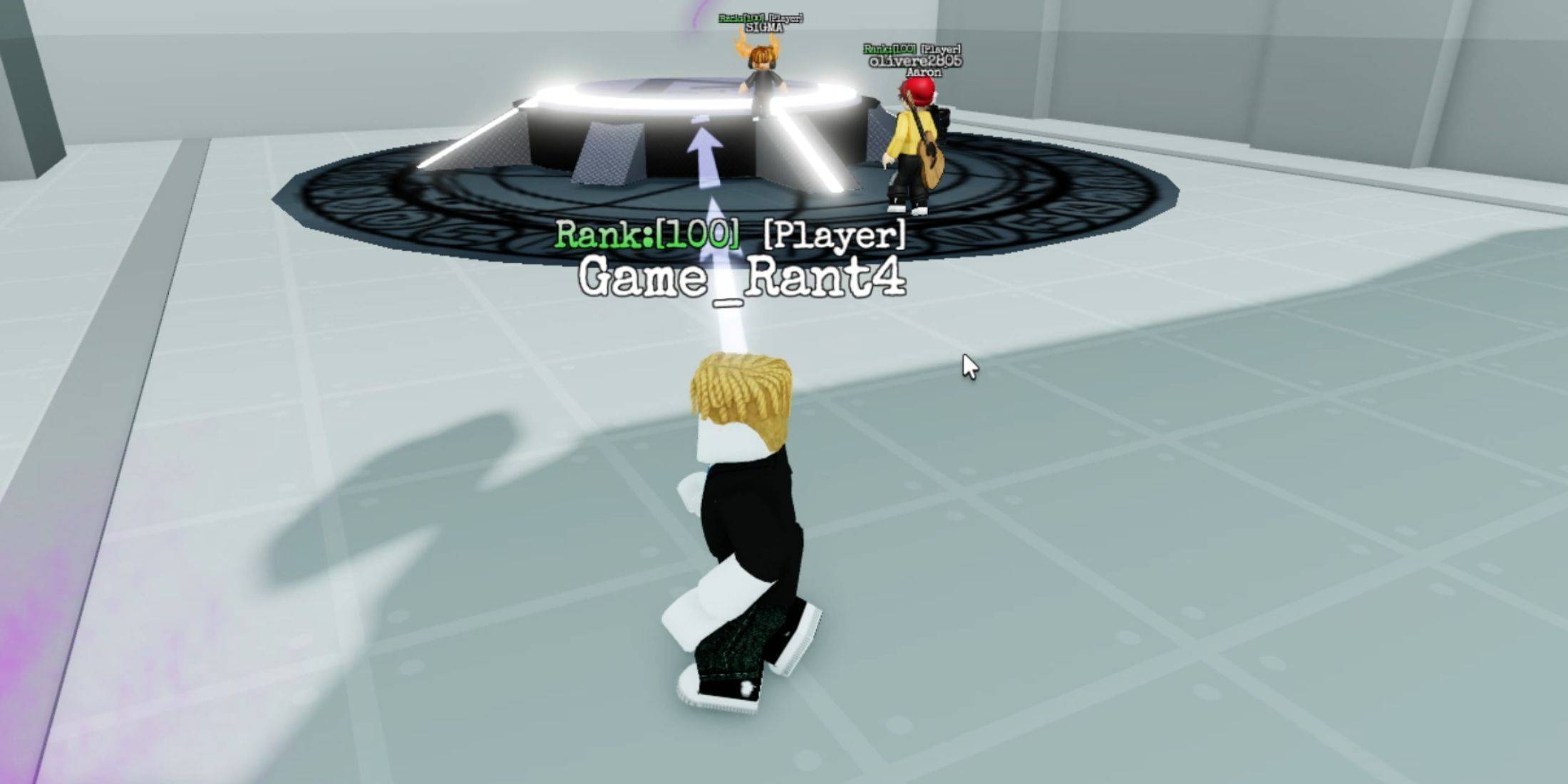
- UPD1: Redeem for in-game rewards.
- NewEra: Redeem for in-game rewards.
- PlayForFreePass: Redeem for in-game rewards.
- Christmas: Redeem for in-game rewards.
- TransferStarterPoints: Redeem for in-game rewards.
- Rank: Redeem for in-game rewards.
- BugFix: Redeem for in-game rewards.
Expired Backroom Tower Defense 2 Codes:
Currently, there are no reported expired codes. Redeem the active codes promptly to secure your rewards.
Redeeming your codes is quick and easy. Follow these simple steps:
- Launch Backroom Tower Defense 2.
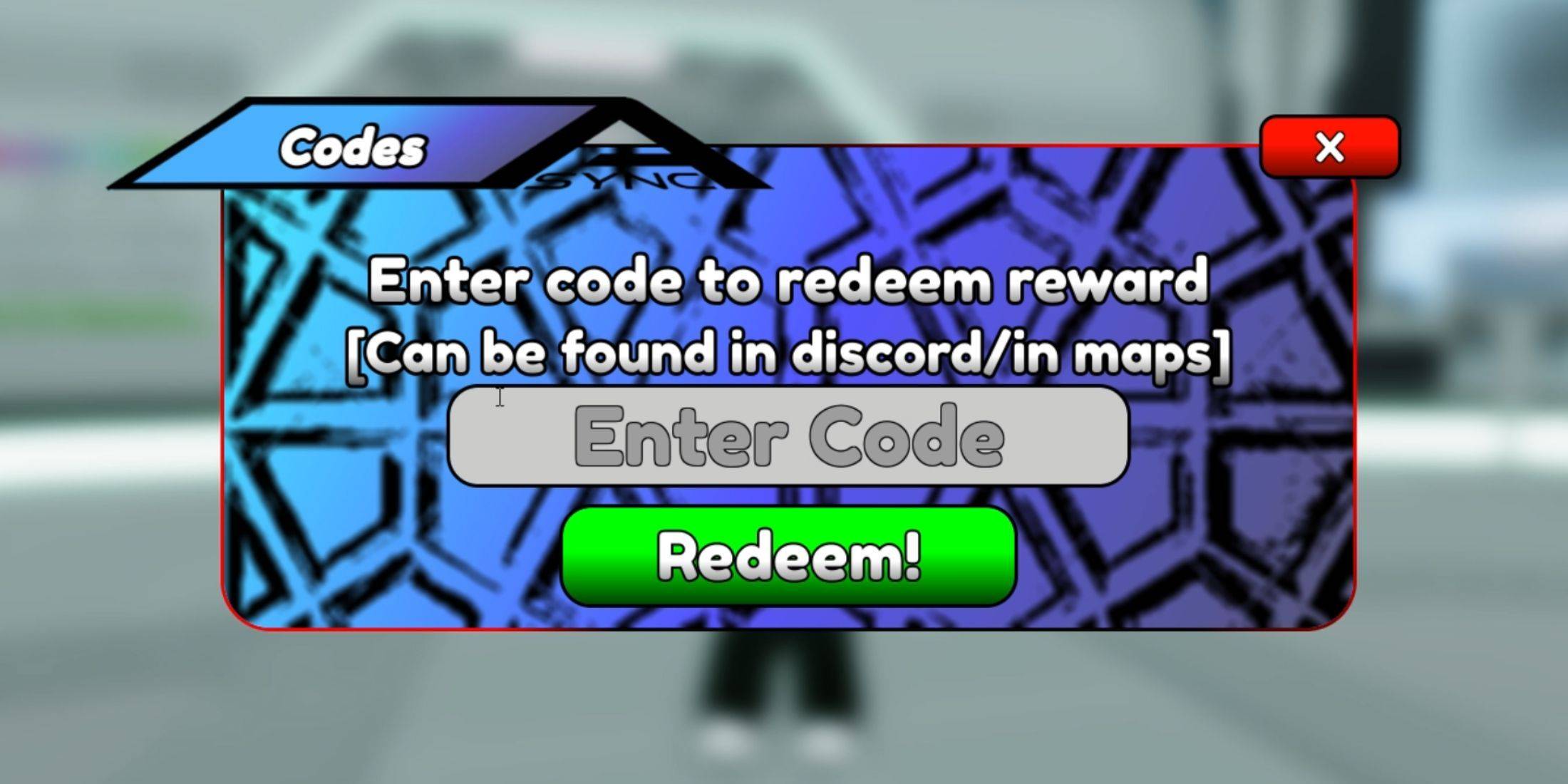
- Locate the column of buttons on the right side of the screen. Click the top button labeled "Code."
- An input field and a green "Redeem" button will appear. Enter (or paste) a code into the field.
- Click the green "Redeem" button.
A "Success Redeemed" message will confirm successful redemption.
Finding More Codes:
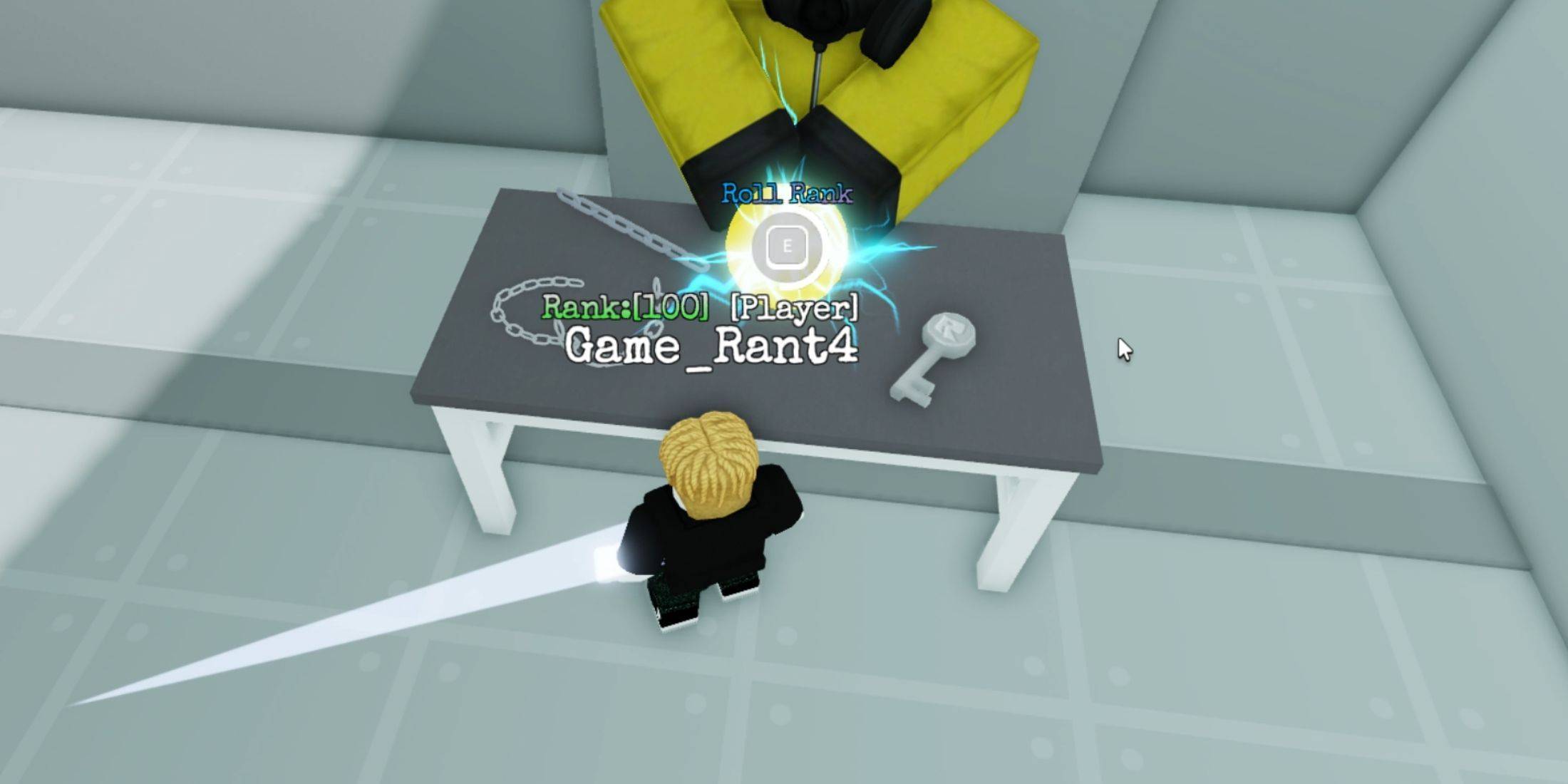
Discovering new codes requires more effort than redeeming them. The most reliable method is to check the game's official social media channels regularly. Here are the links:
- Official Backroom Tower Defense 2 Roblox group.
- Official Backroom Tower Defense 2 Discord server.
Stay updated and enjoy your enhanced Backroom Tower Defense 2 experience!