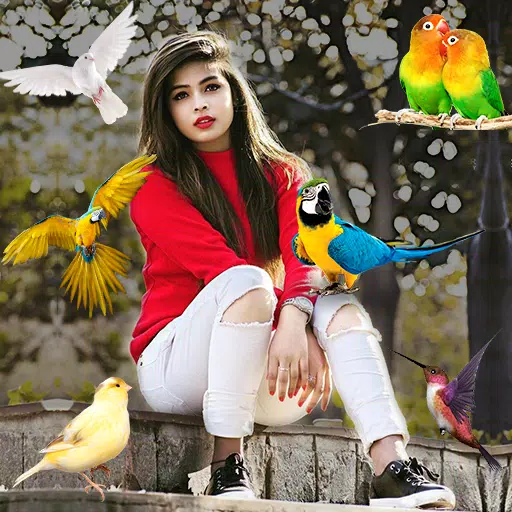
Fotor AI Photo Editor: Your All-in-One Photo Editing Solution
Fotor AI Photo Editor is a multi-functional and user-friendly tool that empowers individuals to take their photo editing skills to the next level. Whether you're a professional photographer or a casual enthusiast, Fotor offers an array of powerful features designed to enhance, retouch, and creatively transform your images.
Powerful Photo Editor
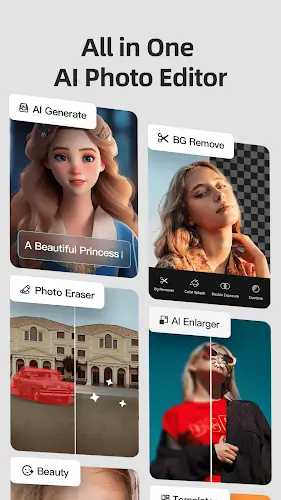
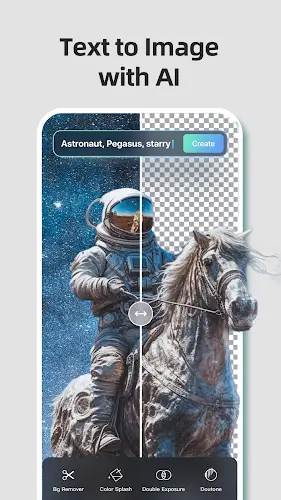
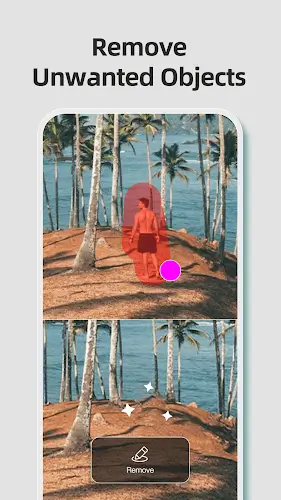
- AI-Powered Photo Editing: Fotor utilizes AI technology for tasks like background removal, enhancement, and object retouching, making complex edits effortless.
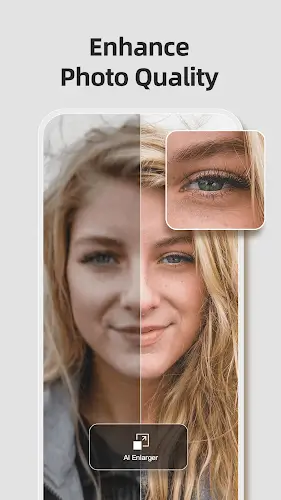
- One-Click Enhancements: Quickly improve image quality with Fotor's one-click enhancements, perfect for those new to photo editing.
- Background Manipulation: The AI background remover lets you seamlessly change or remove backgrounds, giving your photos a fresh look.
- Image Enhancement: Fotor can sharpen blurry images, bringing out details and clarity.
- Professional Effects and Filters: Explore a wide range of creative effects and filters to add a personal touch to your photos.
Easy to Use
- Intuitive Interface: Fotor's clean and intuitive interface makes navigating through the various tools and functions a breeze.
- Pre-Made Templates: Fotor offers pre-made templates for collages and designs, simplifying the creative process and making it accessible to everyone.
- AI-Powered Tools: Fotor's AI-powered features automate complex tasks, reducing the need for manual adjustments.
- Customization: Enjoy the flexibility to customize templates, backgrounds, and more, giving you creative control without a steep learning curve.
- In-App Tutorials: Fotor provides in-app tutorials and tips to guide you through specific tasks, helping you learn and improve your editing skills.
- Mobile-Friendly: The mobile app version allows you to edit photos on the go with a simplified touch interface.
- No Download Required: Fotor is typically web-based, eliminating the need to download and install software, making it accessible from any device with an internet connection.
Great Adjustment Control
Fotor AI Photo Editor offers robust adjustment controls that empower you to fine-tune your images with precision and creativity. These controls encompass a wide range of editing options, including adjustments for brightness, contrast, exposure, saturation, color balance, and more. This versatile suite of tools allows you to tailor your photos to your exact specifications, enhancing image quality, balancing lighting, and perfecting colors. Whether you're looking to make subtle refinements or dramatic transformations, Fotor's adjustment controls provide the flexibility and control needed to achieve your desired results. These tools are essential for professional photographers, creative enthusiasts, and anyone seeking to bring out the full potential of their images through meticulous adjustments and enhancements.
Photo Collage
Fotor AI Photo Editor makes creating collages a breeze. You can choose from a range of templates for both classic and magazine-style collages. With the classic option, you can combine up to nine photos and customize the layout, background, and spacing. The magazine-style templates provide a stylish and quick way to create collages that have a professional look, making them perfect for social media or personal use. It's a simple and fun way to display your photos creatively.
Summary
Fotor AI Photo Editor is more than just a photo editing tool; it's a creative companion for those who wish to express their unique vision through images. Its user-friendly design, AI-powered capabilities, and vast range of features make it an indispensable resource for enhancing and retouching photos. Whether you want to make quick, one-click improvements or embark on complex design projects, Fotor provides the tools and simplicity needed to achieve stunning results. As the digital world continues to emphasize visual content, Fotor remains a reliable choice for those who want their images to shine, whether for personal memories or professional presentations.