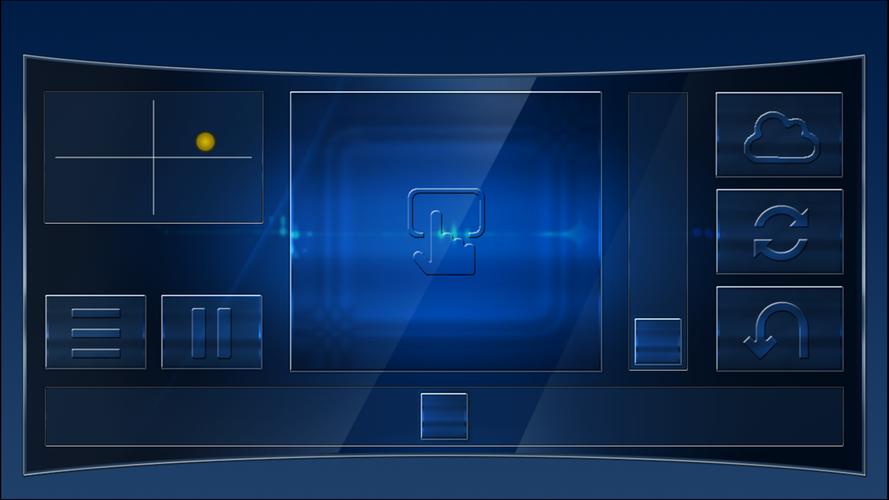
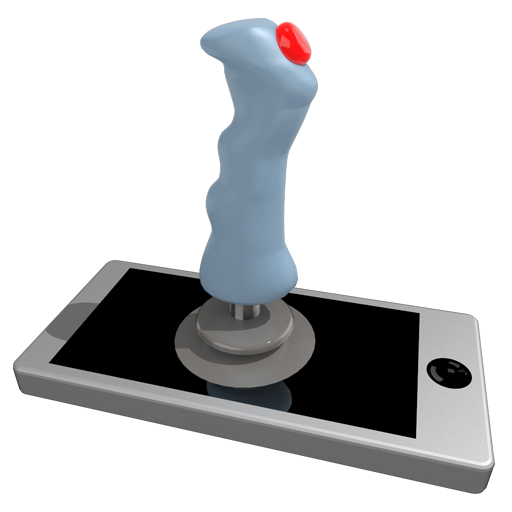
Use your device as a joystick, steering wheel, gamepad, mouse, or keyboard for your PC.
Transform your Android device into a joystick, steering wheel, gamepad, mouse, or keyboard that works with 99% of PC games.
We provide pre-made skins for games such as:
Red Bull Air Race Game
Minecraft
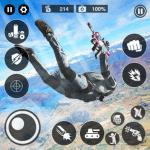
Counter-Strike
World of Tanks
Microsoft Flight Simulator
and many others…
- It functions as a real joystick emulator, recognized by your PC as a plug-and-play device.
- The app also emulates a PC keyboard and mouse.
- All skins are fully customizable.
- You can create your own skins using XML, PNG, and MP3 files to play any PC game.
Quick start guide:
- Install PocketGamepad server on your PC. The server is available here:
http://www.pgpad.com/downloads/server/PocketGamepadSetup.exe
- Install PocketGamepad on your smartphone.
- Launch PocketGamepad server on your PC.
- Launch PocketGamepad on your smartphone.
- Go to Menu / Connect, then press Search. When the app finds the PocketGamepad server, press Connect.
Selecting a skin
- Go to Menu / Skins (games)
- Select a skin and press Play
Customizing a skin
- Choose a skin
- Go to Menu / Edit skin
- Press the button you wish to customize
- Select Menu / Save as
- Go to Menu / Finish editing
To control a PC game, the game must be in focus on your PC—not running in the background.
Skins XML schema documentation:
http://www.pgpad.com/downloads/doc/xml_schema.pdf
What's New in Version 3.7
Added Counter-Strike skin
Added World of Tanks skin
Updated all skins
Improved connection
Menu button now shows WiFi signal quality
Supports multiplayer mode
Redesigned menu