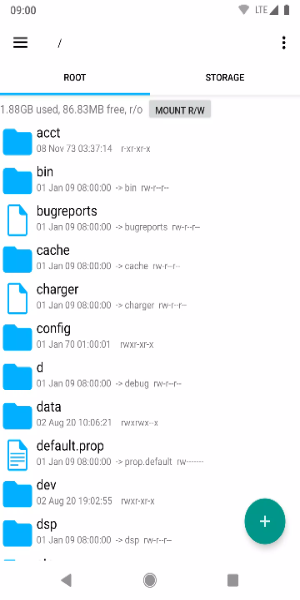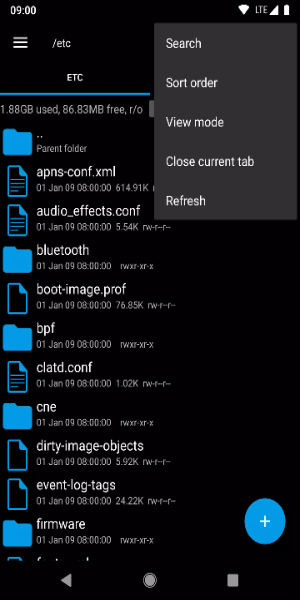

Unlock the full potential of your Android device with Root Explorer, the premier file manager built for advanced navigation, management, and customization. Whether you are a tech enthusiast demanding granular control or a casual user aiming for efficient organization, Root Explorer delivers a powerful, all-in-one solution directly on your screen.
Key Features:
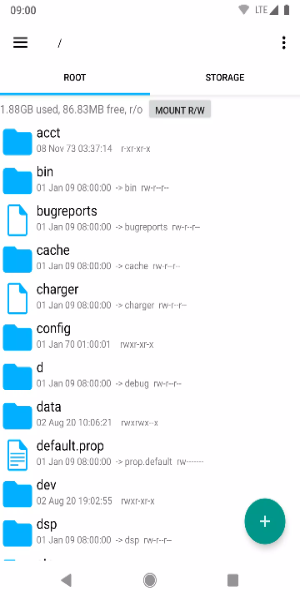
- Complete Root Access: Access system-level files and directories without restrictions, enabling deep customization and optimization of your Android device.
- Seamless File Management: Easily copy, paste, move, rename, and delete files using an interface designed for speed and simplicity.
- Archive Handling: Compress and extract files into ZIP and RAR formats, making file storage and organization straightforward.
- Cloud Integration: Manage files from cloud providers like Google Drive, Dropbox, and OneDrive directly within the app.
- Built-In Viewer & Editor: Preview images, documents, and text files, and edit text content on the fly without needing third-party apps.
Required Permissions:
Full Network Access: Enables connectivity to network and cloud services. No user data is transmitted to us over the internet.
Add or Remove Accounts: Used by the Google Drive SDK to add new accounts when necessary. Existing accounts remain unchanged, and detailed account names are not accessed separately.
Find Accounts on Device: Lists available accounts to facilitate login to Google Drive.
Prevent Sleep: Keeps the device awake during lengthy operations to prevent interruptions.
User Tips:
- Backup System Files: Always create backups of critical system files before making changes. This safety measure allows you to restore your device if unintended issues arise during customization.
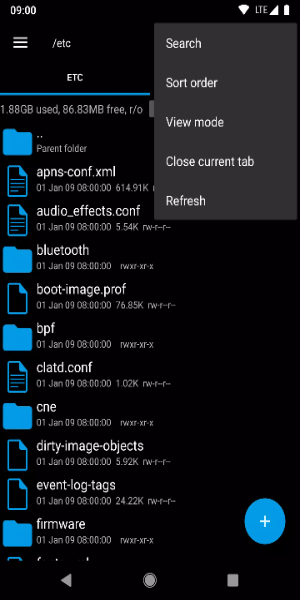
- Use the Search Feature: Leverage Root Explorer’s powerful search tool to quickly find files across large directories. This feature boosts productivity by locating files based on keywords or specific criteria.
- Bookmark Favorite Locations: Improve efficiency by saving frequently used folders as shortcuts. This allows for instant access to important directories without repetitive navigation.
- Adjust Permissions Wisely: Exercise caution when modifying file permissions. Incorrect settings can cause system instability or security risks. Always verify the impact of permission changes before applying them.
- Keep the App Updated: Regularly update Root Explorer to access new features, improvements, and security patches. Staying current ensures optimal performance and protects against vulnerabilities for a secure file management experience.
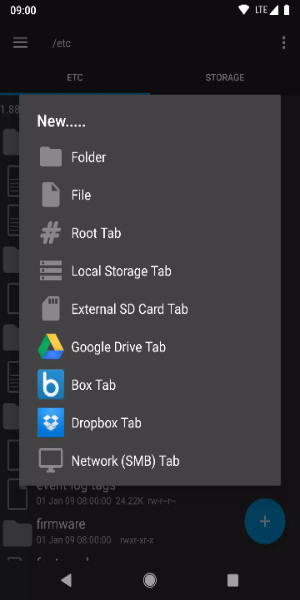
Start Using Root Explorer on Android Today
Root Explorer is an essential tool for Android users who want complete control over their device’s file system. With features like full root access, intuitive management, archive support, cloud integration, and built-in editing, it serves both casual users and power users. Upgrade your Android experience with Root Explorer, where convenience and customization come together seamlessly.