Capture and share your screen effortlessly with Screen Recorder Video Recorder, the ultimate app for recording videos, tutorials, gameplay, and more. This powerful and user-friendly app offers high-quality video capture and screenshots with smooth performance. Easily trim, crop, and rotate your recordings, and even add real-time annotations with the brush tool. The floating ball feature allows for easy control of the recording process with just one tap. Show your face on the screen with the facecam feature for engaging tutorials and presentations. With Screen Recorder Video Recorder, you can effortlessly record, edit, and share your videos with no time limit or watermark.
Features of Screen Recorder Video Recorder:
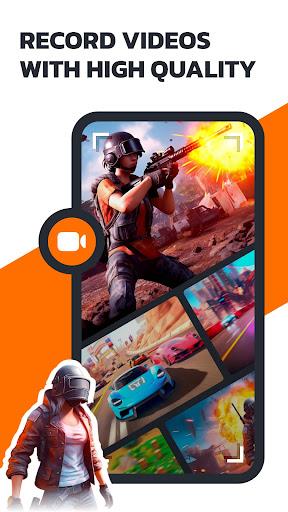
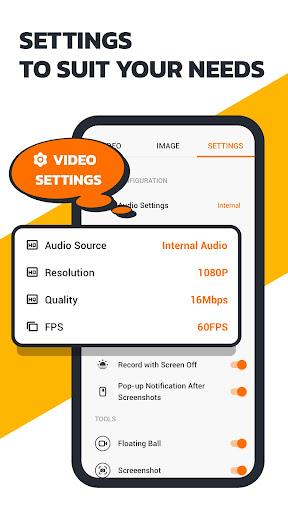
- High-Quality Recording: Record videos with exceptional HD clarity at 1080P, 16Mbps, and 120FPS, ensuring a clear and smooth screen capture.
- Multi-functional Video Editor: Trim, crop, and rotate your videos to extract the best parts, remove unnecessary elements, or switch between landscape and portrait modes.
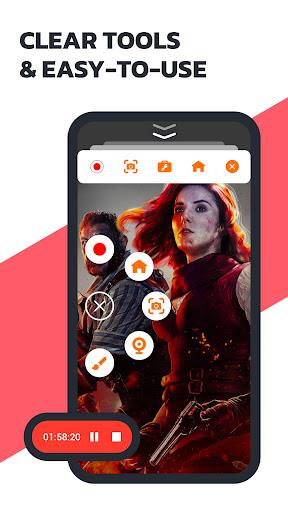
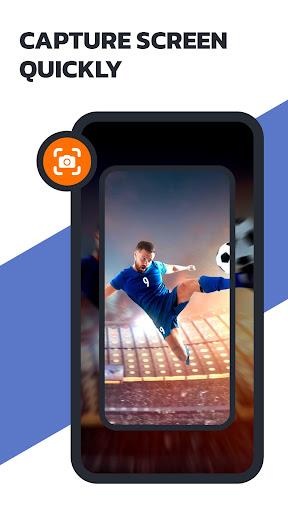
- One-Tap Floating Ball: Control the recording process effortlessly with just one touch on the floating ball. Capture, pause, resume, and take screenshots with ease. You can even hide the floating ball when you don't need it.
- Facecam Feature: Engage your audience by showing your face while recording tutorials, gameplay videos, or presentations. This feature adds real reactions and creates immersive videos.
- Screen Recorder with Brush: Utilize the brush feature to draw on the screen while recording, allowing you to explain concepts visually and captivate your audience. This makes it an excellent choice for recording lessons and tutorials.
- Easy Sharing: Instantly share your creations with friends on various platforms with just one click.
Conclusion:
Screen Recorder Video Recorder is a powerful and user-friendly app that provides high-quality screen recording and video editing capabilities. With features like one-tap control, facecam, and brush tools, it offers a comprehensive solution for capturing, editing, and sharing videos. Whether you want to record tutorials, gameplay, video calls, or any other moments, this app makes the process easy and enjoyable. Download now and simplify your recording experience!