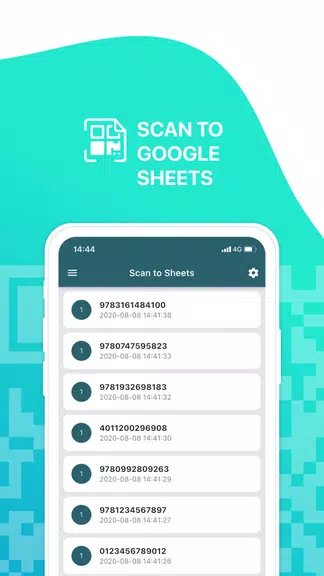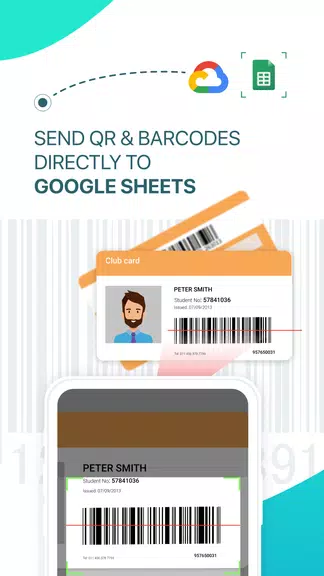
Sheetify: Scan to Google Sheets is your ultimate solution for effortlessly scanning QR codes and barcodes directly into Google Sheets. Perfect for inventory management in shops, warehouses, or libraries, or for tracking attendance at events and meetings, Sheetify simplifies data entry and boosts efficiency. Customize your Google Sheet schema, connect external scanners, and access both public spreadsheets and your Google account for unparalleled flexibility and convenience.
Features of Sheetify: Scan to Google Sheets:
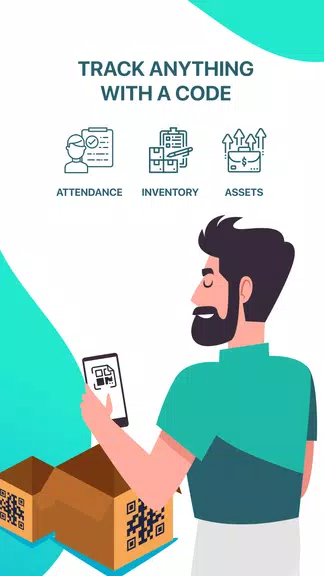
Streamlined Inventory Management: Effortlessly track your inventory by scanning items directly into Google Sheets, eliminating manual data entry and simplifying your inventory management process.
Convenient Attendance Tracking: Transform your phone into a quick and accurate attendance tracker for classes, events, or meetings. Scan QR codes to monitor attendance without cumbersome paper lists or spreadsheets.
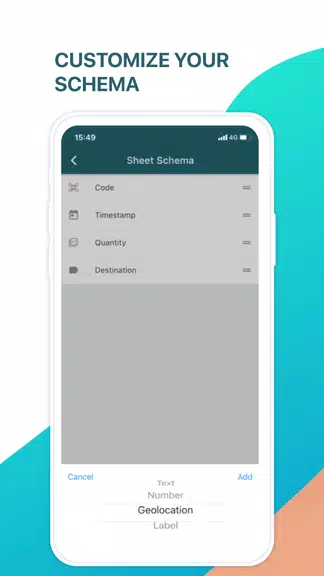
Customizable Google Sheet Schema: Tailor your scanning experience by customizing the Google Sheet structure to perfectly match your specific needs and data organization preferences.
External Scanner Connectivity: Enhance your scanning capabilities by connecting external scanners to your phone for a seamless and efficient workflow.
Frequently Asked Questions:
Can I use public spreadsheets with the app? Yes, you can use public spreadsheets or connect to your Google account to scan data directly into your chosen sheets.
Is the app compatible with all QR code and barcode types? Yes, Sheetify supports a wide variety of QR code and barcode types, ensuring versatility for diverse scanning needs.
Can I use the app offline? No, an internet connection is required to connect to Google Sheets for scanning and data storage.
Conclusion:
Sheetify: Scan to Google Sheets streamlines inventory management and attendance tracking, offering a customizable and efficient scanning experience directly to Google Sheets. Connect external scanners, leverage public spreadsheets or your Google account, and download the app today to transform your phone into a powerful data-tracking tool.