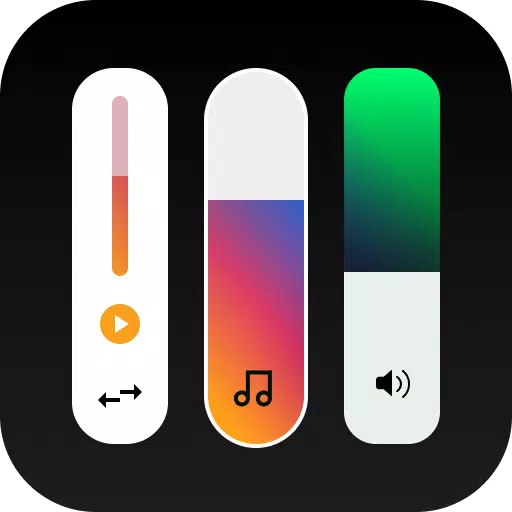
Enhance your device's user interface with a beautifully customized volume slider panel, featuring a variety of aesthetic styles and themes. With Ultra Volume, you can personalize your volume control panel effortlessly, enjoying a quick setup and smooth, responsive controls. Choose to design your own custom volume slider or select from an array of cool skins available within the app, transforming your device's look and feel to match your style.
Ultra Volume stands out as the ultimate customization tool, designed to replace your phone's default volume slider with a stylish new controller. It supports numerous volume streams, including alarms and notifications, ensuring a comprehensive customization experience. Dive into the world of aesthetic volume control and tailor your device exactly as you wish!
Smooth Animations and Responsiveness
Each custom control volume panel is meticulously crafted to provide the smooth animations and responsiveness you expect, enhancing your overall experience with delightful transitions and fluid controls.
Key Features
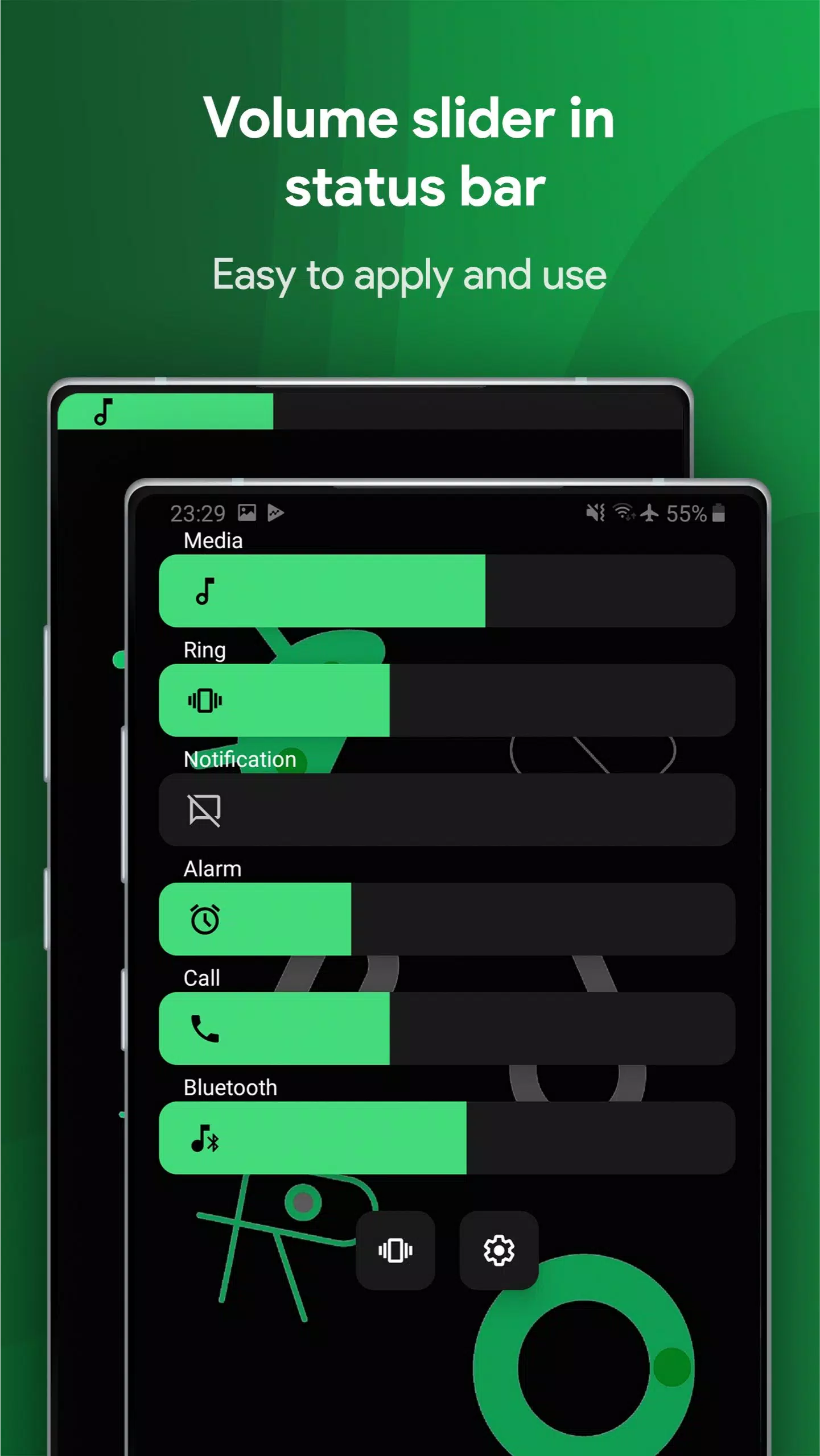
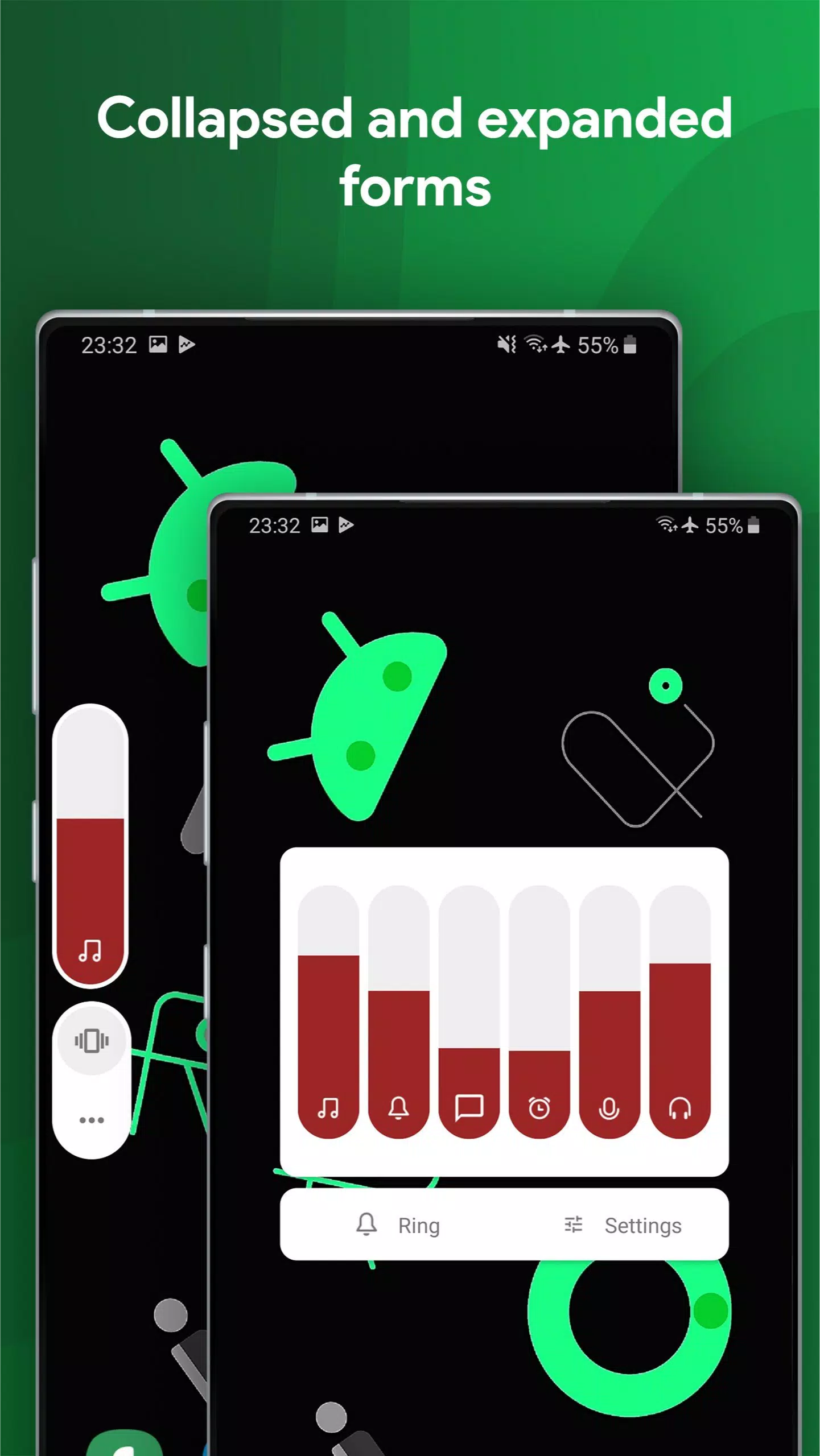
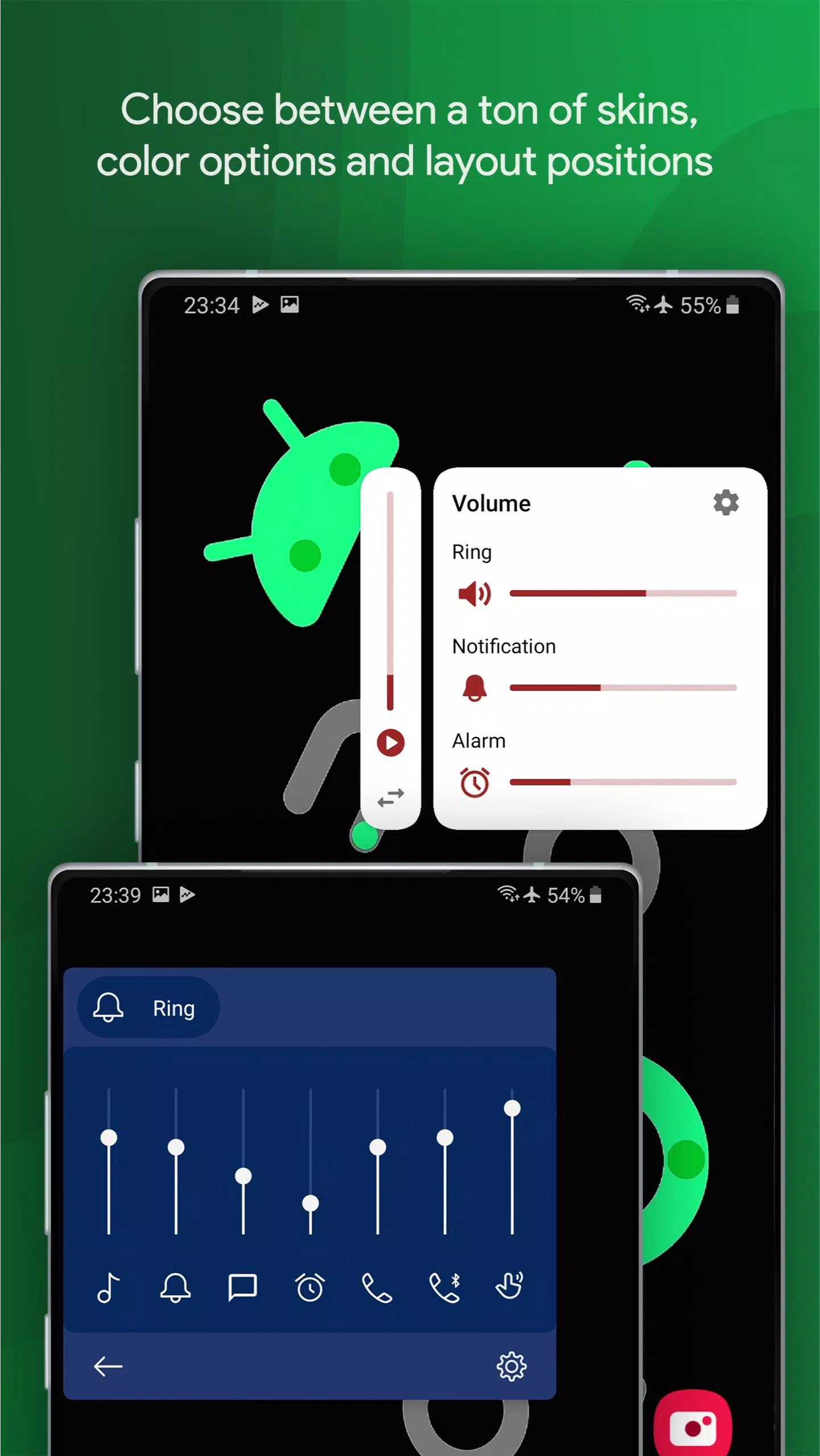
✓ Unique Volume Slider Styles: From Custom ROMs to integration with status bar & navigation bar, and styles mimicking Android 10 Vertical, Android 8 Horizontal, iOS 13, MIUI, OxygenOS, OneUI, and many more, Ultra Volume offers a wide range of custom volume slider panels to choose from.
✓ Full Color Customization: Tailor the colors of your volume slider to match your device's theme or your personal style.
✓ Gradient Slider: Add a stunning, customizable gradient to any skin, complete with a flowing animation for an extra touch of elegance.
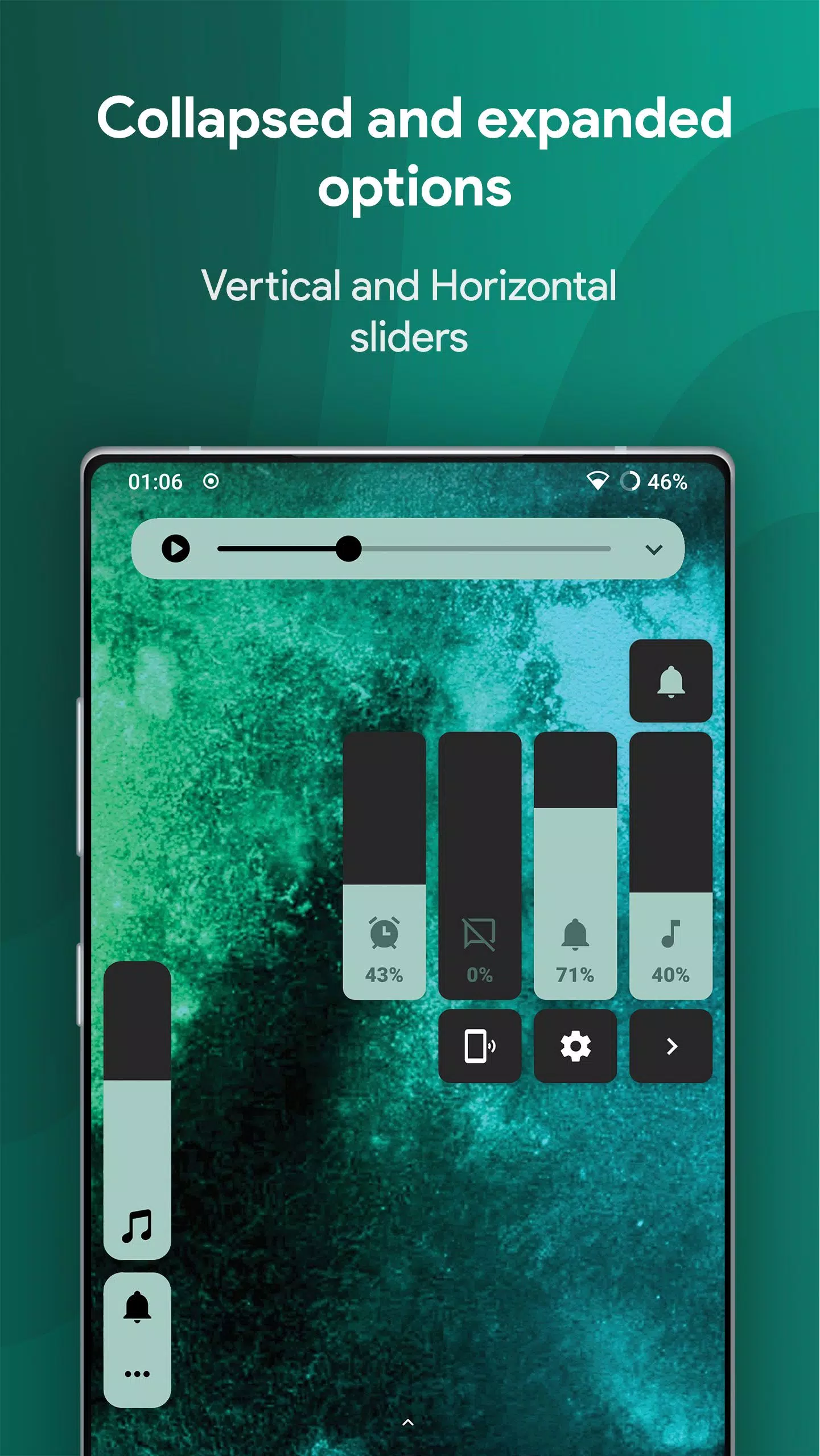
✓ Layout Arrangement: Adjust the size and position of your volume control panel on the screen, and choose which volume streams to display in the expanded view.
✓ Behaviour Control: Customize how long the control stays on screen and set a vibration feedback when reaching volume limits.
✓ Media Output Chooser: Easily select your preferred audio output from connected Bluetooth devices, with a live captions button for enhanced accessibility.
✓ Side Swipe Gesture: Open the volume panel with a simple swipe from the edge of your screen, bypassing the need for physical buttons. A quick tile is also available for instant access.
✓ All Sliders: Control media and Bluetooth volume, ring volume, notification volume, alarm volume, voice call volume, Bluetooth call volume, system sounds volume, cast volume for other devices, and even brightness, all from one convenient panel.
Experience a high-quality, aesthetic volume control that lets you make your device's UI truly your own. With Ultra Volume, setting up your perfect volume control panel is easy and enjoyable.
This app utilizes Accessibility services to enhance your customization options.
Create your ideal volume control panel with Ultra Volume's unique themes and styles, transforming your phone's interface in seconds.
Highly Customizable Volume Control Button
Replace your system's volume control panel with Ultra Volume's override service, choosing from a variety of skins to craft a beautiful volume control panel that enhances your phone's user interface.
Design your perfect volume control panel for an exceptional user experience.
- Disclaimer
All product names, logos, brands, trademarks, and registered trademarks not owned by us are the property of their respective owners. All company, product, and service names used in this app are for identification purposes only. Use of these names, trademarks, and brands does not imply endorsement. The Ultra Volume Control Styles application is owned by us and is not an official Apple or Xiaomi application. We are not affiliated, associated, authorized, endorsed by, or in any way officially connected with Apple and Xiaomi.