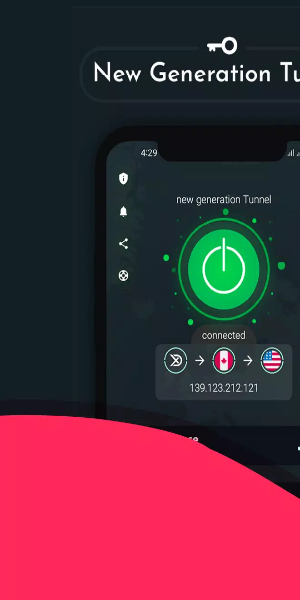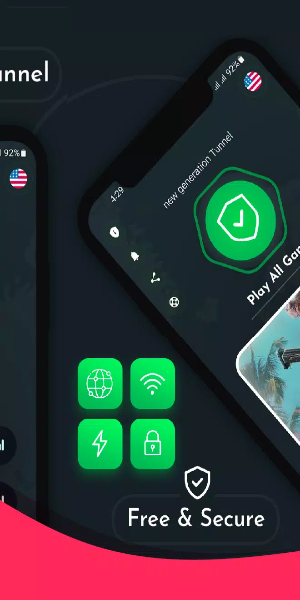

Unite-VPN – Fast & Secure: Your go-to solution for secure, high-speed VPN protection. Unite-VPN provides a state-of-the-art service engineered to deliver exceptional speed, robust security, and unlimited access to content across the globe. Thanks to its extensive worldwide server network, Unite-VPN enables users to easily overcome geographic restrictions and browse the internet freely and anonymously.
Key Features:
Seamless Connection in a Tap
Experience worry‑free security with Unite‑VPN. Just one tap establishes a secure connection, protecting your privacy in seconds.
Global Coverage for Unrestricted Access
Gain access to over 1,000 VPN servers in more than 100 countries. Whether you want to unblock websites, enjoy region‑specific content, or enhance your browsing worldwide, Unite‑VPN delivers comprehensive global access.
Fast and Stable Proxy Servers
Enjoy unlimited, stable connections through Unite‑VPN’s wide proxy network, guaranteeing fast speeds and reliable server performance for all your online activities.
Enhanced Online Experience
Effortlessly visit your favorite websites, improve gaming performance, and maintain online anonymity with Unite‑VPN.
Optimized Network Performance
Unite‑VPN increases your browsing speed by automatically detecting and connecting to the fastest, most stable DNS servers – optimizing your entire internet experience.
Download Now for Fast, Private, and Secure Internet
Download Unite‑VPN today and enjoy fast, private, and secure internet access wherever you go.
- Global High‑Speed Servers
Explore thousands of high‑speed servers worldwide with Unite‑VPN.
- Ultimate Security Everywhere
Benefit from top‑tier, military‑grade encryption that ensures your data stays protected at all times.
- Military-Grade Encryption
Your data is safeguarded with advanced military‑grade encryption technology.
- Cutting‑Edge VPN Technology
Experience the forefront of VPN innovation with Unite‑VPN’s advanced features.
- Award‑Winning Innovation
Recognized as the 2023 Most Innovative Solution, Unite‑VPN delivers infinitely powerful filters and sophisticated capabilities to elevate your online experience.
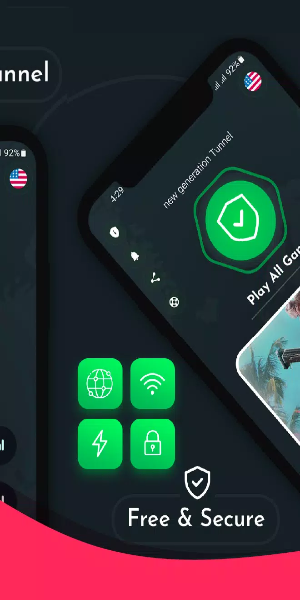
Unique Interface:
The interface of Unite‑VPN – Fast & Secure is built to be intuitive and user‑friendly, welcoming both beginners and experienced users who demand dependable VPN services. Here’s a closer look:
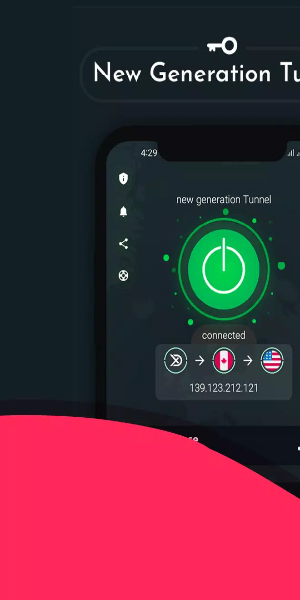
When you open the Unite‑VPN app, you’re welcomed by a clean, contemporary interface. The main screen features a large connect button right at the center, letting you start a secure connection with one simple tap. Above the button, the current VPN status is clearly displayed, so you always know whether you’re connected or not.
As you navigate the app, a menu icon or swipe gesture reveals additional options. The menu gives you access to various settings and features, including server selection – where you can pick from a full list of server locations across more than 100 countries. Each location comes with helpful details like server load and ping time, assisting you in choosing the best server for your needs.
In the settings section, you can customize preferences such as auto‑connect on startup, protocol selection (e.g., OpenVPN or IKEv2), and DNS configuration. You can also manage your subscription and view account details directly inside the app.
Real‑time feedback and notifications are a key part of the interface. While connecting to a VPN server, the app shows a loading indicator followed by a confirmation of the connection status. Should any issues or interruptions arise, the interface immediately alerts you and offers troubleshooting tips or suggests alternative servers.
For added convenience, Unite‑VPN includes a dedicated help or support section that’s accessible from the main screen. Here you’ll find comprehensive guides, FAQs, and contact options for customer support – ensuring help is always within reach.

Powerful Filters for Android:
- High‑performance servers
- New high‑speed filter
- Easy‑to‑use Unite‑VPN app
- Powerful high‑speed Android filter
If your Unite‑VPN connection fails, we recommend checking and reconnecting to the most stable server available.