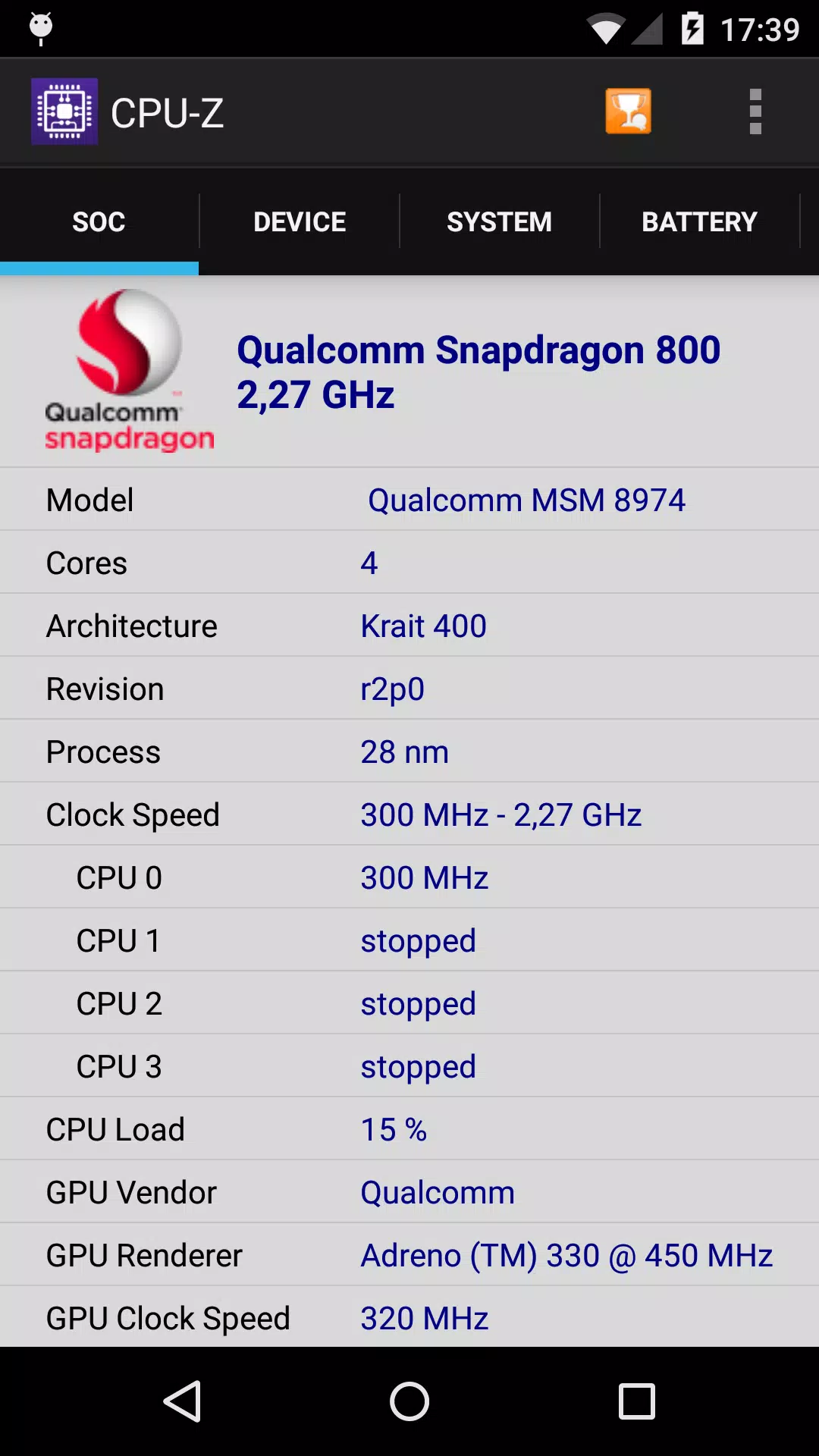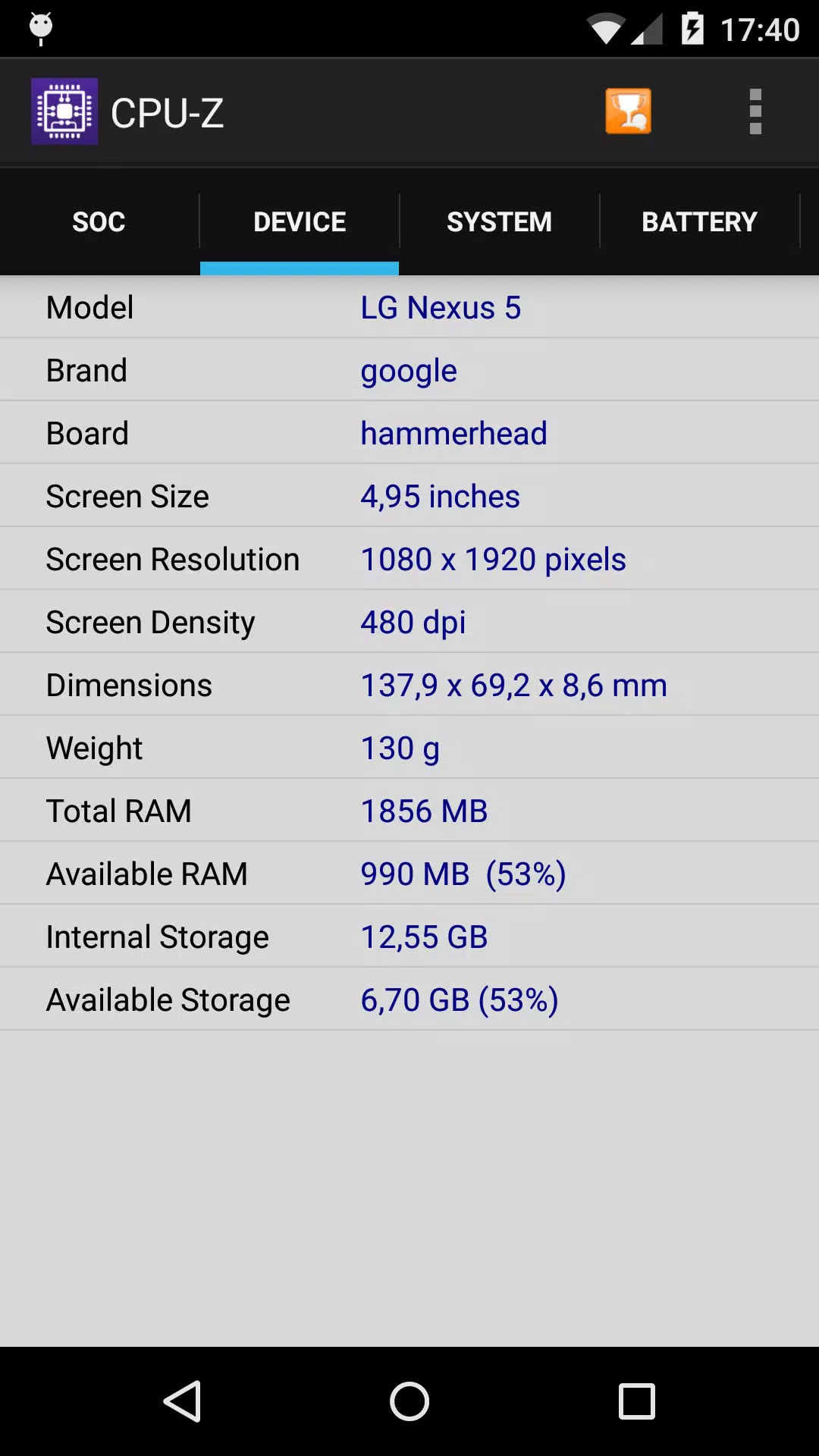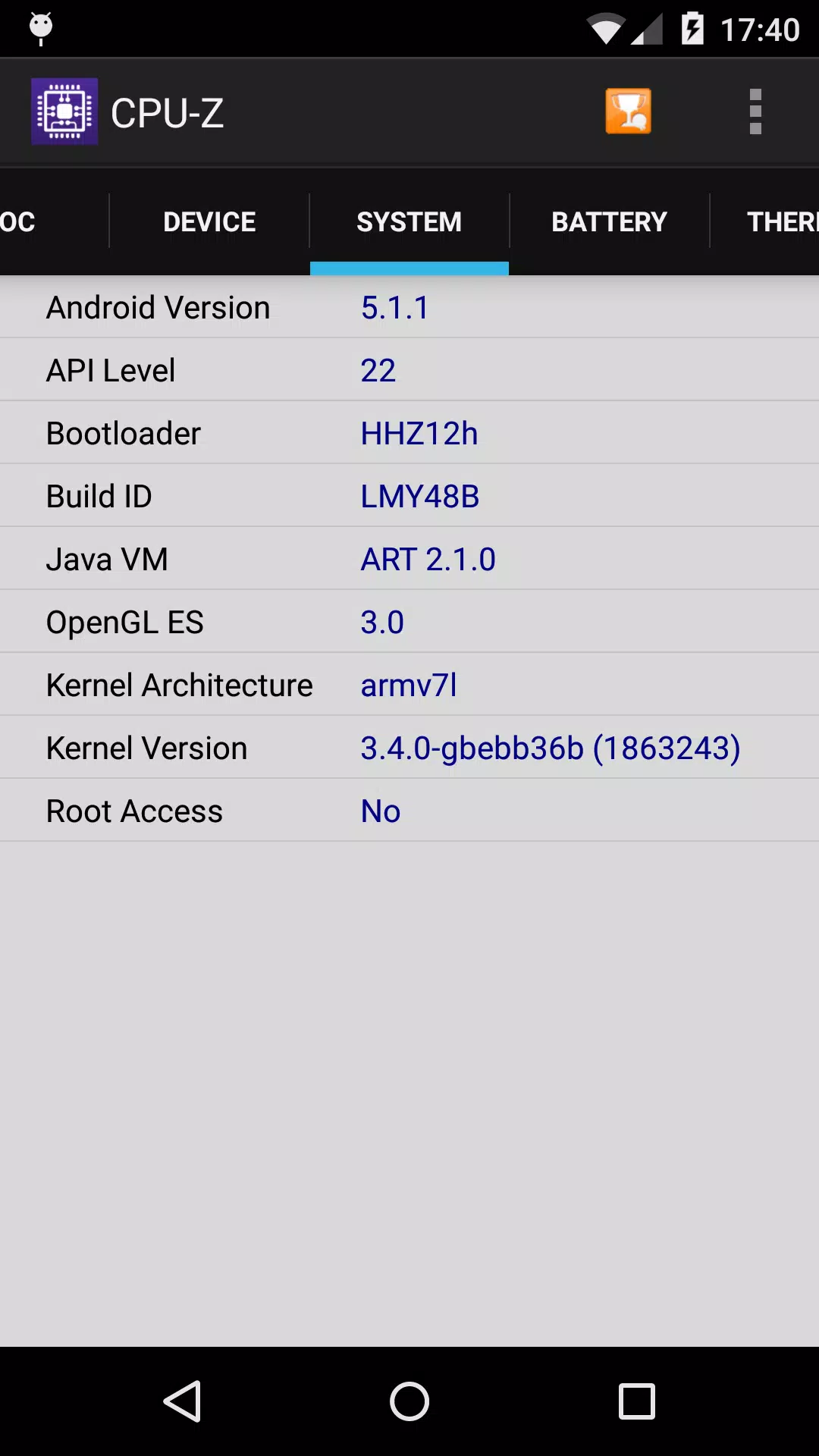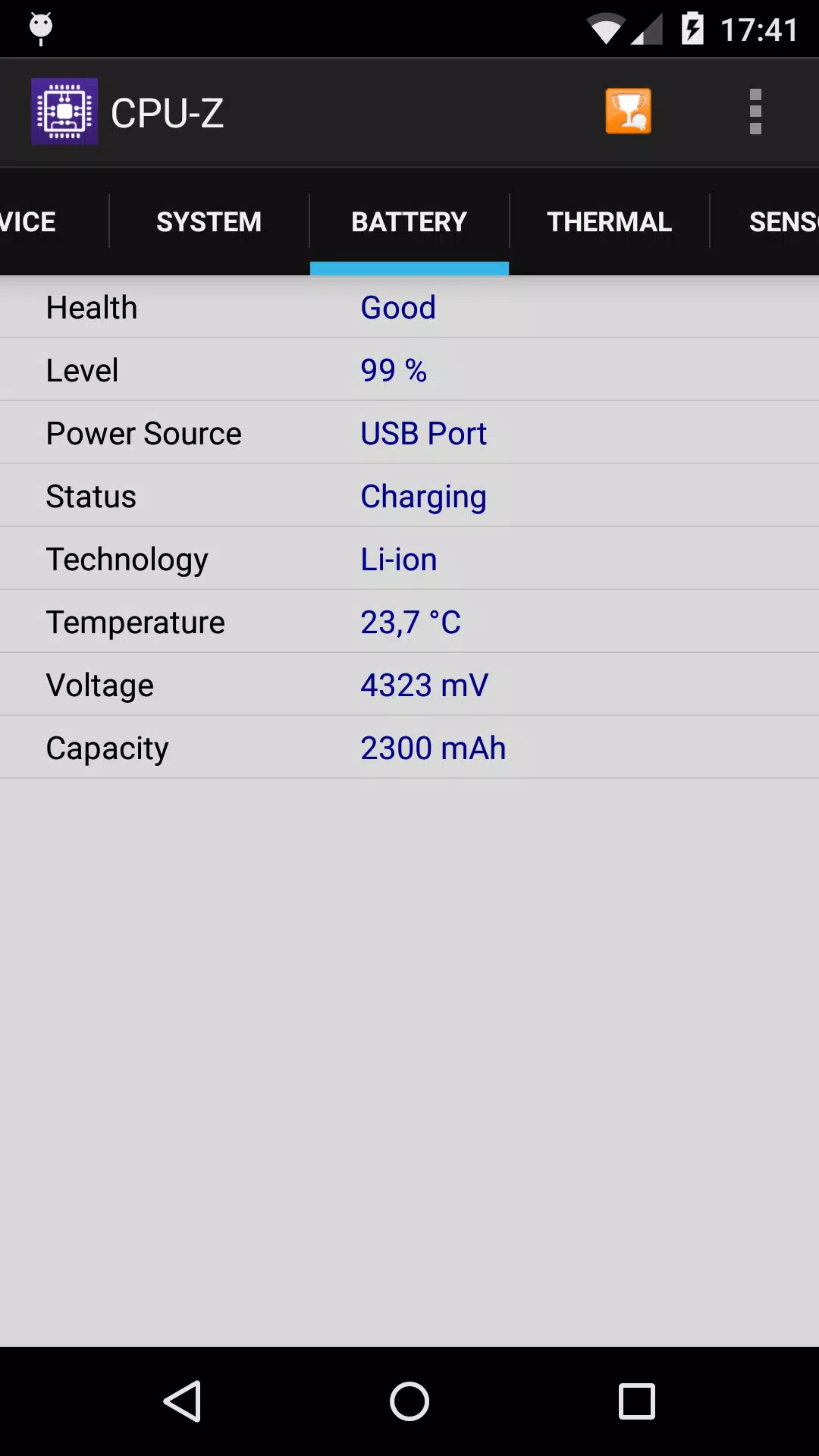
CPU-Z is a tool that provides detailed hardware information about your Android device.
The Android version of the popular PC CPU identification tool, CPU-Z is a free app that delivers comprehensive device information.
- SoC (System on Chip) name, architecture, and clock speeds for each core;
- System details: device brand & model, screen resolution, RAM, and storage;
- Battery data: charge level, status, temperature, and capacity;
- Sensor information.
Requirements:
- Android 2.2 and later (version 1.03 and above)
Permissions:
- INTERNET permission for online validation (see notes below for validation details)
- ACCESS_NETWORK_STATE for statistical purposes.
Notes:
Online Validation (version 1.04 and above)
Validation stores your Android device's hardware specifications in a database. After validation, the app opens your validation URL in your current browser. If you provide your email address (optional), a reminder email containing your validation link will be sent to you.
Settings Screen and Debug (version 1.03 and above)
If CPU-Z crashes unexpectedly (due to a bug), the settings screen will appear on the next launch. This screen allows you to disable the app's main detection features to ensure it runs properly.
Bug Reporting
If you encounter a bug, please open the application menu and select "Send Debug Info" to email a report.
FAQ and Troubleshooting
Visit the FAQ at: http://www.cpuid.com/softwares/cpu-z-android.html#faq
What's New in Version 1.45
Last updated on Oct 15, 2024
- ARM Cortex-A520, Cortex-A720, Cortex-X4, Neoverse V3, Neoverse N3.
- MediaTek Helio G35, G50, G81, G81 Ultra, G85, G88, G91, G91 Ultra, G99 Ultra, G99 Ultimate, G100.
- MediaTek Dimensity 6300, 7025, 7200-Pro/7200-Ultra, 7300/7300X/7300-ENERGY/7300-Ultra, 7350, 8200-Ultimate, 8250, 8300/8300-Ultra, 8400/8400-Ultra, 9200.
- Qualcomm Snapdragon 678, 680, 685.