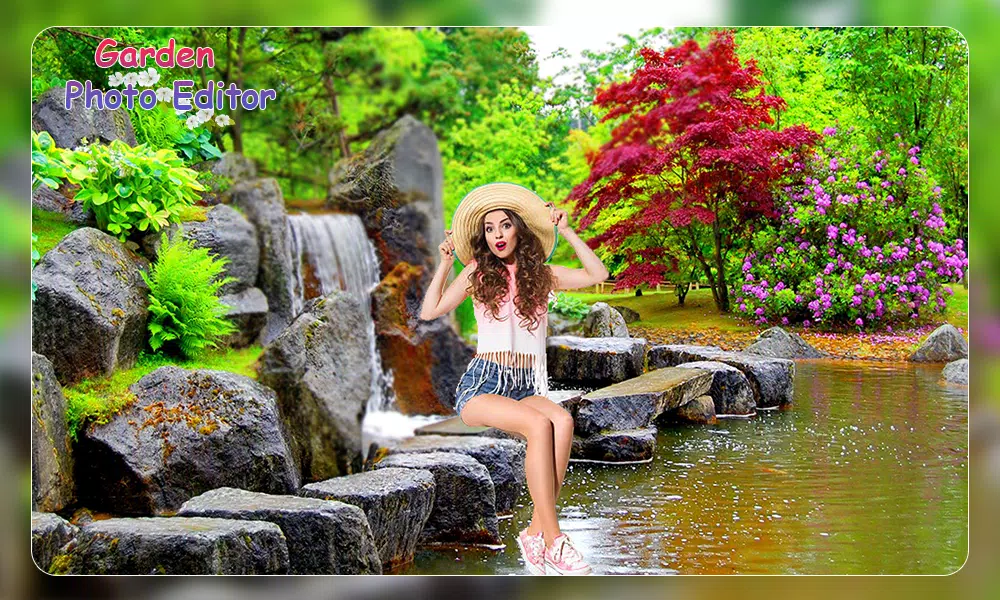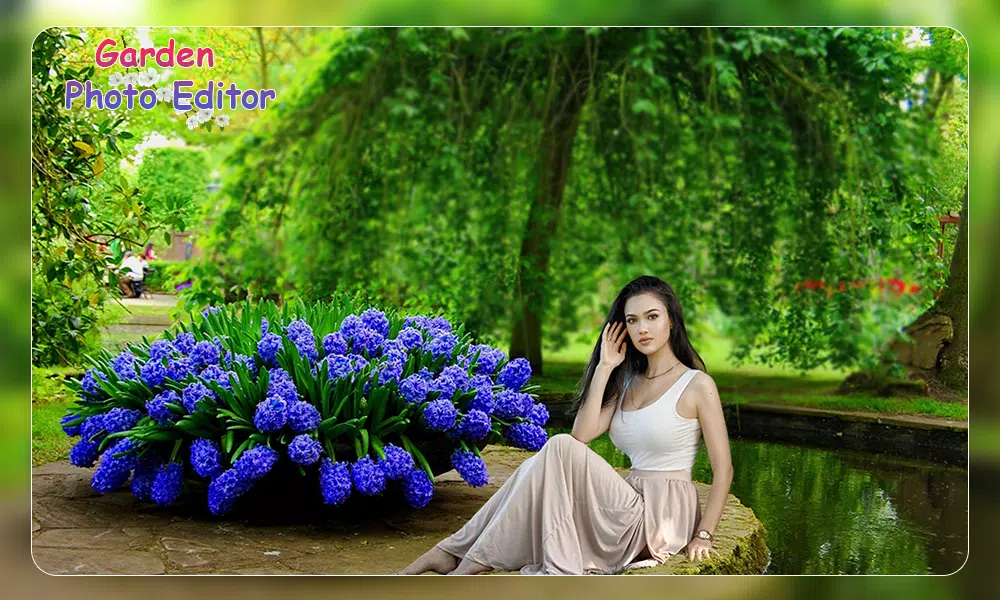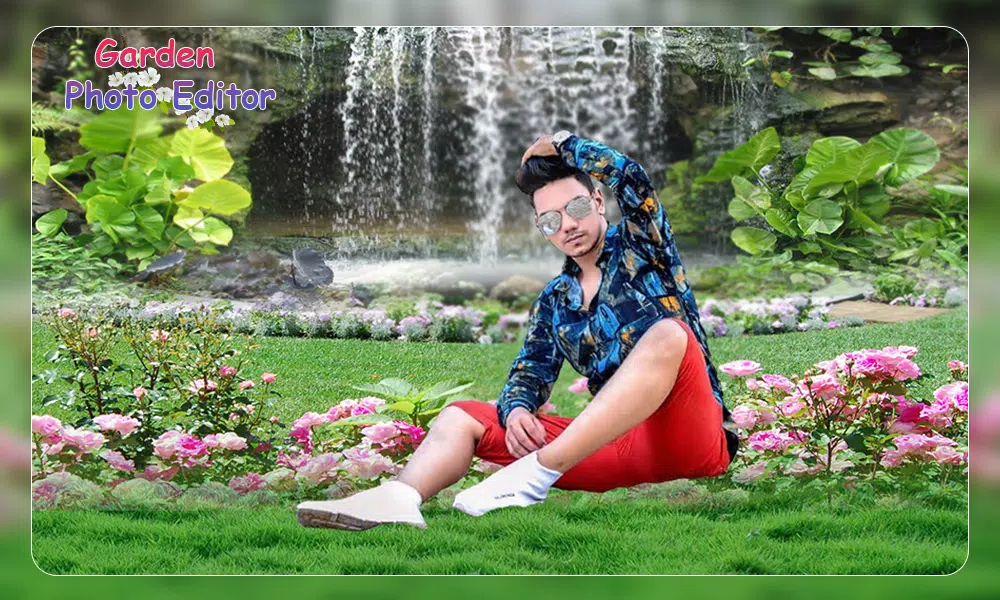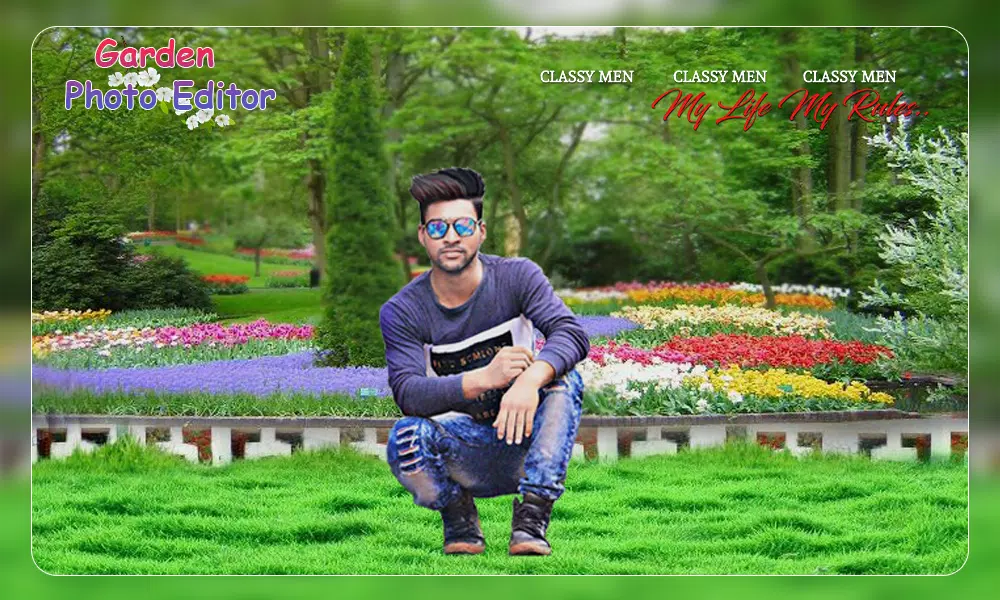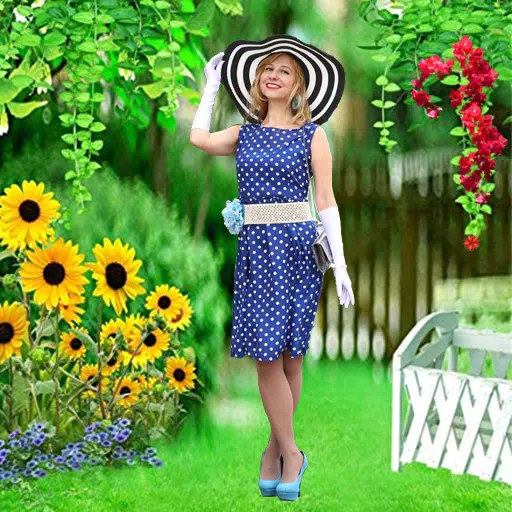
Transform your images into enchanting memories with the Garden Photo Frames app, where your photos blossom amidst the beauty of nature. This innovative app offers a delightful way to enhance your pictures by placing them within stunning garden settings, creating your very own beautiful and lovely garden picture frames to share with your loved ones.
Each garden holds its unique charm, and wouldn't you love to capture a selfie in these breathtaking locales? With the Garden Photo Frames app, you can dive into a vast collection of mesmerizing background pictures, frames, and stickers, turning your personal moments into works of art.
Imagine your selfies enveloped by the world's most famous gardens, now transformed into exquisite garden frames. This app not only decorates your photos but also allows you to add personalized text and stickers in various styles, making you feel as if you're truly immersed in the serene beauty of nature.
If you're a nature enthusiast who adores everything green and vibrant, you're sure to fall in love with the Garden Photo Frame application. It's perfect for selfie-lovers and aspiring photo editors looking to create decorative and eye-catching frames with ease and speed.
Key Features of the App:
➔ Choose photos from your gallery or snap a new photo directly with your camera.
➔ Browse through a diverse collection of garden frames to find the perfect match for your photo.
➔ Effortlessly adjust your photo within the garden frame to achieve the desired look.
➔ Customize your image further by rotating, scaling, zooming, or dragging it to fit the frame perfectly.
➔ Apply various effects to enhance your photo and make it stand out.
➔ Elevate the style of your image with an array of filter effects.
➔ Enjoy a user-friendly interface designed for ease of use.
➔ Personalize your photo with cool and stylish fonts in different colors and styles.
➔ Add flair to your images with a variety of stickers.
➔ Set your beautifully edited picture as an HD wallpaper on your device.
➔ Save your masterpiece directly to your SD card for easy access.
➔ Share your creatively framed photos effortlessly on social media platforms.