Home News Ready or Not: How To Wipe Mods Without Losing All Progress

Ready or Not: How To Wipe Mods Without Losing All Progress

Author : Bella Update:Feb 27,2025

Removing Mods from Ready or Not: A Comprehensive Guide

Ready or Not's modding community offers exciting enhancements, but mods can also introduce instability and prevent multiplayer with unmodded friends. This guide details how to completely remove all mods from your game.

Multiple methods exist for installing Ready or Not mods (Nexus Mod Manager, mod.io, etc.). Regardless of your installation method, follow these steps for complete removal:

  1. Unsubscribe In-Game: Launch Ready or Not. In the in-game mod menu, unsubscribe from all active mods. This prevents re-downloads after deletion. Close the game.

  2. Delete Game Mods: Open Steam, right-click Ready or Not in your library, select "Properties," then "Local Files," and finally "Browse." This opens the game's directory. Navigate to Ready Or Not > Content > Paks. Delete all files and folders within the Paks folder. Then, delete the Paks folder itself.

  3. Delete Local AppData Mods: Press Windows+R, type %localappdata%, and press Enter. Locate the Ready Or Not folder, and delete the Paks folder within it (Ready Or Not > Saved > Paks).

  4. Verify Game Files: In Steam, right-click Ready or Not, go to "Properties" > "Local Files" > "Verify Integrity of Game Files." This ensures the game's base files are intact.

  5. Optional Reinstall (Recommended): For a completely clean slate, consider reinstalling Ready or Not. While not strictly necessary, it's highly recommended if you don't plan on using mods again.

Why Delete Mods?
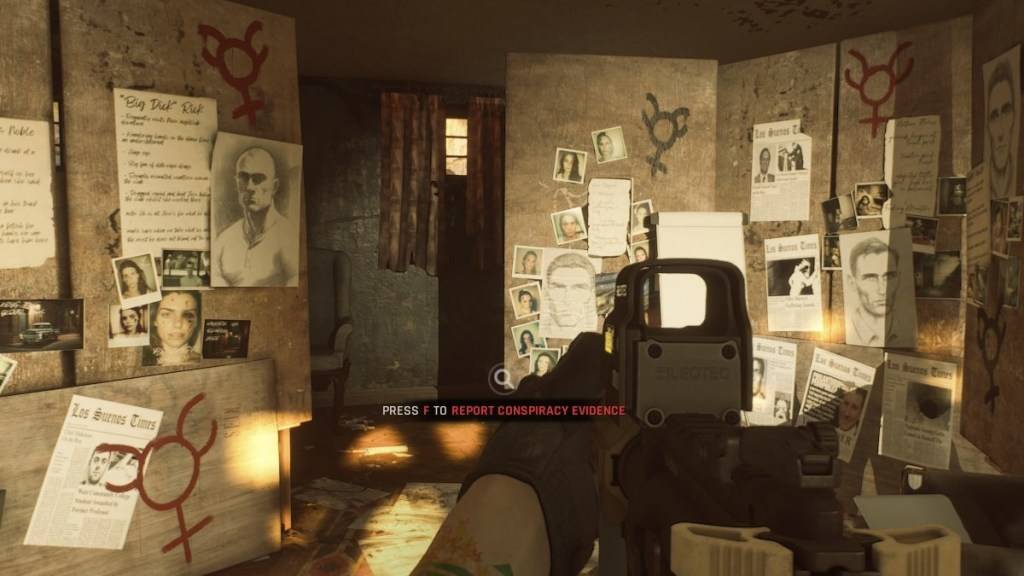
A photo of the Soft Objective in Carriers of the Vine in Ready or Not Ready as part of an article about how to delete mods.

Screenshot via The Escapist

While mods enrich Ready or Not, they can also cause errors, bugs, and glitches. Removing and reinstalling them often resolves these issues. Furthermore, mods prevent playing with friends who don't have the same mods installed. Deleting mods ensures compatibility and allows for seamless multiplayer sessions.

Ready or Not is available now on PC.

Latest Games More +
Educational | 114.7 MB
Kids build their dream burger in this fun, fast-food themed educational game!•••Join over 2 million Bamba fans – kids learn through play with Bamba!•••Children craft their perfect burger, flip the patty, prepare French fries, and serve drinks – just
Racing | 47.48MB
Vehicle Transformation Racing AdventureExperience revolutionary racing gameplay in Shift Car Transform Race as your vehicle dynamically converts between five forms:Powerful ground vehiclesAerial helicoptersWatercraft boatsAgile motorcyclesPrecision p
Puzzle | 13.80M
Bem-vindo ao Jogo de Dados: Quebra-Cabeça de Combinação, onde a diversão clássica dos dados encontra uma jogabilidade estratégica! Desafie-se neste viciante jogo de puzzle de combinação, unindo dados da mesma cor e formato para criar cadeias longas
Sports | 58.70M
Prepare to put your basketball prowess to the ultimate test! Basketball Games: Hoop Puzzles offers an exhilarating challenge featuring 120 progressively difficult levels packed with addictive gameplay. This physics-based sensation combines precise b
Action | 51.2 MB
Welcome to Number Master Merge - The Running Race ChallengeNumber Run: Number Master Run 3D presents greater challenges than expected. Your goal is to merge numbers, creating larger values to consume other numbers and reach the finish line. Merge wit
Card | 4.40M
Experience the ultimate classic board game with Ludo Snakes And Ladders. With roots in 6th century India, this game is ideal for all ages, whether you want to compete against friends, family, or the computer. Rely on luck and strategy as you dash to