This guide details how to install EmuDeck and play Game Boy games on your Steam Deck, maximizing performance with Decky Loader and Power Tools.
Before You Begin:
 Ensure you have:
- A fully charged Steam Deck.
- An A2 microSD card for games and emulators.
- Legally obtained Game Boy ROMs.
- A Bluetooth or wired keyboard and mouse (recommended for easier navigation).
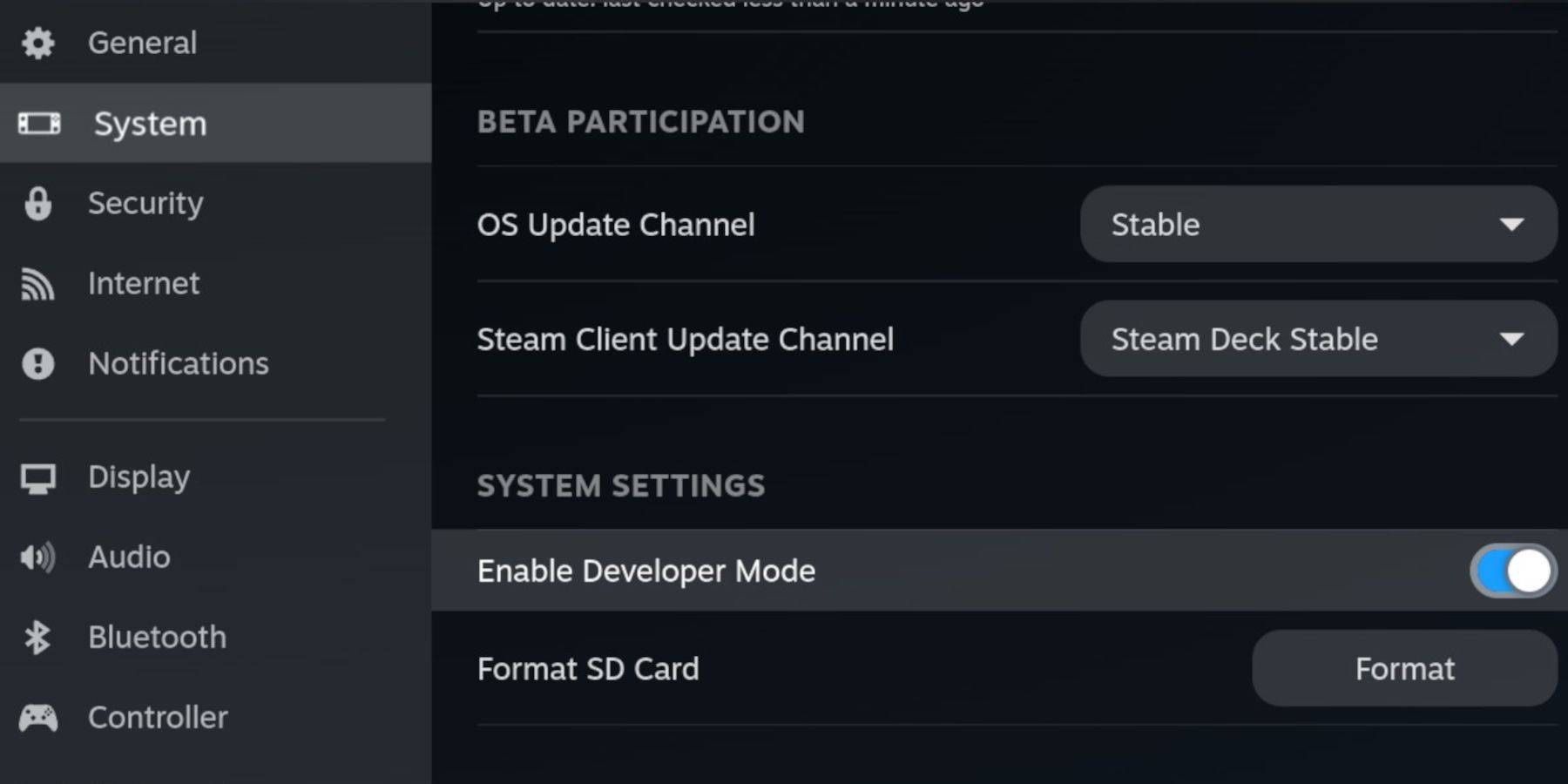
Enable Developer Mode and CEF Debugging within the Steam Deck's system settings, then switch to Desktop Mode.
Installing EmuDeck:
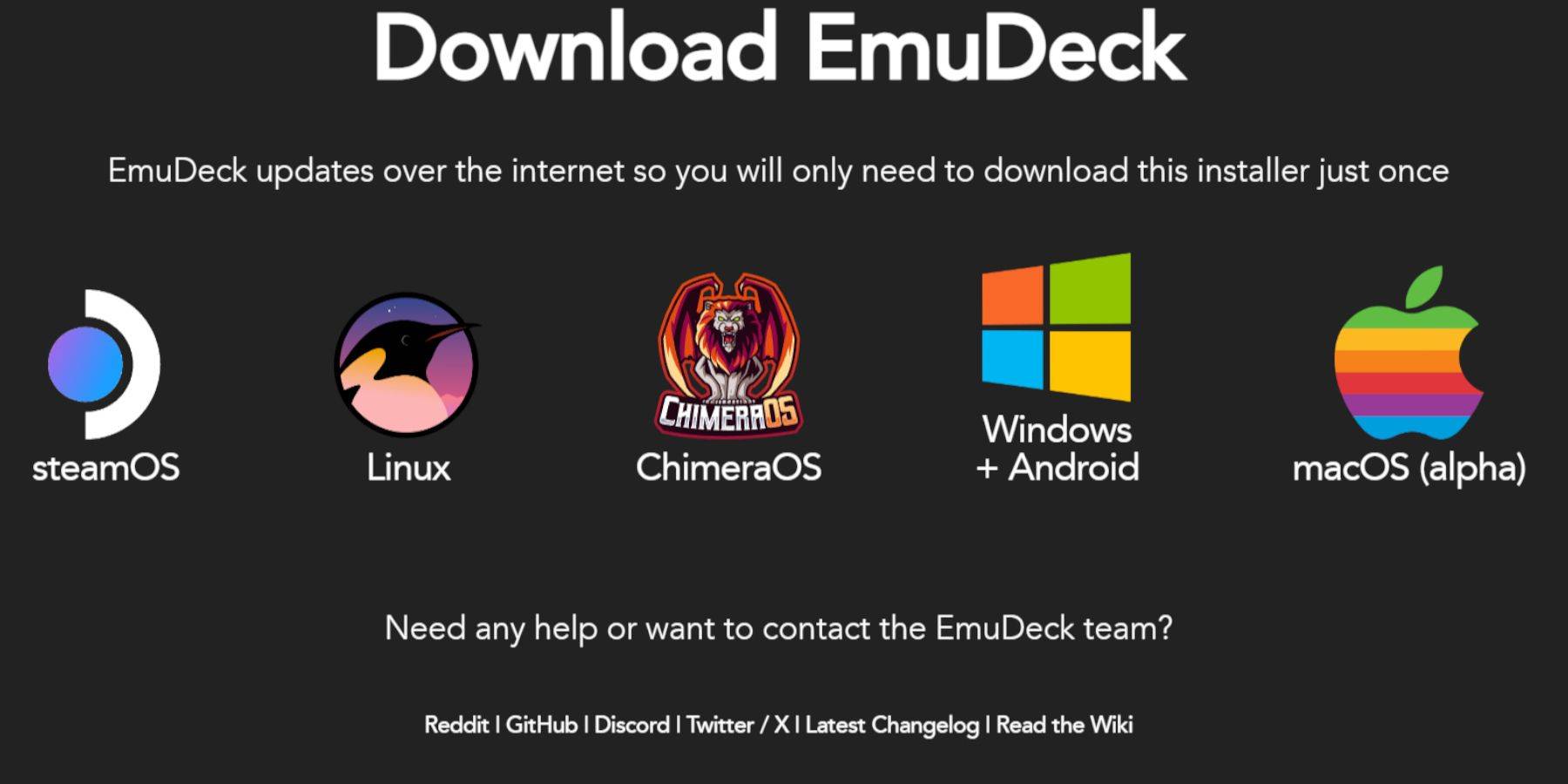 Download EmuDeck from its official website in Desktop Mode. Choose a custom install, selecting your SD card as the primary installation location. Select desired emulators (RetroArch, Emulation Station, Steam ROM Manager recommended). Enable AutoSave.
Quick Settings (EmuDeck):
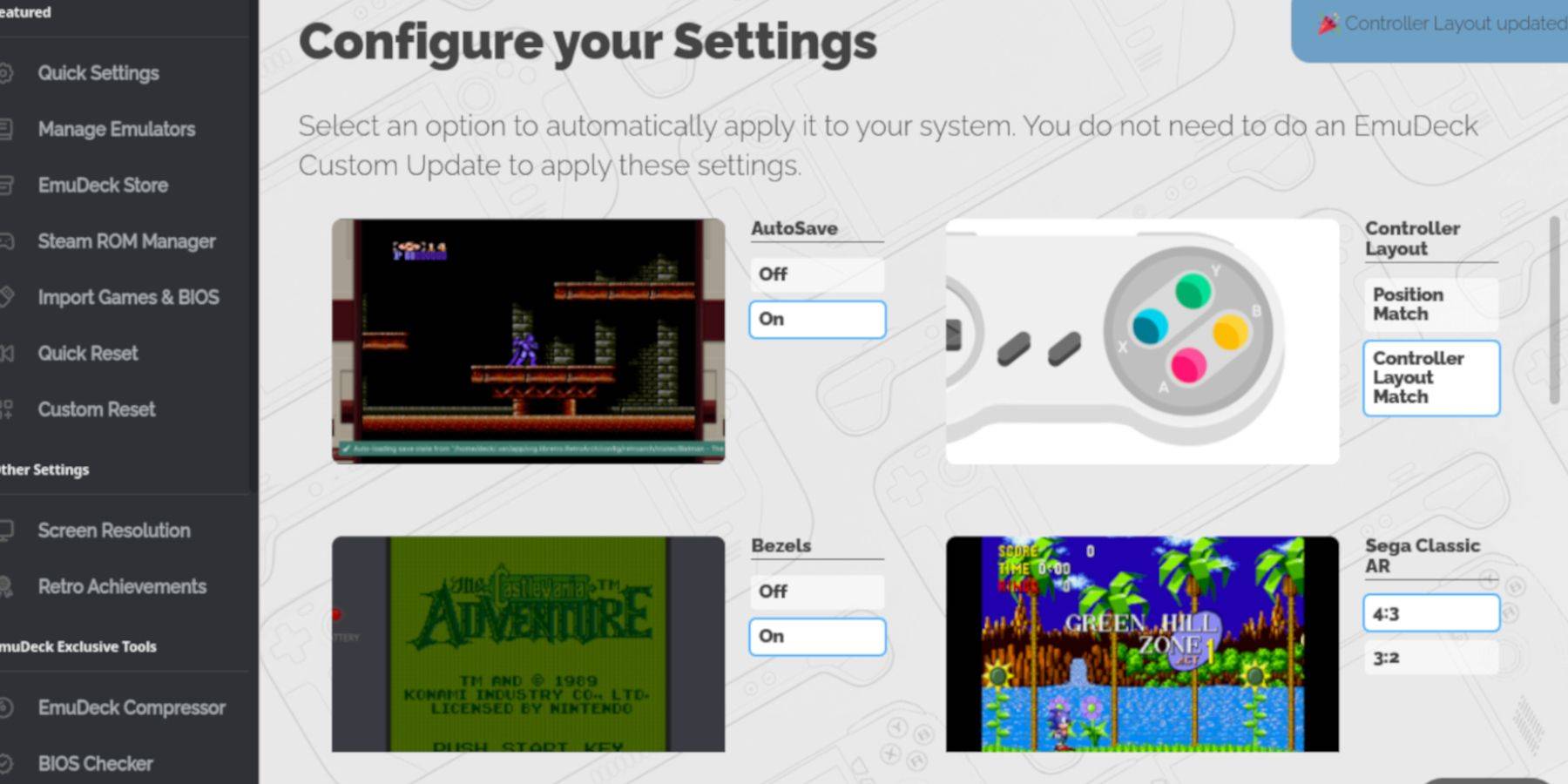 Within EmuDeck, enable AutoSave, Controller Layout Match, Bezels, Nintendo Classic AR, and LCD Handhelds.
Adding Game Boy Games:
 Using Dolphin File Manager, navigate to your SD card's
 Emulation/ROMs/gb folder and transfer your .gb ROM files. Ensure correct filenames.
Steam ROM Manager Integration:
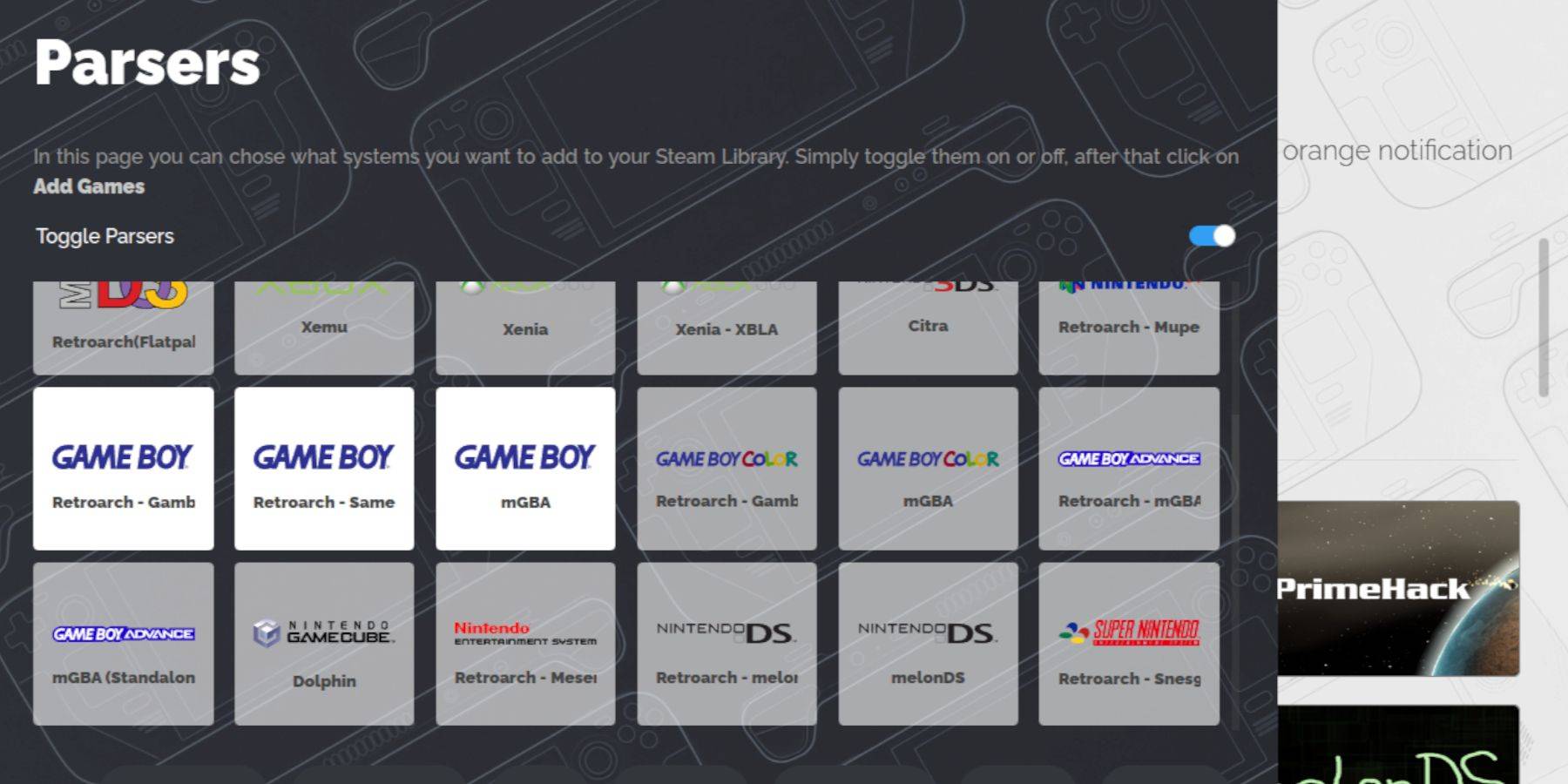
Use Steam ROM Manager within EmuDeck to add your Game Boy games to your Steam library. Disable Toggle Parsers, add the games, and save to Steam.
Playing Game Boy Games:
Access your Game Boy games through your Steam Library's Collections tab.
Customizing Game Colors (RetroArch):
Many Game Boy games support colorization via RetroArch. Access this through the RetroArch menu (Select + Y buttons) and adjust the GB Colorization settings.
Using Emulation Station:
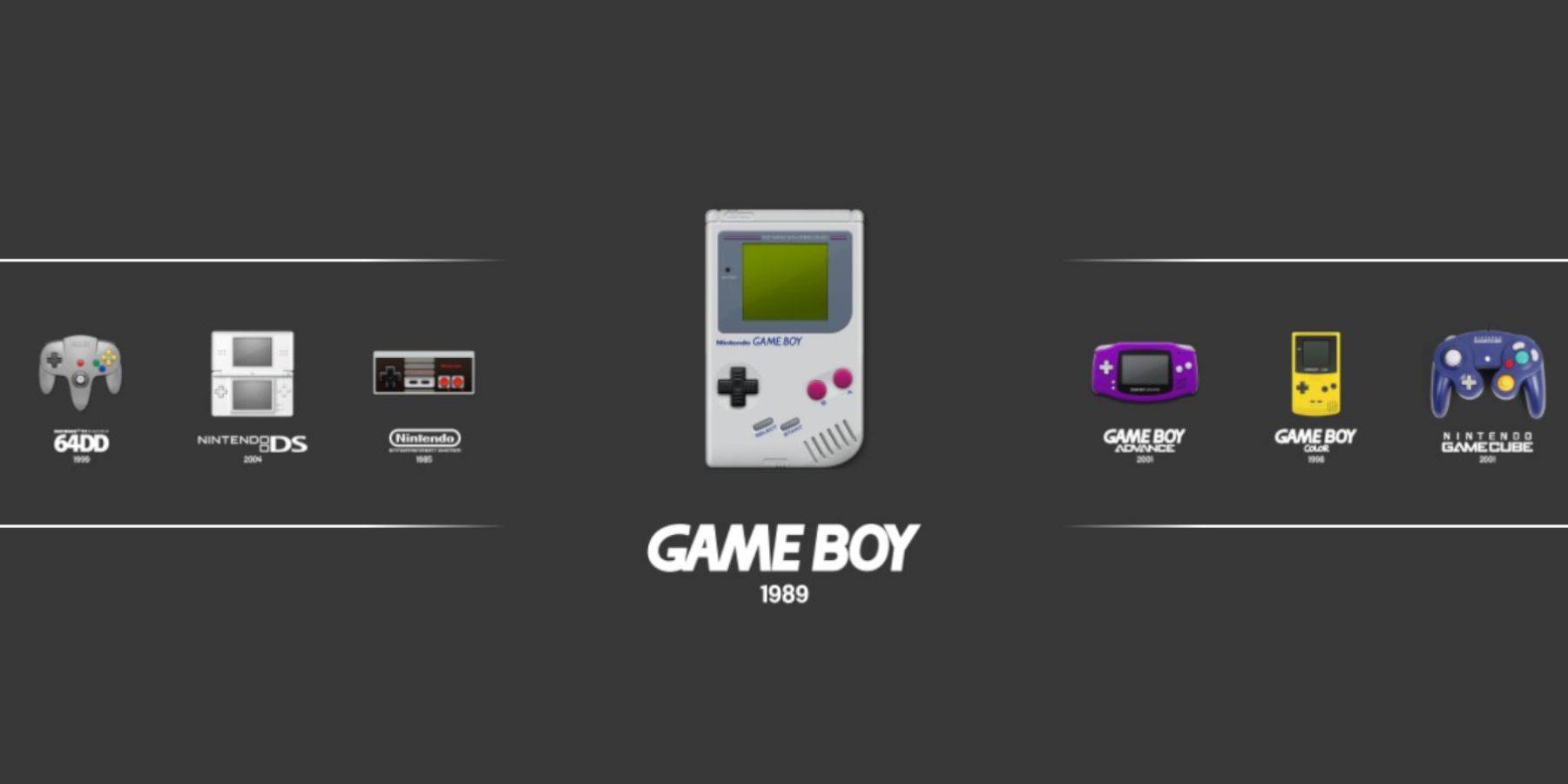 Alternatively, launch games directly from Emulation Station, accessible through your Steam Library.
Installing Decky Loader:
 Download Decky Loader from its GitHub page in Desktop Mode and perform the recommended installation. Restart your Steam Deck.
Installing Power Tools Plugin:
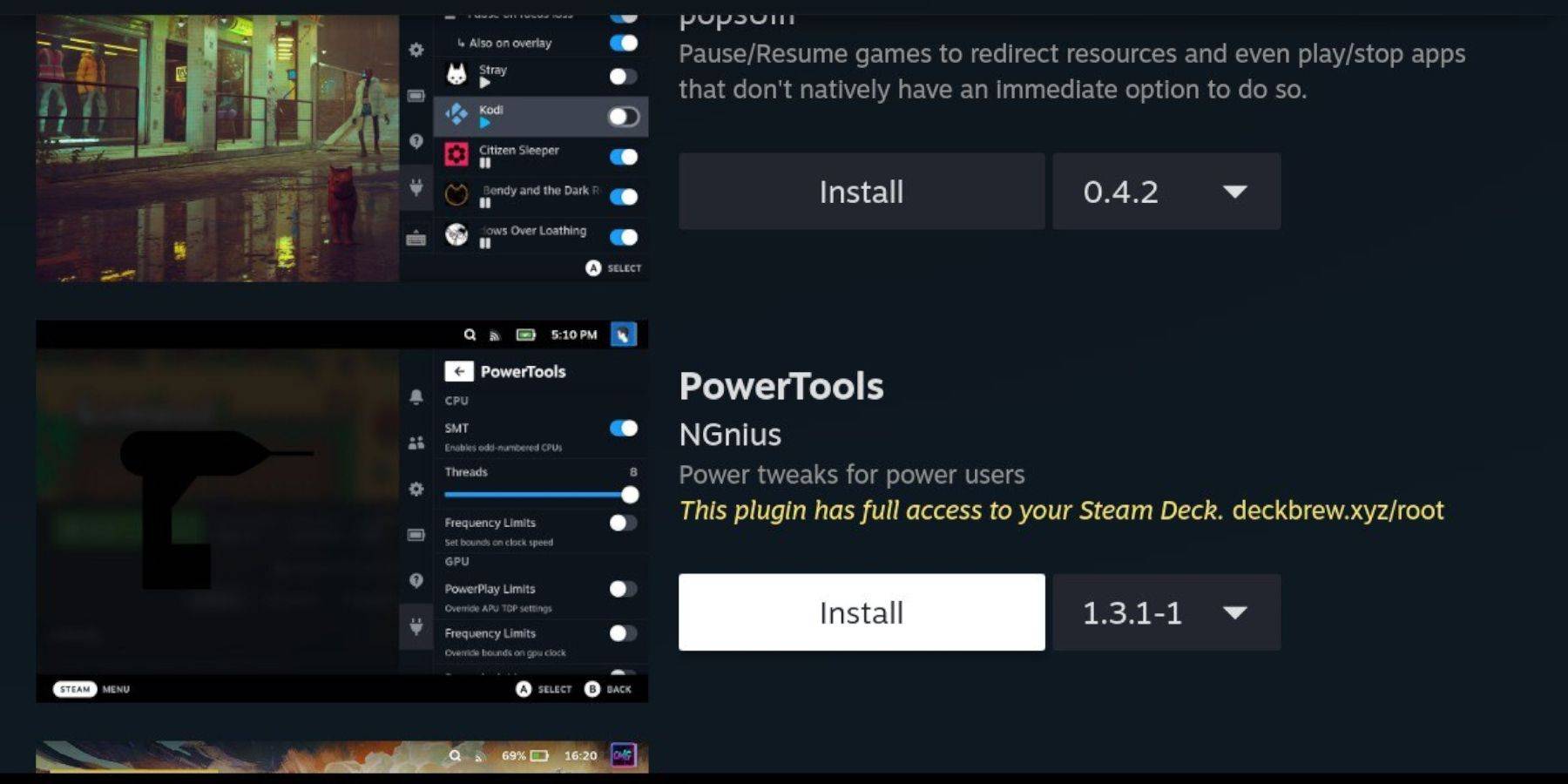 Access the Decky Store through the Decky Loader plugin and install Power Tools.
Power Tools Optimization:
Disable SMTs, set Threads to 4, enable Manual GPU Clock Control, and set the GPU Clock Frequency to 1200 MHz within Power Tools. Use Per Game Profiles to save settings.
Restoring Decky Loader After Updates:
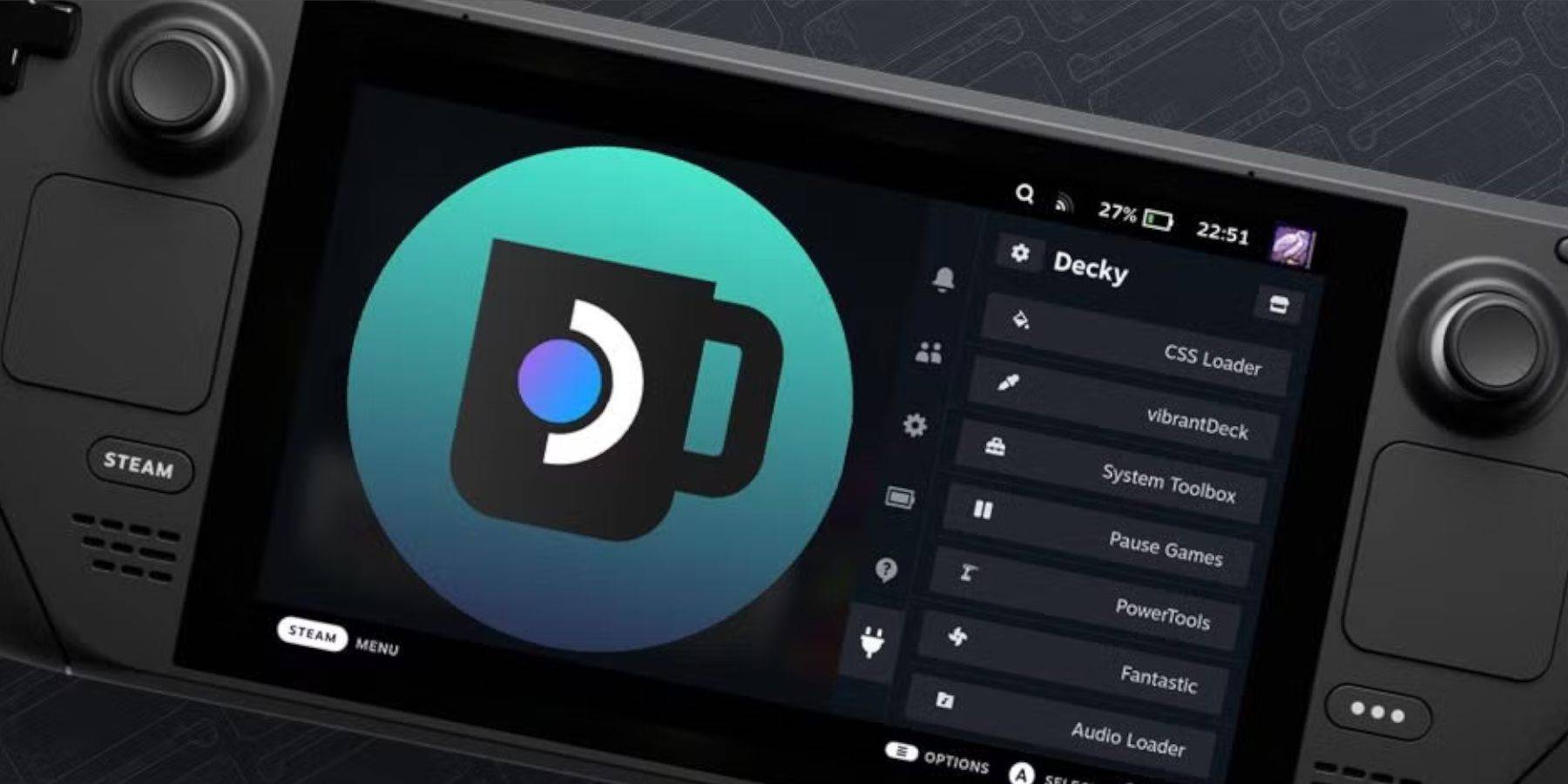 After Steam Deck updates, re-download and reinstall Decky Loader from its GitHub page to restore functionality.
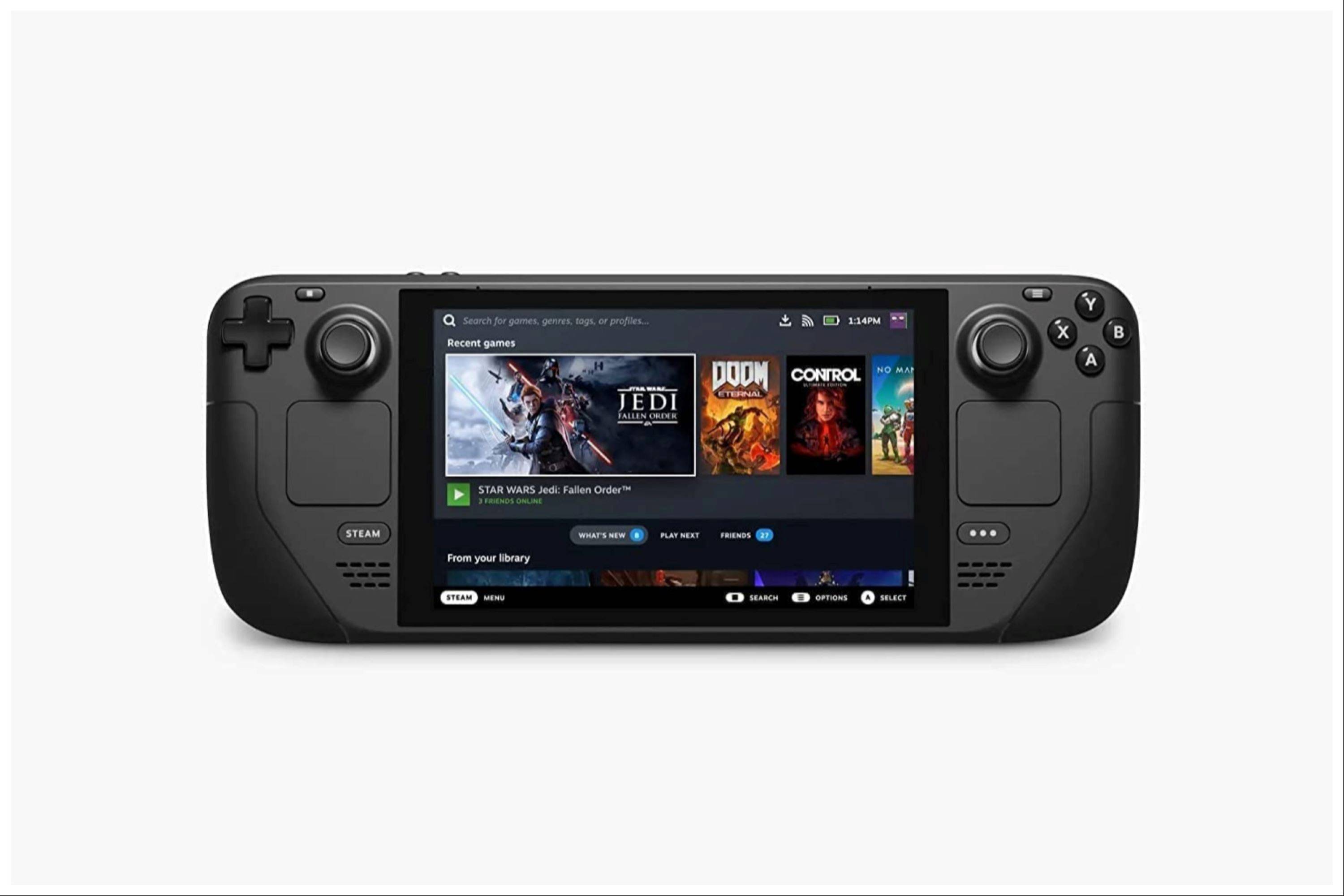 Enjoy your enhanced Game Boy experience on your Steam Deck!