This guide details how to install and play Game Gear games on your Steam Deck using EmuDeck, enhancing performance with Decky Loader and Power Tools. It's updated for optimal compatibility.
Quick Navigation
- Pre-Installation Steps
- EmuDeck Installation
- Transferring ROMs and Using Steam ROM Manager
- Resolving Missing Artwork
- Playing Game Gear Games
- Decky Loader Installation
- Power Tools Plugin Installation and Configuration
- Restoring Decky Loader After Updates
The Sega Game Gear, a pioneering handheld console, now finds a new home on the Steam Deck thanks to EmuDeck. This guide ensures optimal performance.
Pre-Installation: Essential Preparations
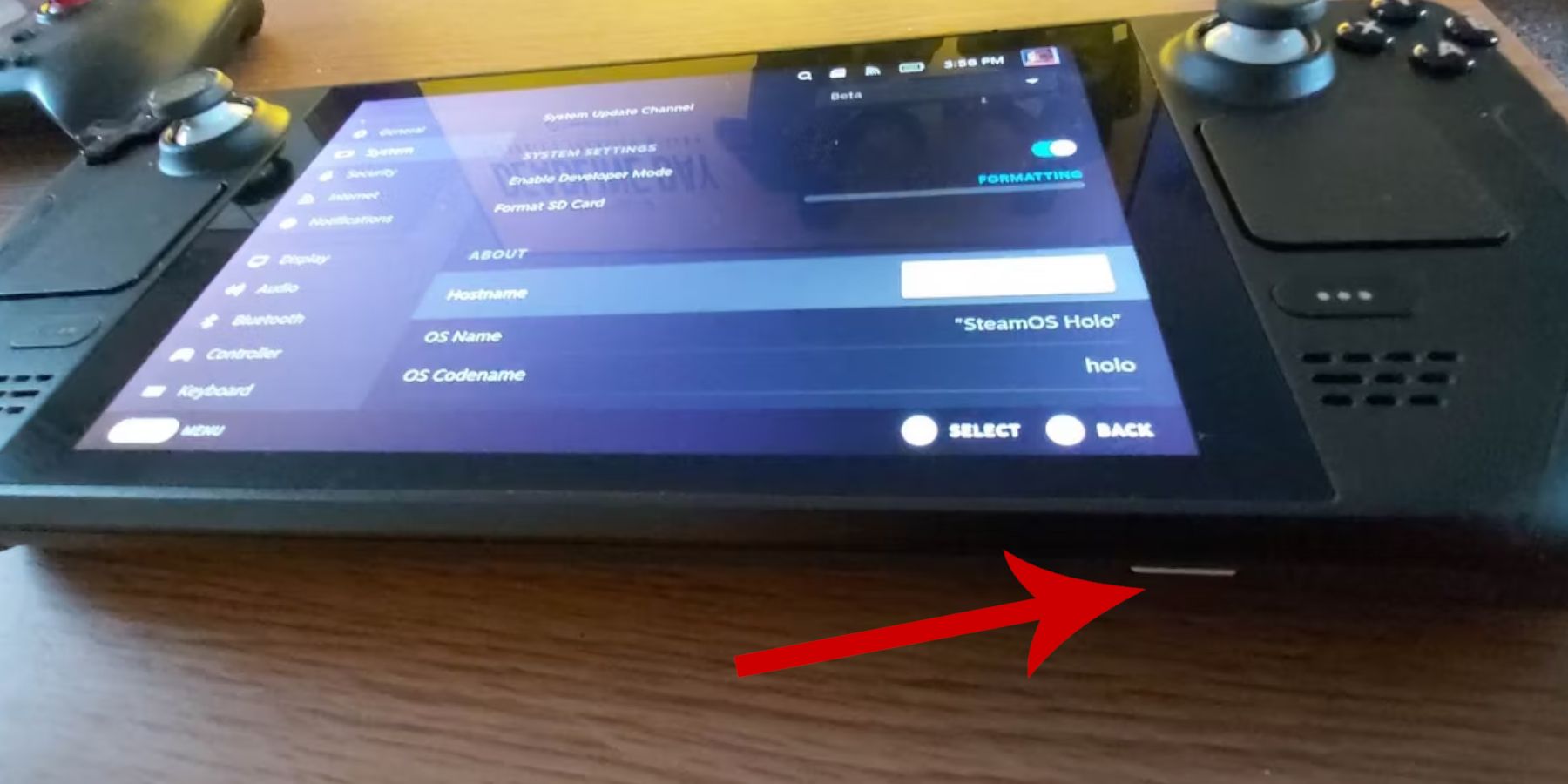 Before installing EmuDeck, ensure you have:
- Developer Mode Enabled: Navigate to
Steam Button > System > System Settings > Enable Developer Mode. Then enable CEF Remote Debugging under the Developer menu's Miscellaneous section. Restart your Steam Deck. - External Storage: An A2 microSD card (or external HDD connected via dock) is crucial for storing ROMs and emulators, preserving your internal SSD for Steam games.
- Input Devices: A keyboard and mouse significantly simplify ROM transfer and artwork management.
- Legally Obtained ROMs: Only use ROMs of games you legally own.
Installing EmuDeck
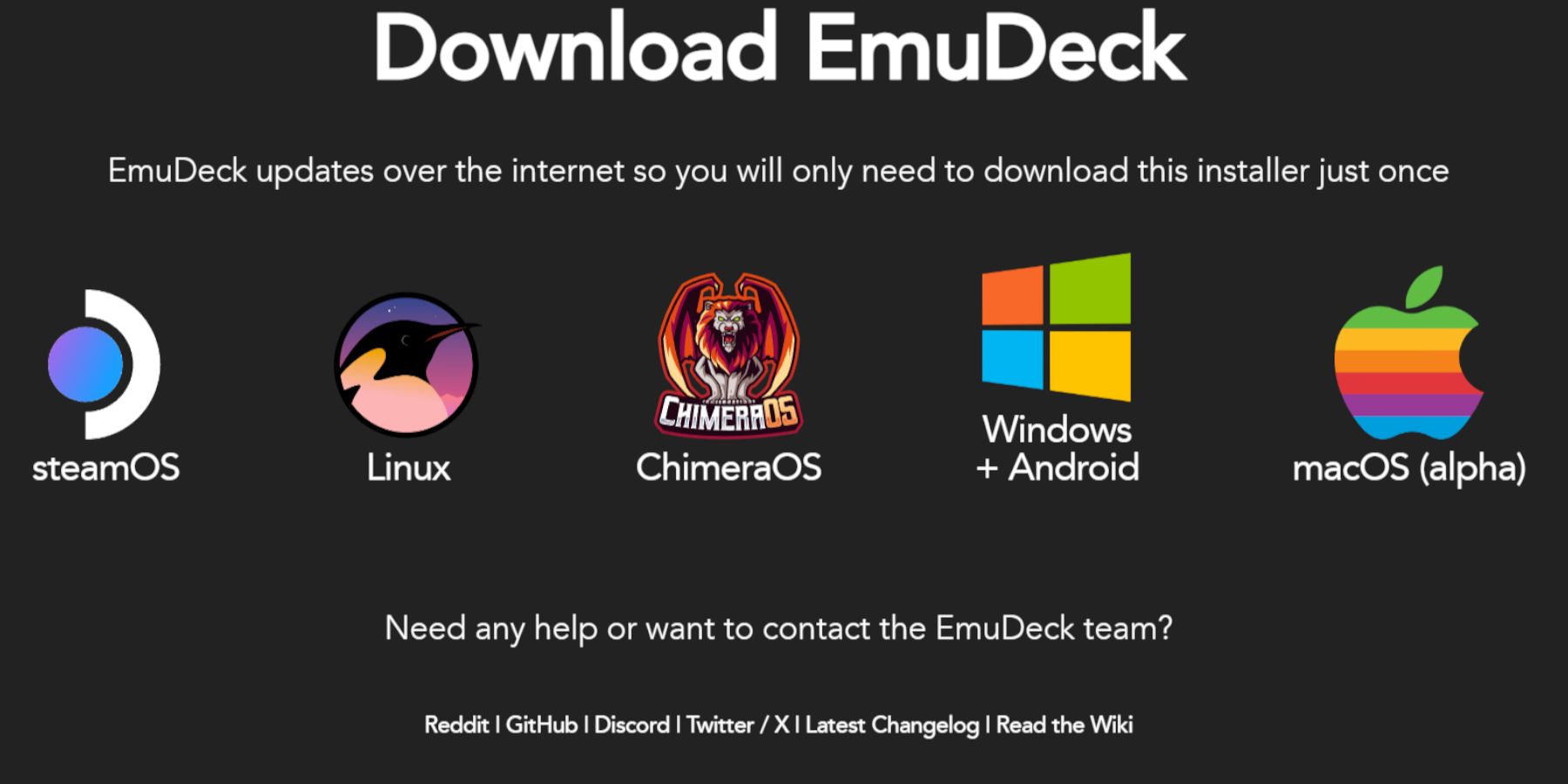 Follow these steps to install EmuDeck:
- Switch to Desktop Mode (
Steam Button > Power > Switch to Desktop). - Download EmuDeck from its official website.
- Choose the SteamOS version and select "Custom Install."
- Select your SD card as the primary installation location.
- Choose your desired emulators (RetroArch, Emulation Station, Steam ROM Manager are recommended).
- Enable "Auto Save."
- Complete the installation.
- In EmuDeck's Quick Settings, enable AutoSave, Controller Layout Match, set Sega Classic AR to 4:3, and turn on LCD Handhelds.
Transferring ROMs and Using Steam ROM Manager
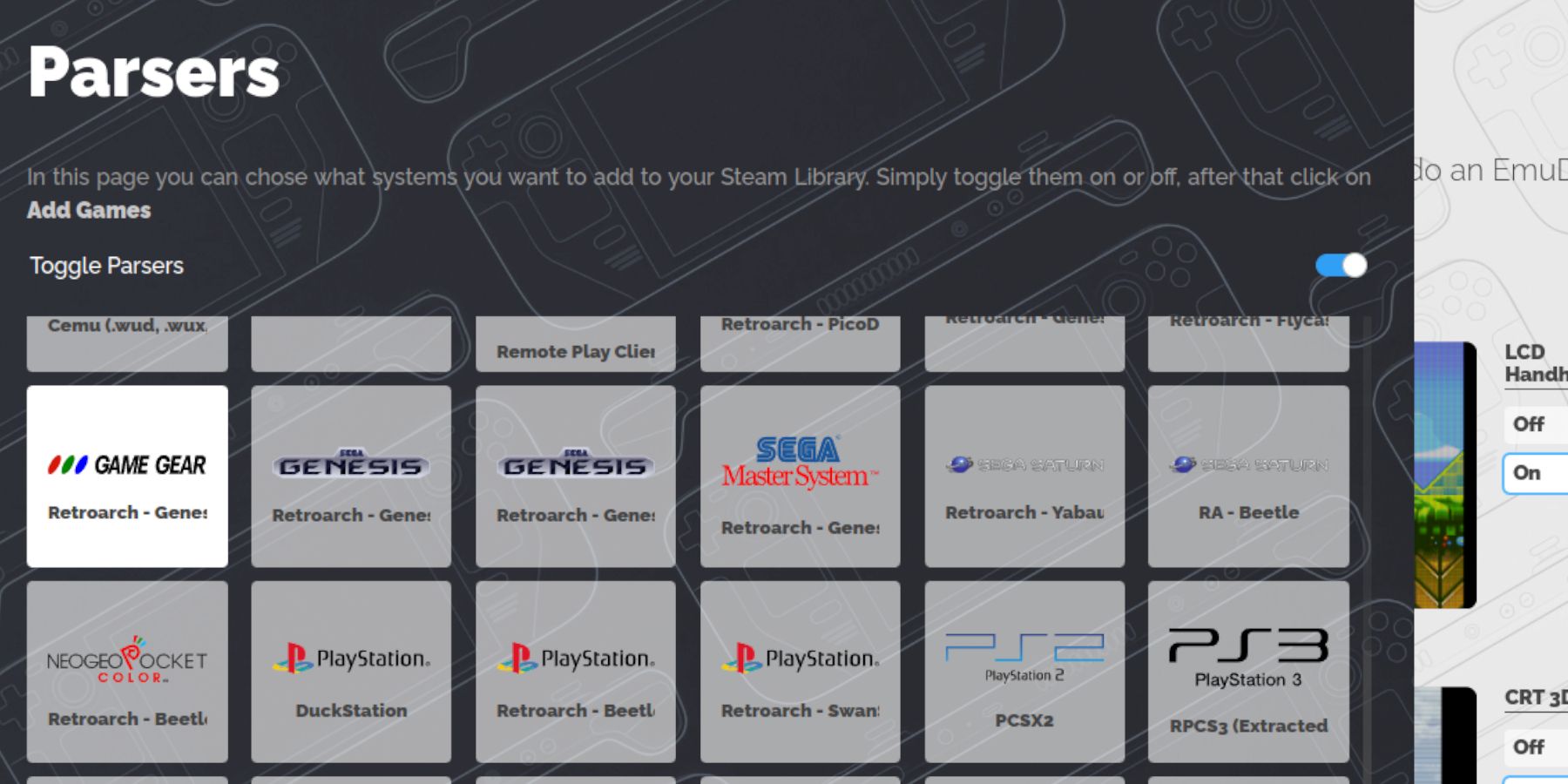 Transfer your Game Gear ROMs:
- Access your SD card's
Emulation/ROMS/gamegearfolder via Dolphin File Manager. - Copy your ROMs into this folder.
Use Steam ROM Manager to integrate your games into Steam:
- Open Steam ROM Manager in EmuDeck.
- Close the Steam client when prompted.
- Select the Game Gear parser.
- Add your games and parse them.
- Verify artwork and save to Steam.
Fixing Missing Artwork
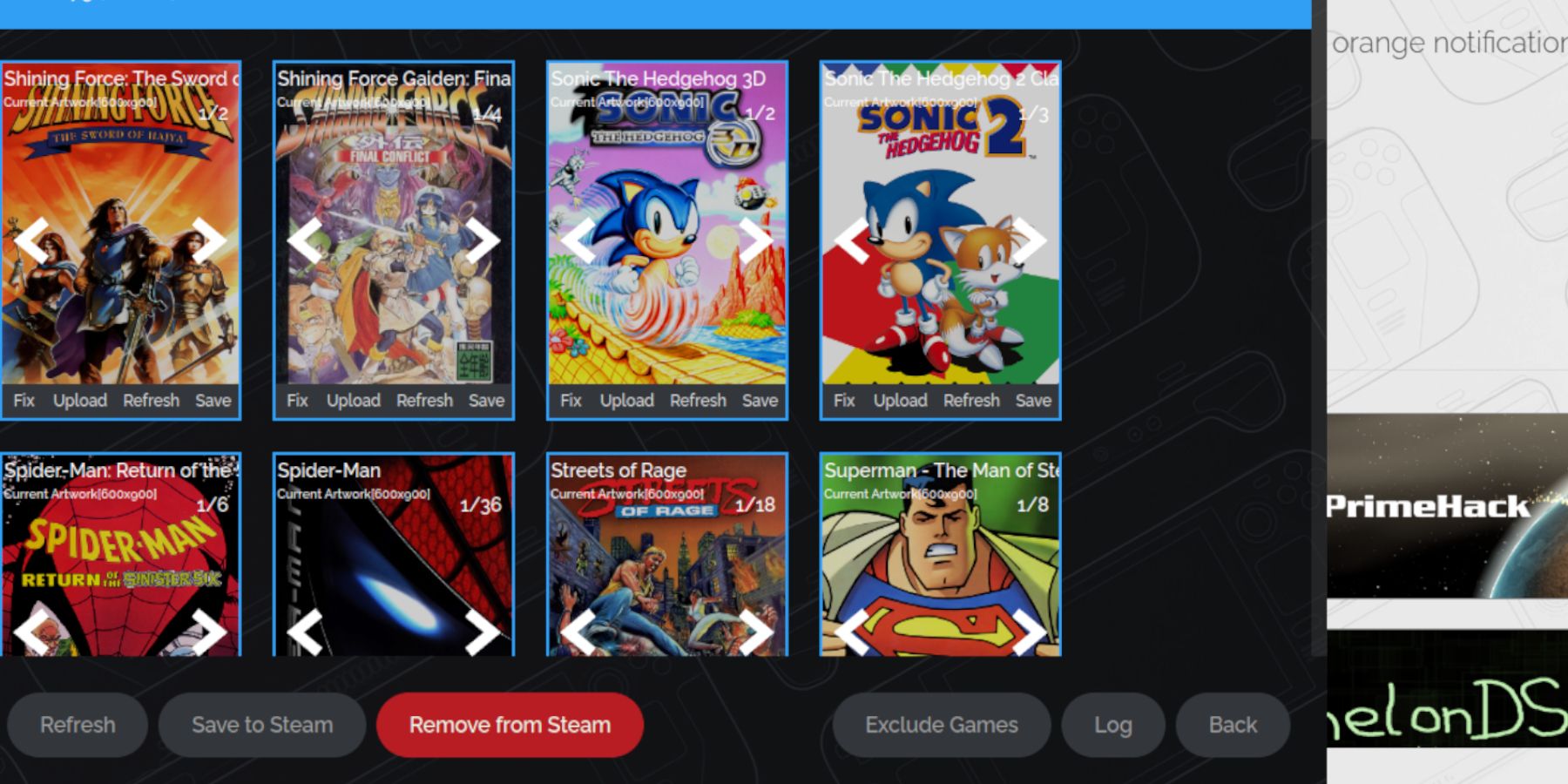 If artwork is missing or incorrect:
- Use the "Fix" function in Steam ROM Manager, searching by game title.
- Select the correct artwork and save.
- Remove any numbers preceding game titles in ROM filenames, as this can interfere with artwork detection. Manually upload missing artwork via the Steam ROM Manager's upload function, using images saved to your Steam Deck's Pictures folder.
Playing Game Gear Games
- Switch to Gaming Mode.
- Access your Game Gear collection in the Steam Library (using the R1 button for Collections).
- Launch your chosen game.
- Adjust performance settings (QAS button > Performance) to 60 FPS using per-game profiles to avoid slowdown.
Installing Decky Loader
 Decky Loader enhances performance further:
- Switch to Desktop Mode.
- Download Decky Loader from its GitHub page.
- Run the installer and choose "Recommended Install."
- Restart your Steam Deck in Gaming Mode.
Power Tools Plugin Installation and Configuration
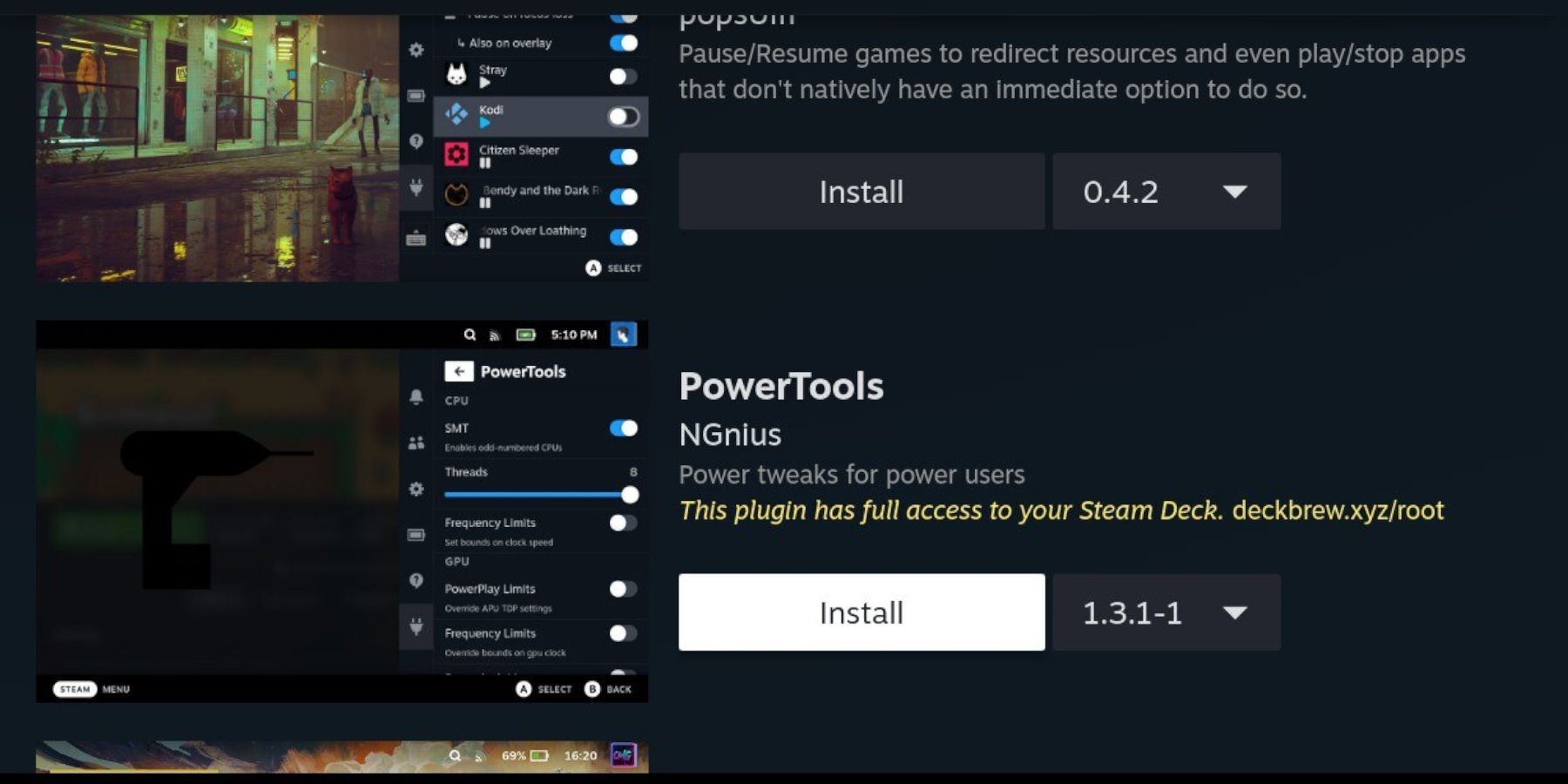 Install and configure Power Tools:
- Access Decky Loader's plugin store via the QAM button.
- Install the Power Tools plugin.
- In Power Tools, disable SMTs, set threads to 4, enable Manual GPU Clock Control, set GPU Clock Frequency to 1200, and enable Per Game Profile.
Restoring Decky Loader After Steam Deck Updates
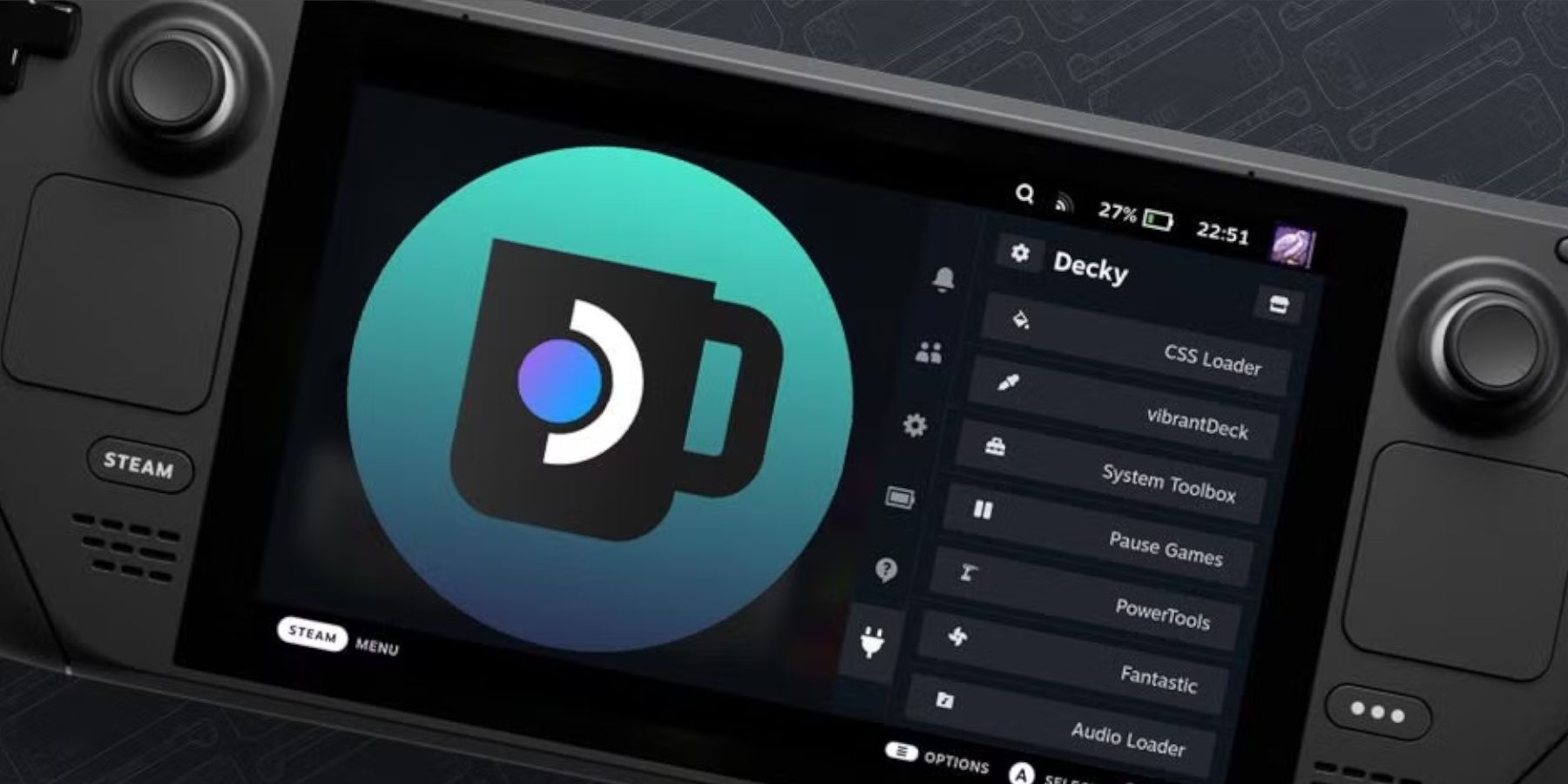 If Decky Loader is removed after a Steam Deck update:
- Switch to Desktop Mode.
- Redownload Decky Loader from its GitHub page.
- Run the downloaded file (using
Execute, notOpen). - Enter your sudo password.
- Restart your Steam Deck in Gaming Mode.
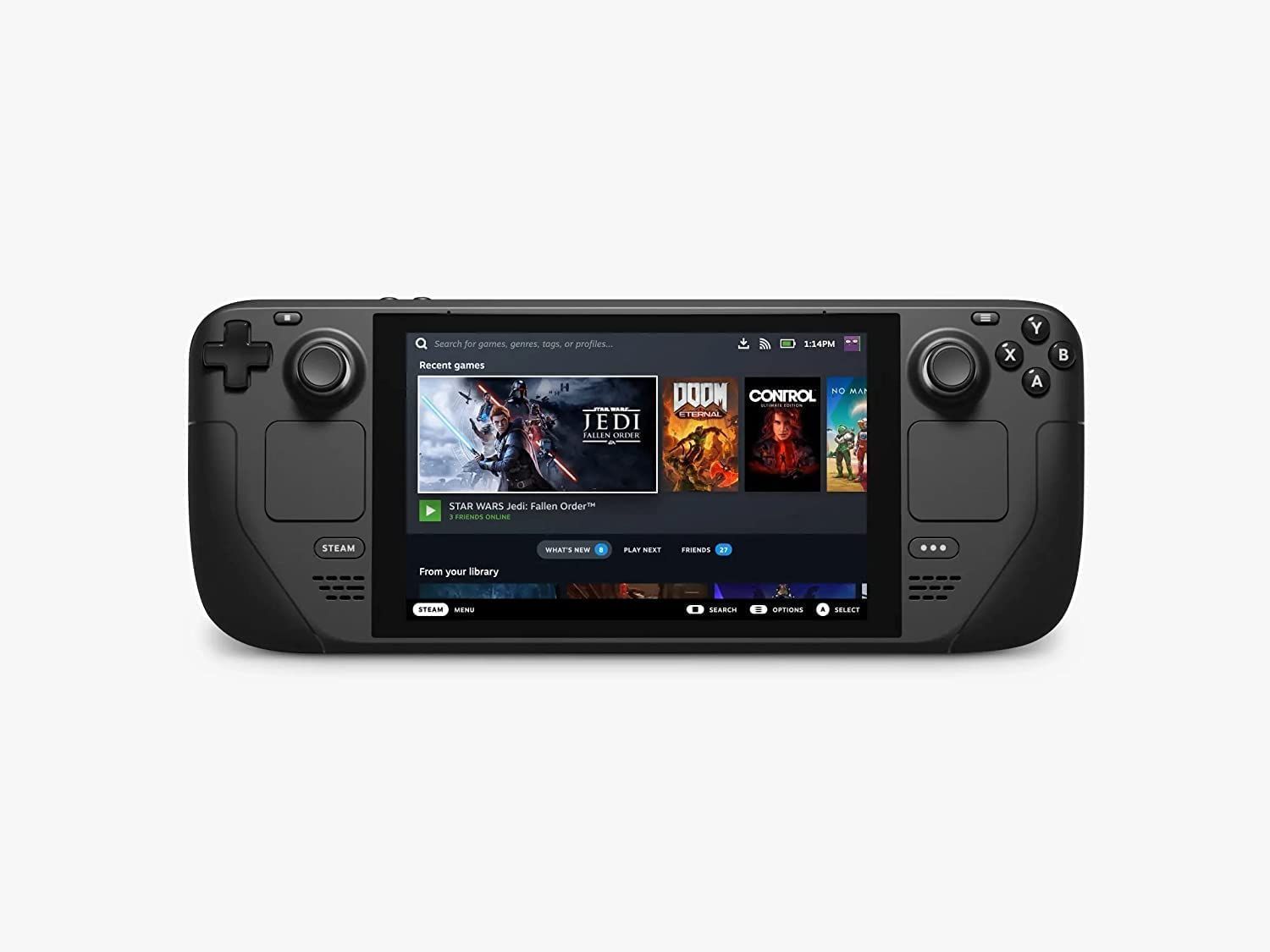 Enjoy your Game Gear games on your Steam Deck!